Proton Drive CLI: The Official Cross-Platform Encrypted Cloud Storage Command Line Tool
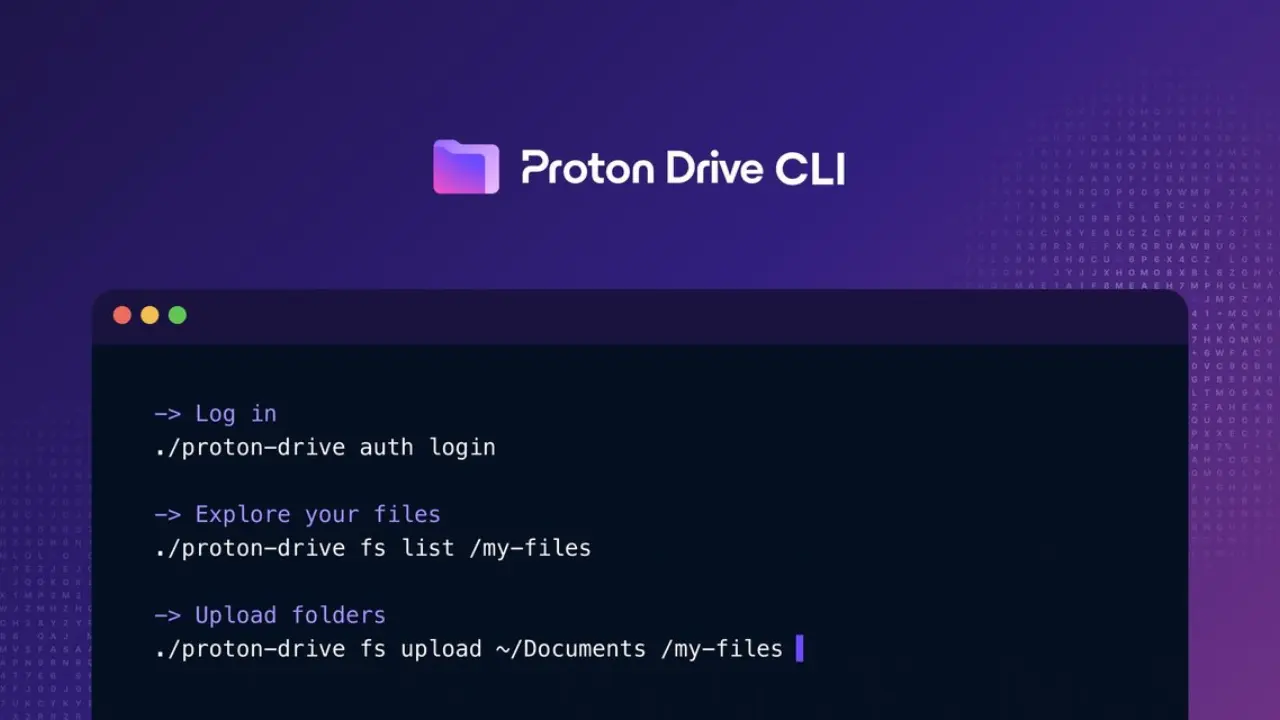
Managing encrypted cloud storage straight from your terminal just got real. Proton Drive CLI, the first official command line interface for Proton Drive, delivers full-featured, cross-platform file management and automation for privacy-minded developers. With native binaries for Windows, macOS, and Linux, this CLI enables scripting and automation capabilities that fundamentally change how you interact with encrypted cloud data. If you're already a terminal power user or looking to automate secure backups and sharing without leaving the command line, Proton Drive CLI covers the core workflows — and sets the stage for more.
What is Proton Drive CLI and why does it matter?
Proton Drive CLI is Proton’s cross-platform command line interface for encrypted cloud storage, designed to run natively on Windows, macOS, and Linux. This tool isn’t just a filesystem wrapper — it enables encrypted file management, privacy-first automation, and bulk scripting that were previously locked up behind a web UI.
The CLI goes beyond basic file moves: it offers a secure, scriptable entry point for everything from uploading big folders without re-uploading what’s already there, to auditing share permissions, to smoothly exporting structured metadata (with --json) for your own backup, compliance, or migration jobs. All of this runs locally, on your hardware, with the operating system’s credential storage ensuring secrets never leak.