Google Keep is one of the best note-taking apps around, managing to cram a lot of useful functionality into a clean, simple interface that's basically a collection of colored digital sticky notes you can put to whatever use you like. It couldn't be easier to create or access notes on Android, iOS, or the web, but even if you're a long-time Google Keep user, you might not have found all the features available just under the surface—and this list of tips and tricks will get you caught up.This one tops the list of unknown Google Keep features that most anyone can appreciate: You can use it to share notes with other people, just like you're sharing a Google Doc. There are lots of ways this can be helpful, including family note-taking—for vacation packing, for example, or managing grocery lists.If you've got a shared grocery list for the family, then there's less chance of someone buying milk when someone else has already picked it up, for example. To share a note, click the collaborator button that looks like a portrait picture (on the web), or tap the three dots (lower right) then Collaborator (on mobile).
Use Gemini to fill out a note for you
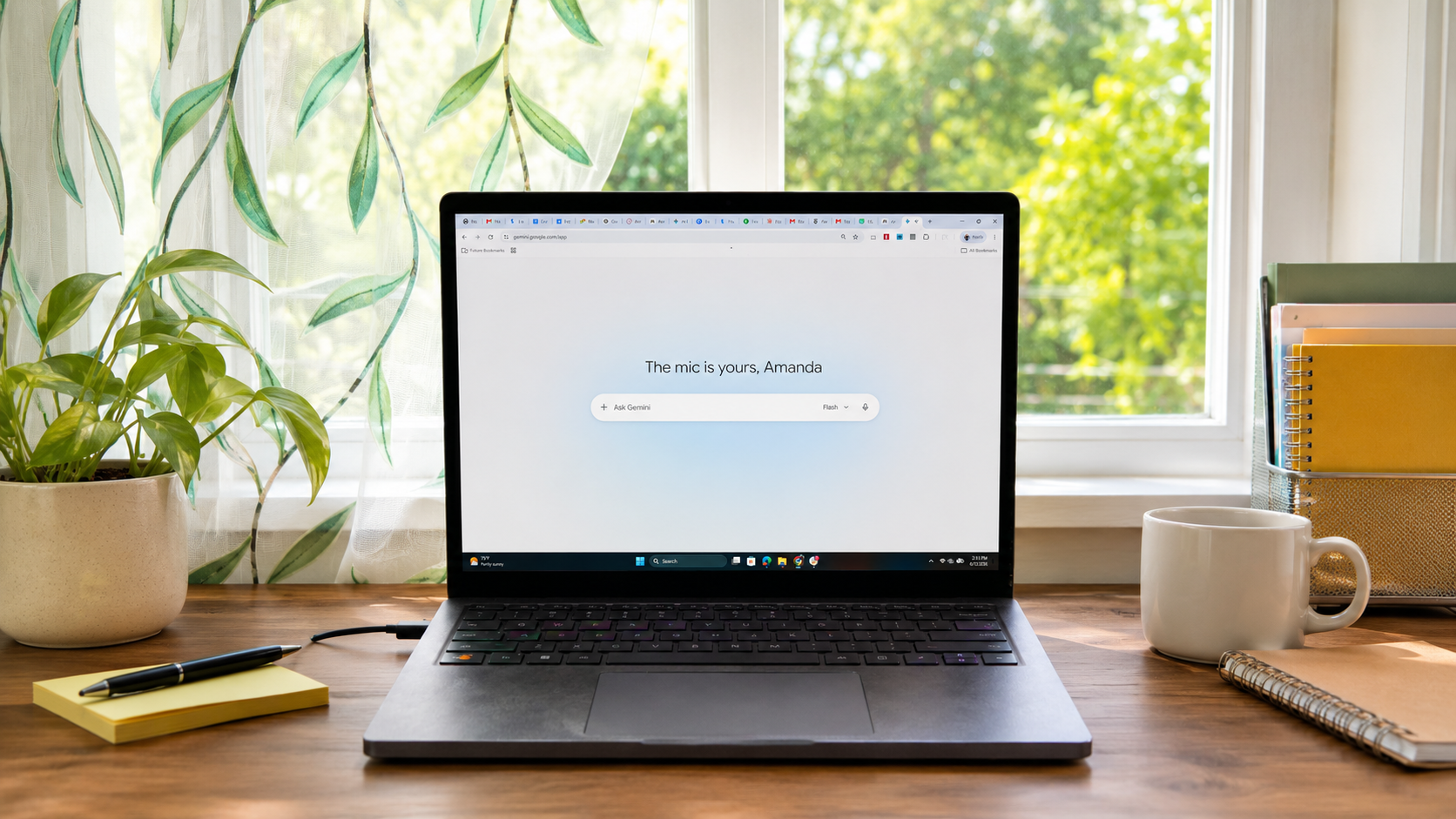
Gemini can help you with note creation.
This is a handy feature that's unfortunately rather limited: It only works on Android, only applies to list notes, and requires an AI subscription plan from Google. But if you meet all of those criteria, you can get Gemini's help with lists: Tap the + (plus) button, then List, then Help me create a list.You can then prompt Gemini to create a list for you—things to do on a trip to New York, or a back-to-school shopping list for a 10-year-old, or the best horror movies of the 1970s, or a to-do list for planning a 30th wedding anniversary. The prompt can be just about anything you like, and Gemini will then return a list for you to work with.Take handwritten notes that can be searchedYou can quickly create drawing notes in Google Keep on the web and mobile, but what you might not have realized is that if you write notes using your finger or a stylus, the app can read the text within them. The handwritten text will be included in Google Keep search results, provided your writing is legible enough.Undo mistakes or reuse notes with version historyVersion history is something you don't always get with this category of app—looking at you, Apple Notes—and in Google Keep, it means you can go back to earlier versions of a note if you need to. Maybe you've checked off a whole number of items you shouldn't have, or want to revert to the earlier version of an idea, or you want to reuse the entire list.To use this feature, you have to be using Google Keep on the web. Click the three dots by a note, then Version history: You get a list of previous versions of the note, and can download them in HTML form. There's no way to actually overwrite the current note with an older version, but you can copy and paste the text in from the HTML file.Take voice memos on the go with audio notes