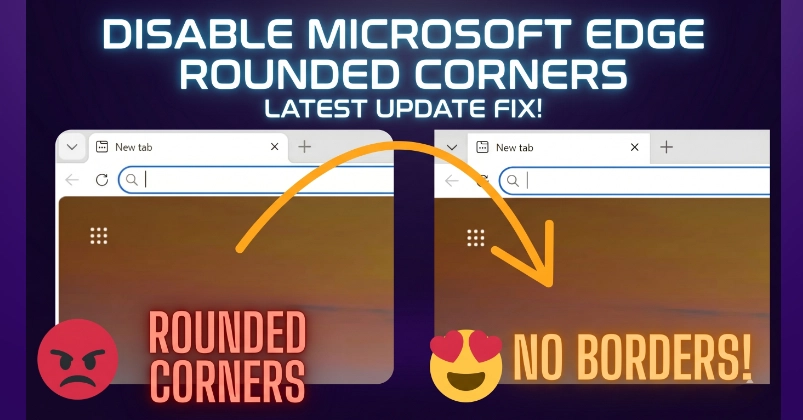
Microsoft Edge now enables rounded window borders by default starting with version 149 and later. Unfortunately, Microsoft has also removed the related flag from edge://flags, so the setting can no longer be disabled through the browser's experimental features page.
If Microsoft Edge is your default browser and you're not a fan of the rounded borders (like me), follow the steps below to temporarily get rid of them. I'll keep this article short and straight to the point.
NOTE: Unfortunately, this is not a clean or permanent solution. It is only a temporary workaround. If you'd like Microsoft to provide an official option to disable rounded borders, I request sharing your feedback and upvoting the related request on the Microsoft Feedback Portal: https://feedbackportal.microsoft.com/feedback/idea/7e9fa301-22d1-f011-ad8f-7c1e52f38cbc
How to Use Microsoft Edge Without Rounded Borders on Windows
1. Kill All Microsoft Edge Processes