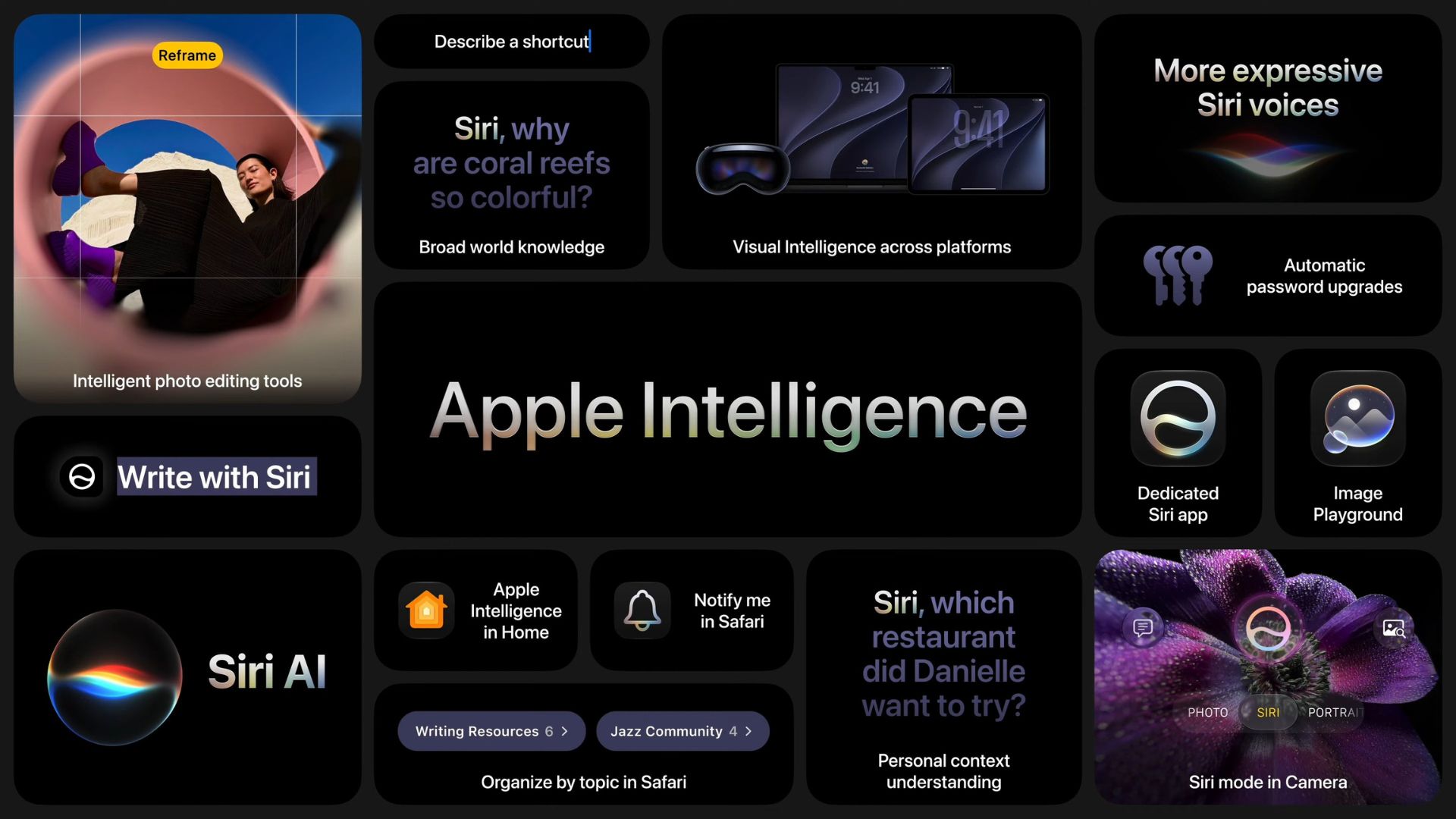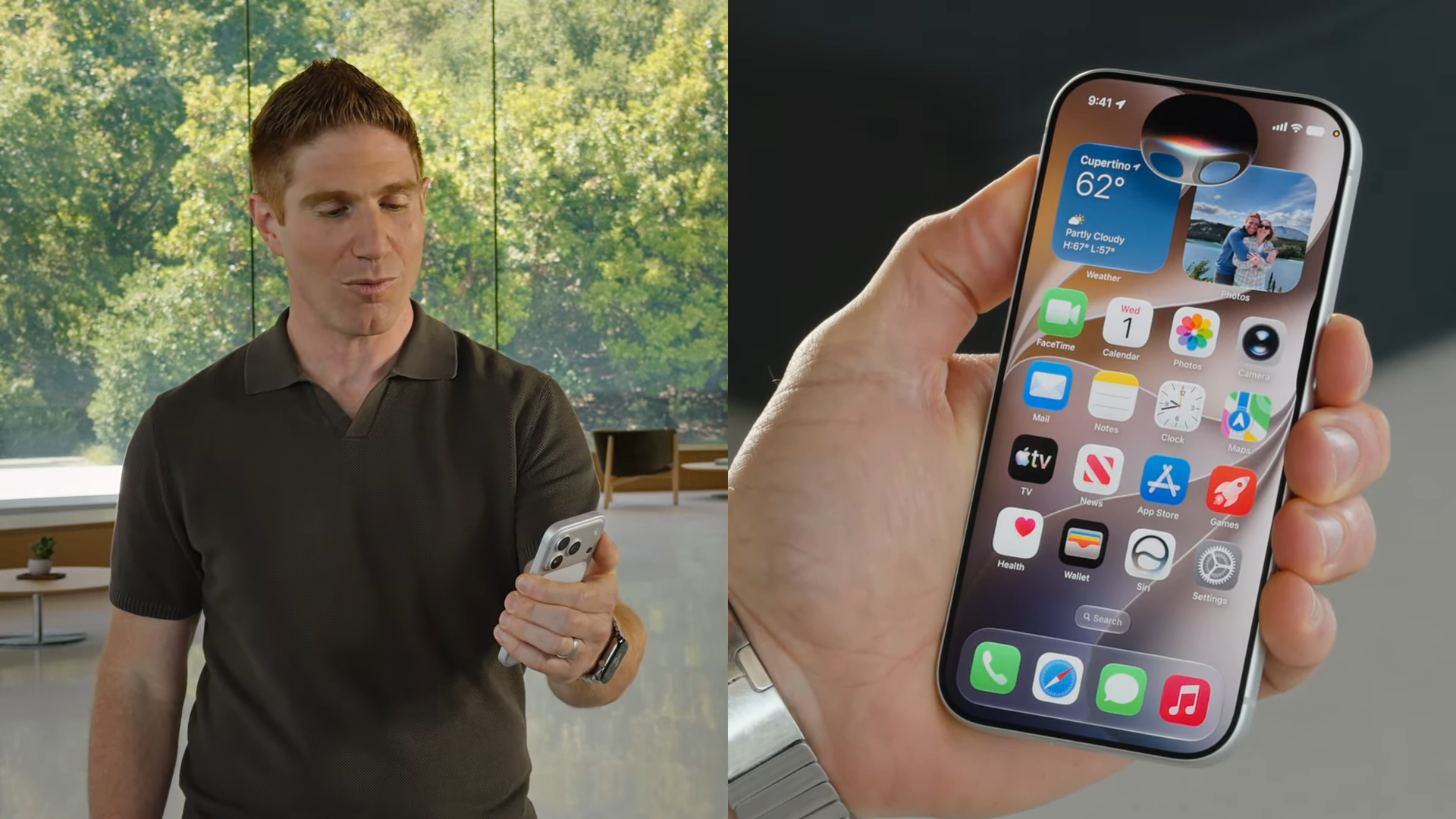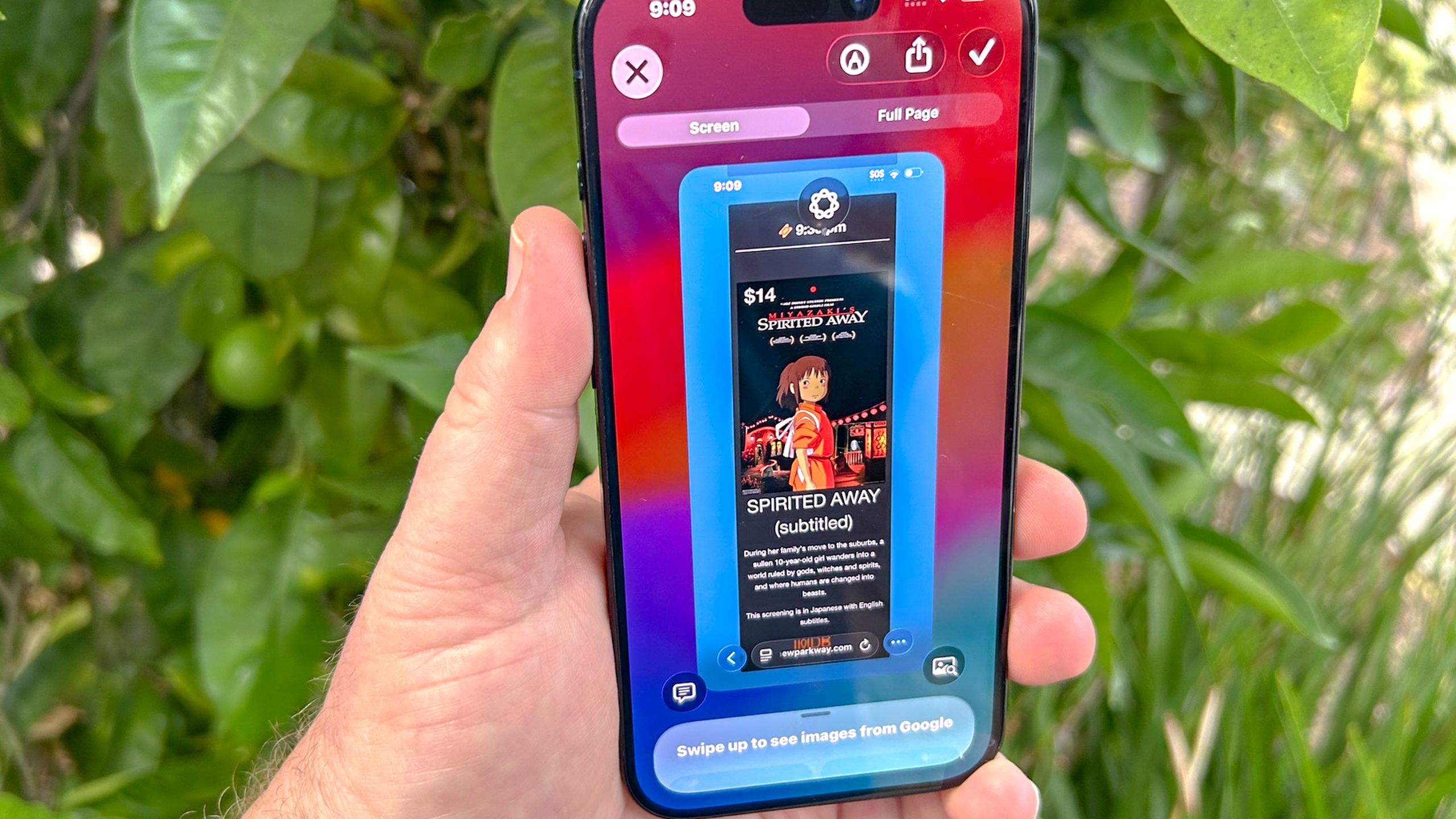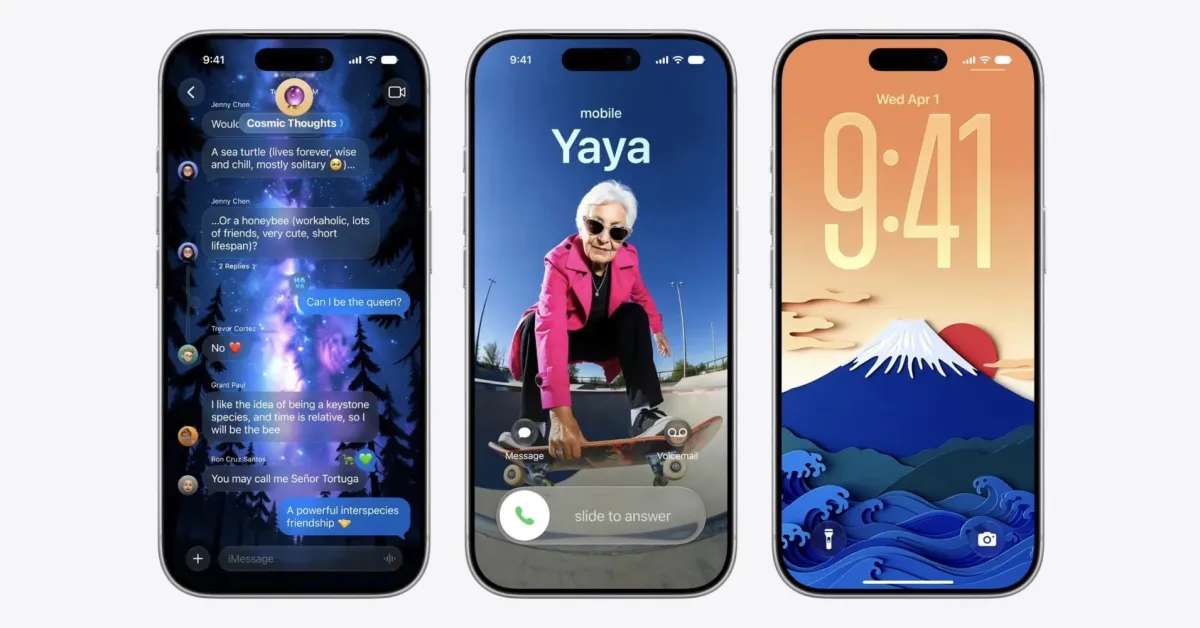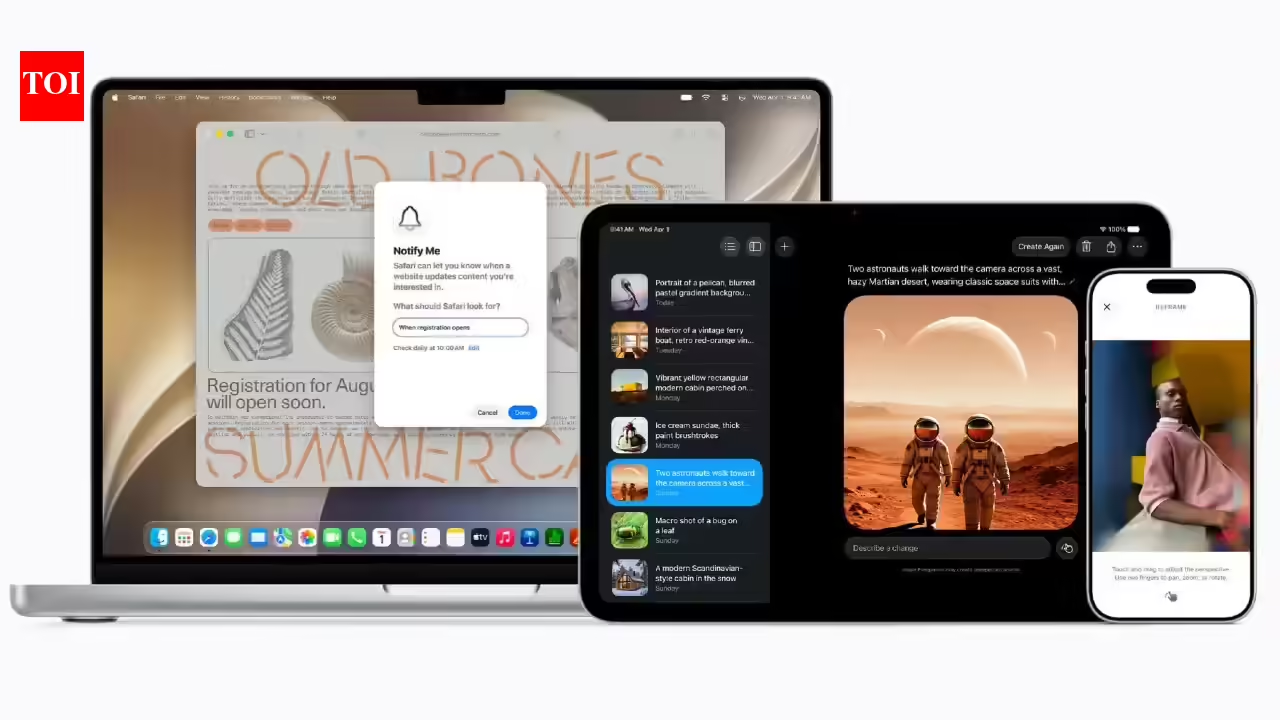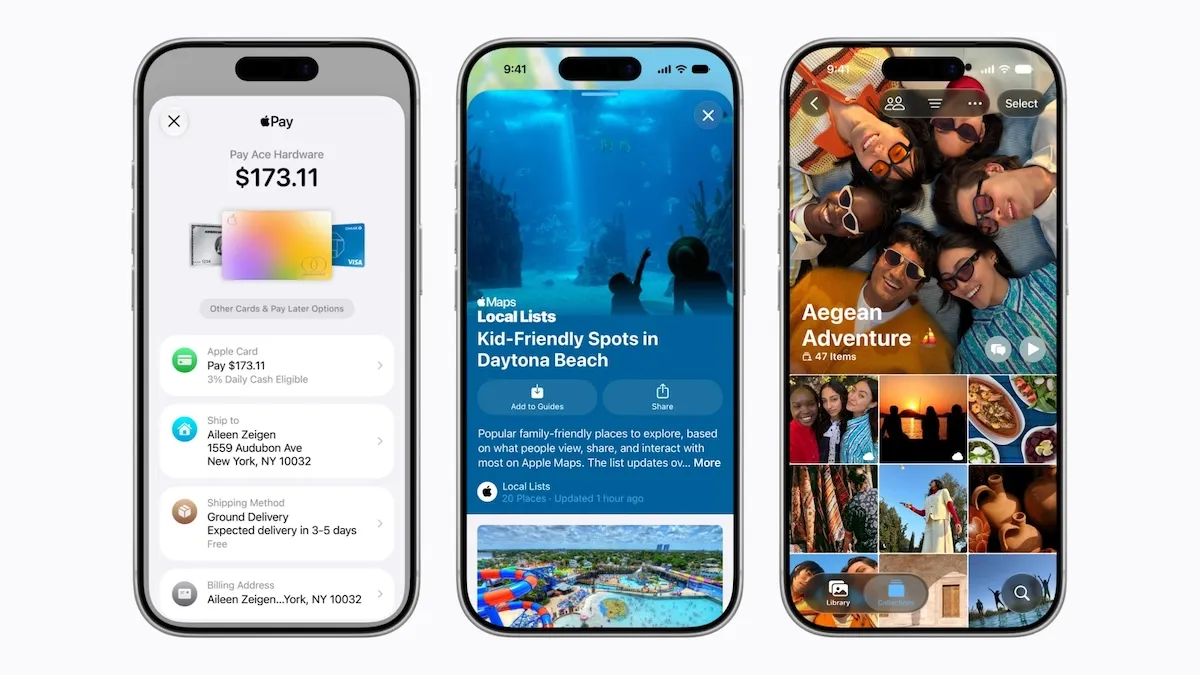
Photo credit: apple.comApple has detailed the services half of its WWDC 2026 software, and the through-line across a dozen scattered-looking features is one idea: Apple Intelligence is becoming a verb. With the iOS 27 generation arriving this autumn, the headline tricks all do chores rather than answer trivia - split a restaurant bill off a photographed receipt, save a loyalty card from a glance, scout a city in sharper 3D before you fly. Maps, Find My, Wallet, Podcasts, Music and iCloud each get an upgrade. The interesting part is how many of them quietly hand a task to AI inside an app you already open every day.Key TakeawaysApple's iOS 27 services update (free, arriving this autumn) brings bill-splitting through Visual Intelligence and Apple Cash, an AI-enhanced Flyover and Local Lists in Apple Maps, timed location sharing in Find My, expanded AutoMix and Lyrics tools in Apple Music, and video podcasts on Mac and Apple TV.Bill-splitting lets you scan a receipt with your iPhone, assign items to friends, and settle through Apple Cash with tax and tip worked out for you. It runs in the US only and needs the new Siri on an Apple Intelligence device (iPhone 16 series, iPhone 15 Pro, or M-series iPad).Apple Maps gains a sharper, AI-built Flyover for select cities and Local Lists - trending, locally relevant place collections, tied to trends rather than to you, US only at launch.Find My adds location sharing for a set window - minutes, hours, days, or until a date you pick - plus a pause-until-end-of-day option and a single unified app on Apple Watch.For India: Apple Music adds Hindi and Punjabi pronunciation guides and Apple Sports opens 90-plus new markets, while bill-splitting and Local Lists stay US-only for now.What is coming, and when This is the iOS 27 family - the autumn software for iPhone, iPad, Mac, Apple Watch and Apple Vision Pro. Developers can test the features today through the Apple Developer Program, a public beta follows next month through the Apple Beta Software Program, and the finished update ships free this autumn. Think of the release as an ensemble season rather than a single star vehicle: each Apple service is a character, and this year almost every one of them gets a storyline. Some get a full arc, like Wallet and Maps; others get a neat side plot.The casting director behind it sets the tone. Apple's services chief Eddy Cue framed the bundle as making everyday experiences "even more useful and fun," which is corporate for: the work happens where you already are, so you open one fewer app to get something done.How does Apple's bill-splitting work? Photo: apple.comYou photograph the receipt and tap to assign who had what. With iOS 27, Apple Cash and Apple Intelligence team up to settle the bill after a meal. You scan a receipt with the iPhone camera, or feed it a photo, from inside Messages, inside Wallet, or through Visual Intelligence on screen. The new Siri mode in the Camera app reads what you point it at: aim it at a receipt and it surfaces the split-the-bill action and identifies the line items. As each person claims their dishes, the total updates with a proportional share of tax and tip, so everyone pays back the exact amount through Apple Cash.Here is why it matters. The bill-splitting market has long had a hole in the middle. Venmo and Splitwise move money and track who owes whom, yet item-level receipt reading - the salmon to Sarah, the burger to Mike - has been left to standalone apps, and even paid receipt-scanning in the incumbents tends to capture the total alone. Bloomberg's Mark Gurman reported in early June that Apple was readying the feature to take on exactly those names. Apple's play is the ensemble move: fold scanning, itemised splitting and the payment into the operating system, so the chore finishes before your card comes back, and a separate download becomes optional.The catch is reach. Bill-splitting is US-only at launch, since Apple Cash itself runs through a US banking arrangement, and it requires the new Siri on an Apple Intelligence-capable device. For an Indian reader, this is the feature to admire from a distance for now.Apple Maps gets prettier - but is it catching Google? Photo: apple.comLook past the gloss and the split is clear: Apple is polishing the view while Google rewires the engine. Apple Maps gains an enhanced Flyover that blends aerial imagery with AI to render select cities in sharper, more lifelike 3D - useful for scouting a destination before a trip. Alongside it, Local Lists surfaces collections of locally relevant places for US users, from trending restaurants to spots that work with kids, with Apple stressing the insights ride on what is trending rather than on any individual's data.Set that against the rival. Google used a March 2026 overhaul, the biggest Maps change in a decade on its telling, to launch two AI features. Gemini-powered Ask Maps brought conversational search to the US and India; Immersive Navigation added a 3D driving view, drawn from the Street View imagery Google has gathered since 2007. Google's advantage is depth: a place database in the hundreds of millions and an AI assistant stitched through the app. Apple's enhanced Flyover answers on craft and looks, and Local Lists nibbles at recommendations, yet on conversational, data-hungry intelligence Google holds the lead this round. Apple is winning the postcard; Google is winning the conversation.Find My learns to forget Photo: apple.comFind My has always been the worrier of the family - the character that needs to know where everyone is. This season it relaxes. You can share your location for a set duration, whether a number of minutes, hours or days, or set a date and time for sharing to stop on its own, handy for a weekend away or an event. You can also pause sharing with specific people until the end of the day, so you can shop for an anniversary gift or arrive at a surprise party with the reveal intact.On Apple Watch, a single Find My app now replaces the separate Find Devices, Find Items and Find People apps, with a map-led layout for locating people, devices and items, plus directions, playing a sound, or pulling up contact details. Precision Finding on the Watch extends to a paired iPhone, AirTag (2nd generation) and AirPods Pro 3 on recent Watch models, turning the wrist into a homing beacon for the things you mislay.Apple Pay, Wallet and Tap to Share Wallet keeps adding practical tricks. With iOS 27 you can create passes from physical cards. Point Siri mode in the Camera at a loyalty or membership card's barcode, or screenshot a digital one, and save it to Wallet. From there it presents as a barcode or QR code on iPhone or Apple Watch, with quick access pinned to the Watch Smart Stack. Hotel keys get richer too, folding trip details, activity updates and on-site services into the same pass.Apple Pay gains a redesigned checkout that lets you swipe between cards and surfaces rewards balances, debit balances and pay-later options as you choose how to pay. In stores, Tap to Share lets a customer tap a participating merchant's iPhone to share contact and shipping details or loyalty information and watch the basket build in real time, then pay on the same tap. Tap to Share reaches the many countries where Tap to Pay already runs, though it skips the European Economic Area for now.Apple Music turns up the DJ - and widens its reach AutoMix is Apple Music's resident DJ, and iOS 27 gives it a longer set. First, the lineage, since the timeline matters: AutoMix and the lyrics tools arrived with last year's iOS 26. This year expands them. AutoMix gains better, more immersive transitions and lands on Apple TV and HomePod, reading tempo and key to time each blend the way a DJ beat-matches across the join rather than slapping on a crossfade. Lyrics Translation adds seven new language pairings, and Lyrics Pronunciation adds five, including English to Hangul and Mandarin to Katakana - and, for India, Hindi and Punjabi romanisation that lets you sing along in script you can read. Apple TV also gains Hi-Res Lossless audio for compatible speaker setups.The floor it is playing to has Spotify on the other deck. Spotify's AI DJ leans on a chatty, AI-generated voice that introduces tracks and curates by habit; AutoMix stays quiet and works the transition itself, time-stretching and beat-matching where Spotify's older crossfade overlaps two songs. On lyrics, Spotify leans on a licensed lyrics provider for display, while Apple pairs translation with phonetic pronunciation - handier for a K-pop or reggaeton chorus you want to sing along to. Each owns part of the night: Apple is mixing, Spotify is hosting.The smaller upgrades worth knowing Plenty of value sits in the B-plots, even short of top billing. Here is the quick rundown.ServiceWhat is new in iOS 27WhereApple PodcastsVideo podcasts with Picture in Picture, plus transcripts, chapters and timed links; a tvOS redesign; search within a showMac and Apple TViCloud Shared AlbumsFull-resolution sharing, more file types, emoji reactions, per-album activity, and temporary albums that spare your storageiPhone, iPad, Mac, webiCloud+Higher daily limits for Apple Intelligence features such as image generation, plus support for compatible Home camerasAll plansApple SportsReal-time scores, stats and standings across 90-plus newly added marketsiPhone, 170-plus countriesFitness+Strong Through Menopause, a three-week Yoga and Strength programme, and a Time to Walk episode with Busy PhilippsApple Watch, Apple devicesVideo podcasts deserve a footnote of their own: YouTube and Spotify have owned that format, and Apple extending its own video podcast experience to the Mac and the big screen is catch-up more than leapfrog. Useful catch-up, though, for anyone whose podcast habit lives inside Apple Podcasts already.What it means for you Strung together, these features describe a strategy more than a feature list. Apple is betting that doing a chore natively - inside the camera, the map, the wallet you already carry - beats even the best standalone app, even when a rival's single feature runs deeper. A dedicated splitting app may track balances better; Google may out-think Apple Maps on conversational search; YouTube owns video podcasts. Apple's wager is that all of that matters less than the convenience of the task finishing where you started it, with one fewer download and one fewer login.That wager has a privacy lining Apple wants you to notice: Local Lists draws on trends rather than on you, and the bill-splitting math happens on a device built for Apple Intelligence. Whether the trade lands depends on how well the AI reads a crumpled receipt or a badly lit shopfront - the dull accuracy that decides if a clever demo becomes a daily habit.The India read India gets a real slice, with the showpiece held back. The clear wins: Apple Music's Lyrics Pronunciation adds Hindi-to-Romanised-Hindi and Punjabi-to-Romanised-Punjabi, so singing along to a Punjabi chart-topper in readable script becomes a built-in feature, and Apple Sports switches on in 90-plus new markets. Maps Flyover, Find My's sharing controls, the unified Watch app, video podcasts on Mac and tvOS, and the iCloud Shared Albums revamp all travel globally.What stays out of reach: bill-splitting and Local Lists are US-only at launch, the former because Apple Cash is a US service, so the receipt-scanning party trick skips India for now. Tap to Share excludes the European Economic Area rather than India, which leaves Indian Tap to Pay merchants in line for it as the rollout widens. Eligibility for the AI features tracks Apple Intelligence - iPhone 16 series, iPhone 15 Pro, and M-series iPads - and the whole bundle ships as a free software update rather than a subscription, so in India the price of entry is the hardware rather than a monthly fee. The pattern is familiar: India gets the language and the sport on day one, and waits its turn for the payments cleverness.Frequently Asked QuestionsWhen does iOS 27 release? The features are in developer testing now, a public beta arrives next month through the Apple Beta Software Program, and the finished software ships as a free update this autumn. It covers iPhone, iPad, Mac, Apple Watch and Apple Vision Pro.Can I split a bill with Apple Cash in India? Bill-splitting is US-only at launch, because it relies on Apple Cash, which runs through a US banking arrangement. Indian users get the rest of the iOS 27 services update, and can watch this feature for a wider rollout later.Is Apple's bill-splitting better than Venmo or Splitwise? On mechanics, Apple goes further in one respect: it reads a receipt, assigns individual items, and works out each share of tax and tip natively, where Venmo and Splitwise have left item-level receipt splitting to standalone apps. The trade-offs are reach and lock-in — Apple's tool is US-only, needs an Apple Intelligence device, and settles through Apple Cash, while Venmo and Splitwise work across iPhone and Android.What is new in Apple Music with iOS 27? AutoMix gets smoother transitions and arrives on Apple TV and HomePod; Lyrics Translation adds seven language pairings and Lyrics Pronunciation adds five, including Hindi and Punjabi for India; and Apple TV gains Hi-Res Lossless audio. AutoMix and the lyrics tools first appeared in iOS 26, so this is an expansion of those features rather than a debut.Can Find My share my location for a limited time? Yes. You can share for a set number of minutes, hours or days, or set a specific date and time for sharing to stop on its own. You can also pause sharing with chosen people until the end of the day.Which iPhones get the AI features? The Apple Intelligence features, including bill-splitting, need an iPhone 16 model, an iPhone 15 Pro, or an M-series iPad, and the new Siri. Lighter additions such as Maps Flyover, Find My sharing and the Music updates reach a broader range of recent devices.end of articleTrending Topics
Apple WWDC 2026: iOS 27 Adds Bill-Splitting, AI Maps Flyover, Find My Controls
Find latest technology news, gadgets reviews & ratings. Popular & latest gadgets specifications, features, prices, photos & videos. Trending mobile phone comparisons, slideshows, how tos and videos for latest mobile phones, tablets, technology news updates.
2,326 words~11 min read