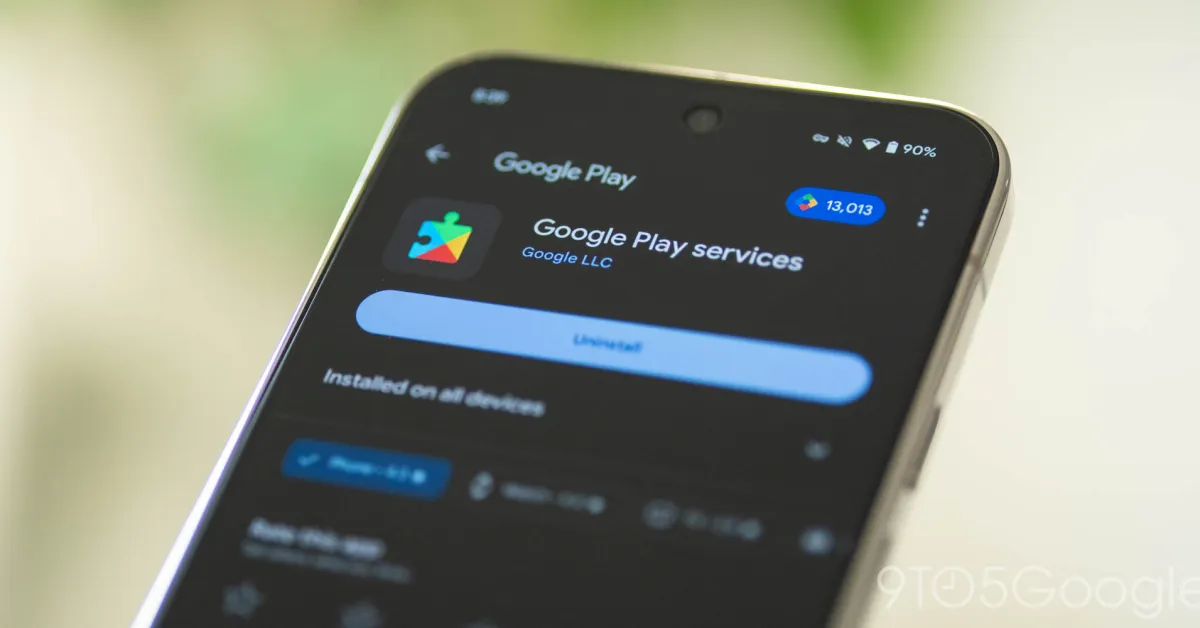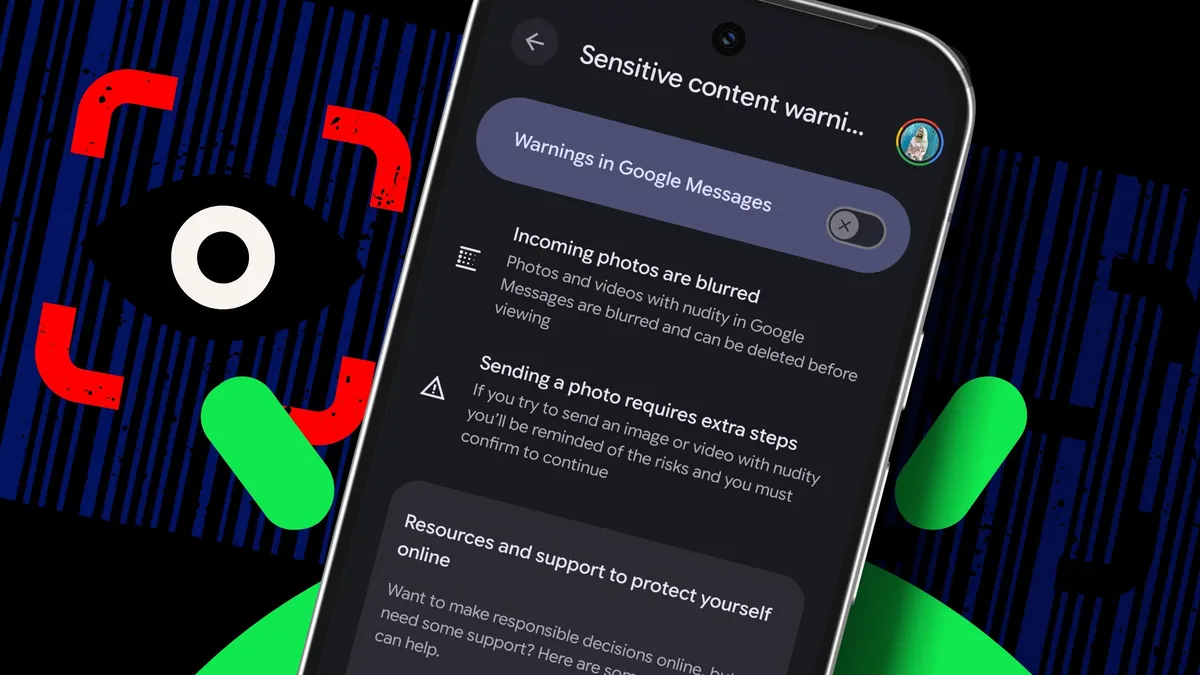
Elyse Betters Picaro / ZDNETFollow ZDNET: Add us as a preferred source on Google.ZDNET's key takeaways SafetyCore is a Google system service for Android 9 and later. It powers Sensitive Content Warnings in Google Messages. It only runs when an app requests it through an opt-in feature.Last year, Google rolled out a system service to Android phones and tablets called Android System SafetyCore. It came with no new icon on the home screen, no warning, and no "Do you want this?" screen. It just appeared one night, running in the background.Google describes SafetyCore as an "Android system component that provides common infrastructure that apps can use to protect users from unwanted content." That vague description left many people, including me, confused. So, what's it look like in practice?Sensitive Content Warnings in Google Messages. Powered by SafetyCore, Google said that, when enabled, Messages can detect and blur images in your chats that may contain nudity, then show a warning before you view or even share them yourself. Google stressed that it processes all warnings on your device, and that your warnings and images are "not shared with Google."SafetyCore isn't limited to nudity detection. Google said it provides "privacy-preserving, on-device support" for Android safety features, and could be used to help warn users about a range of "unwanted content," such as spam, scams, and malware. For those wondering, security researchers have confirmed that SafetyCore runs locally. The team behind GrapheneOS, an AOSP-based, security-focused distro, verified on X that SafetyCore isn't reporting things to "Google or anyone else." Google also reminded ZDNET that users can control SafetyCore and said it only works "when an app requests it through an optionally enabled feature."Also: How to clear your Android phone cache in 30 secondsStill, because Google didn't clearly warn Android users that SafetyCore was coming, the rollout raised concerns about privacy and consent. As one Play Store user wrote in 2025, "This is spyware. Installed without consent or notifying users." One Redditor likened it to a "virus installed through a backdoor by Google," and said it's the "complete opposite of safety, transparency, and privacy."Adding to the frustration, SafetyCore doesn't have an icon or appear in your app list. So, to find it, you have to dig through settings. How to remove SafetyCore from AndroidWhat you'll need: An Android phone or tablet running Android 9 or later. If you've bought a new Android device or installed a system update anytime since 2024, you're likely running SafetyCore. Google recommends keeping it installed so you can use safety features that depend on it. Also, as some users have noted, because SafetyCore is a system service, it may return with a future update. Elyse Betters Picaro / ZDNET Elyse Betters Picaro / ZDNET Elyse Betters Picaro / ZDNET Elyse Betters Picaro / ZDNET Tap Uninstall. On my Pixel phone, Android showed a confirmation prompt asking if I wanted to uninstall Android System SafetyCore. If that happens, make sure to tap Uninstall again to confirm and finally remove it.Tip: If SafetyCore returns after a system update or Google Play update, repeat the steps above.Also: How to enable Advanced Protection on Android 16 - and why
This silent Android feature scans your photos for 'sensitive content' - how to uninstall it
Google didn't say much about Android System SafetyCore before it suddenly appeared on phones. Fortunately, you can disable it.
1,270 words~6 min read