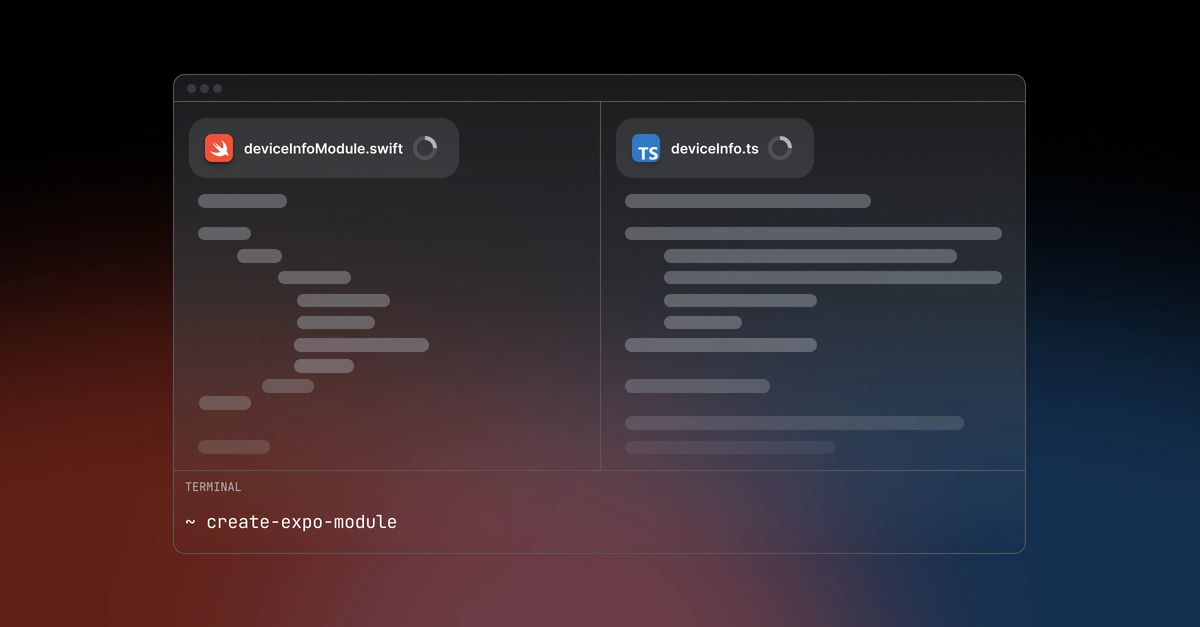
Working with native code in React Native usually involves creating separate packages and manually maintaining TypeScript interfaces. Expo SDK 56 changes this by letting you write Swift and Kotlin files right alongside your React components and automatically generating the TypeScript types for you.
Writing Expo modules traditionally meant dealing with package boilerplate and keeping multiple interfaces in sync. You'd create a module as a standalone package, then manually maintain TypeScript interfaces that matched your native Swift and Kotlin code. This workflow worked but added friction.
SDK 56 introduces inline modules and the expo-type-information package to remove these pain points. You can now write native modules directly in your project structure and generate matching TypeScript types automatically.
Writing native code next to your components
Inline modules let you place Swift and Kotlin files anywhere in your project structure. Need a custom native view? Create NativeView.kt and NativeView.swift files right next to your App.tsx and write your view there.