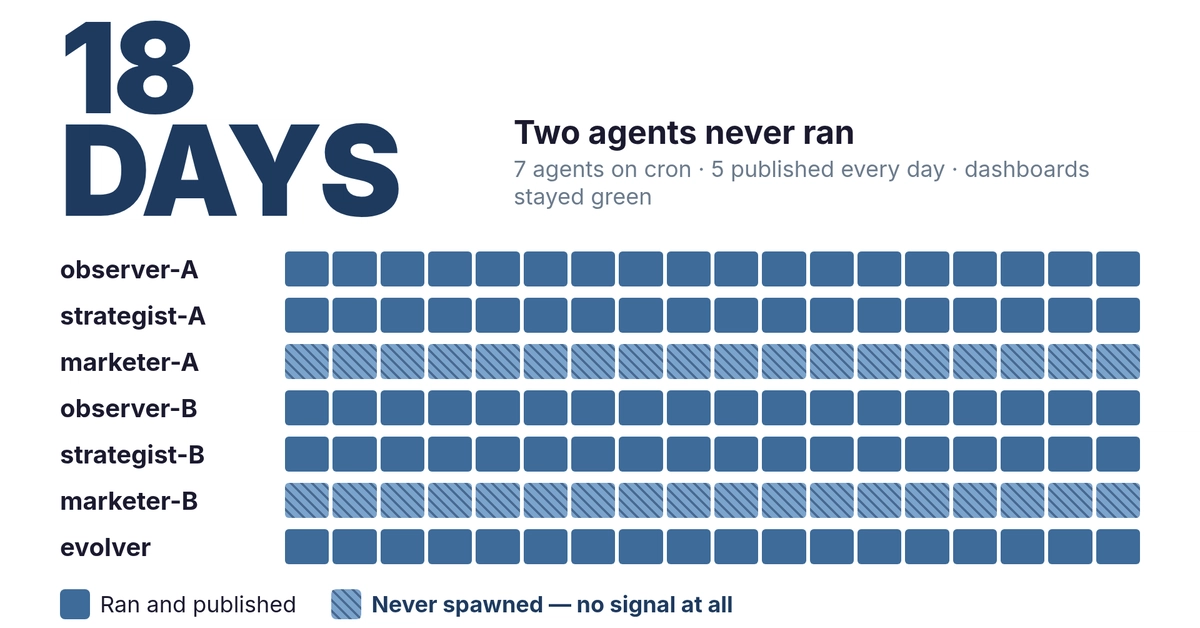
Cron's biggest problem isn't scheduling — it's silence. A cron job can fail every night for a month, and unless you're manually checking logs on the server, you won't know. No alert, no dashboard, no audit trail. Just a backup that doesn't exist when you need it, or a data sync that quietly stopped three weeks ago.
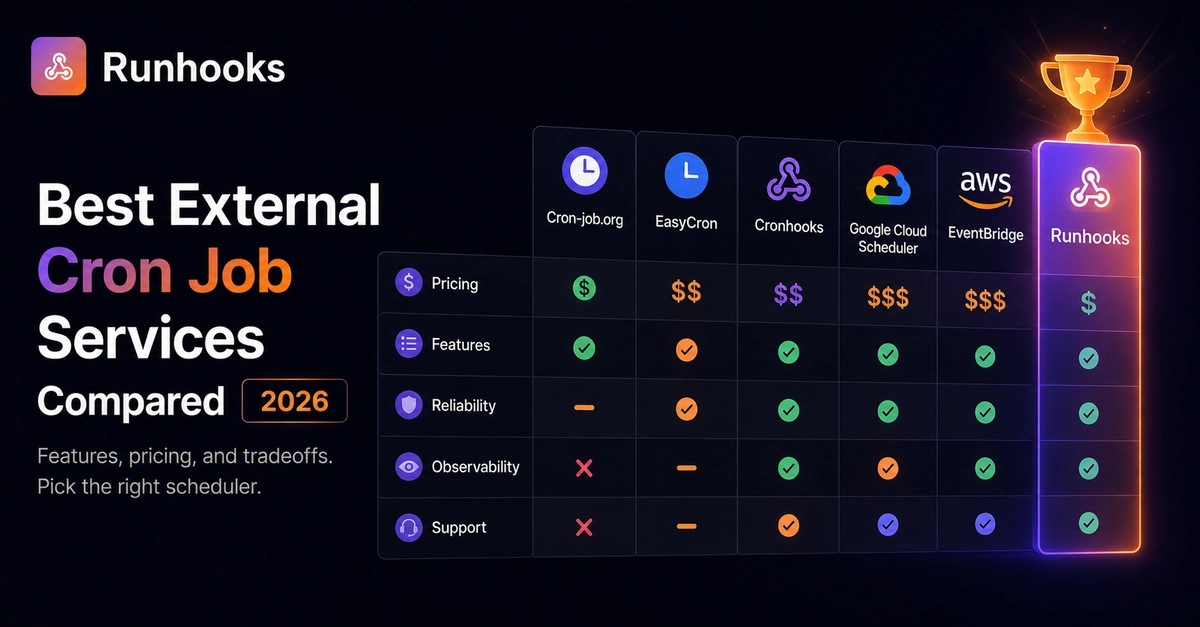
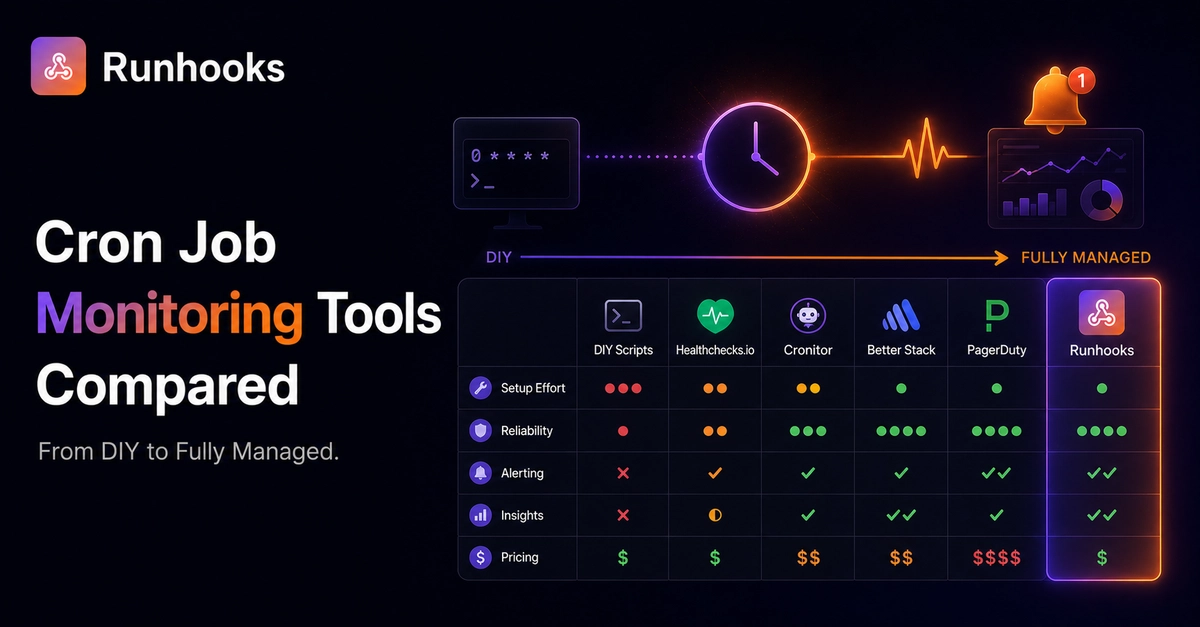
Monitoring fixes this. But "cron job monitoring" means different things depending on the tool. Some watch for missing heartbeats. Some track full execution history. Some just page you when something breaks. This article compares six approaches — from writing your own monitoring scripts to using a fully managed scheduler with built-in observability — so you can pick the right one for your workload.
Heartbeat Monitoring vs. Execution Monitoring
Before comparing tools, understand the two fundamentally different approaches.
Heartbeat monitoring (dead man's switch) is passive. Your cron job pings a monitoring URL after each run. If the ping doesn't arrive on schedule, you get an alert. This tells you whether a job ran — but not what happened. If the job runs but returns bad data, the ping still fires and the monitor stays green.