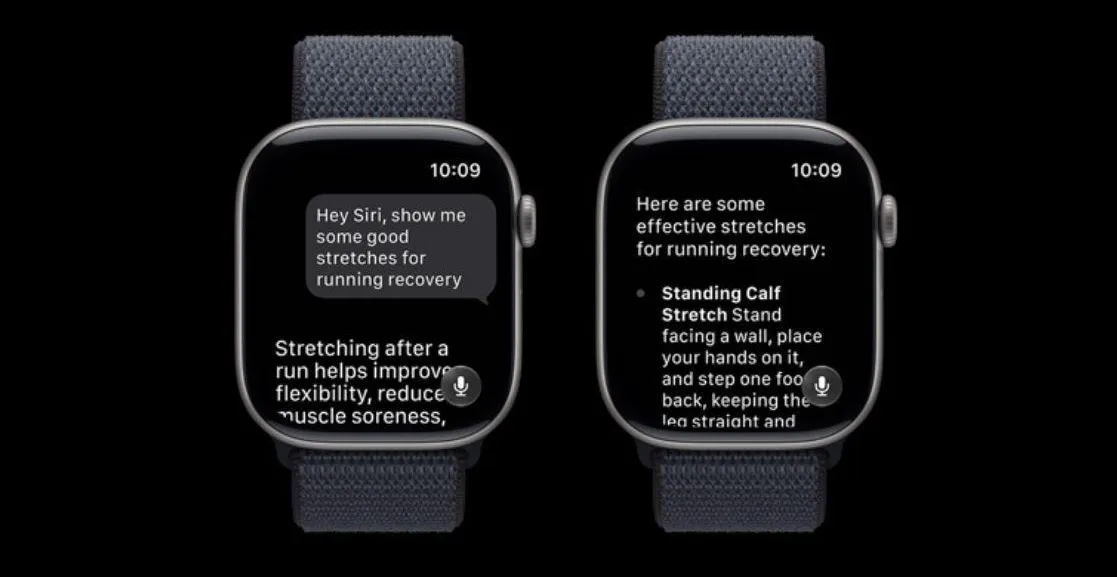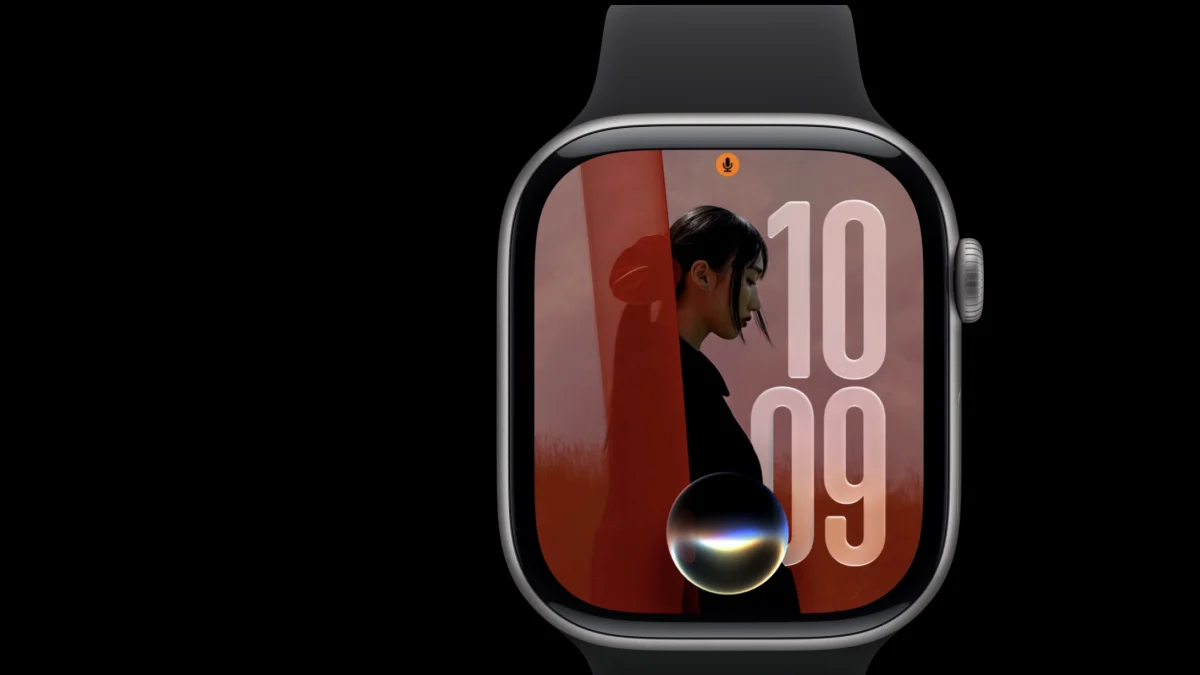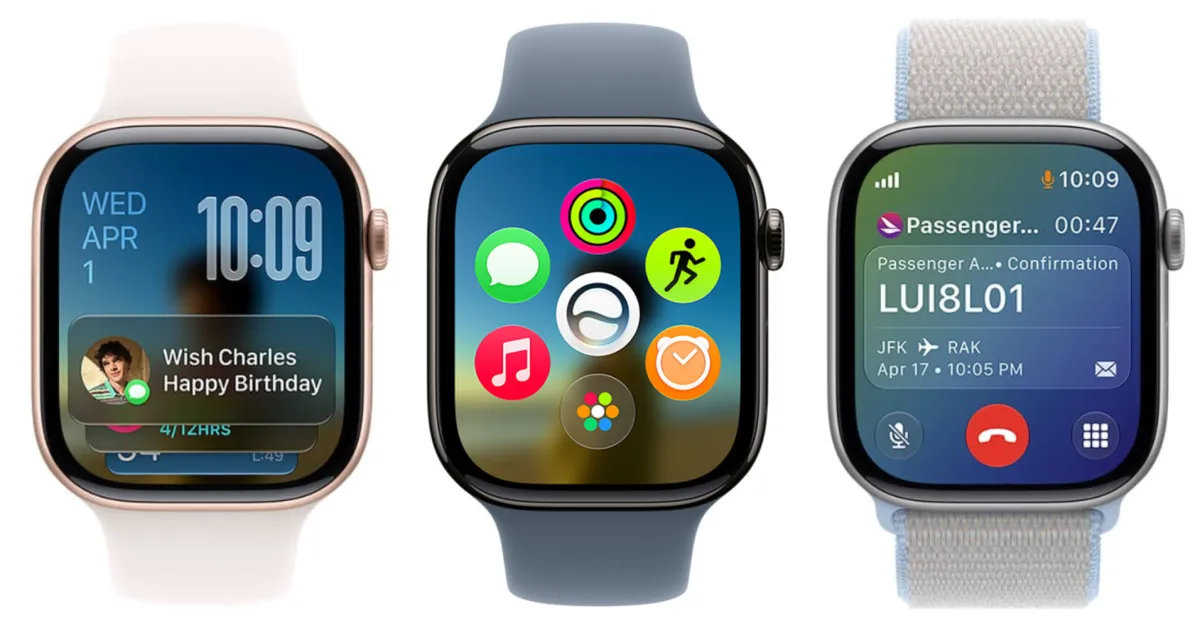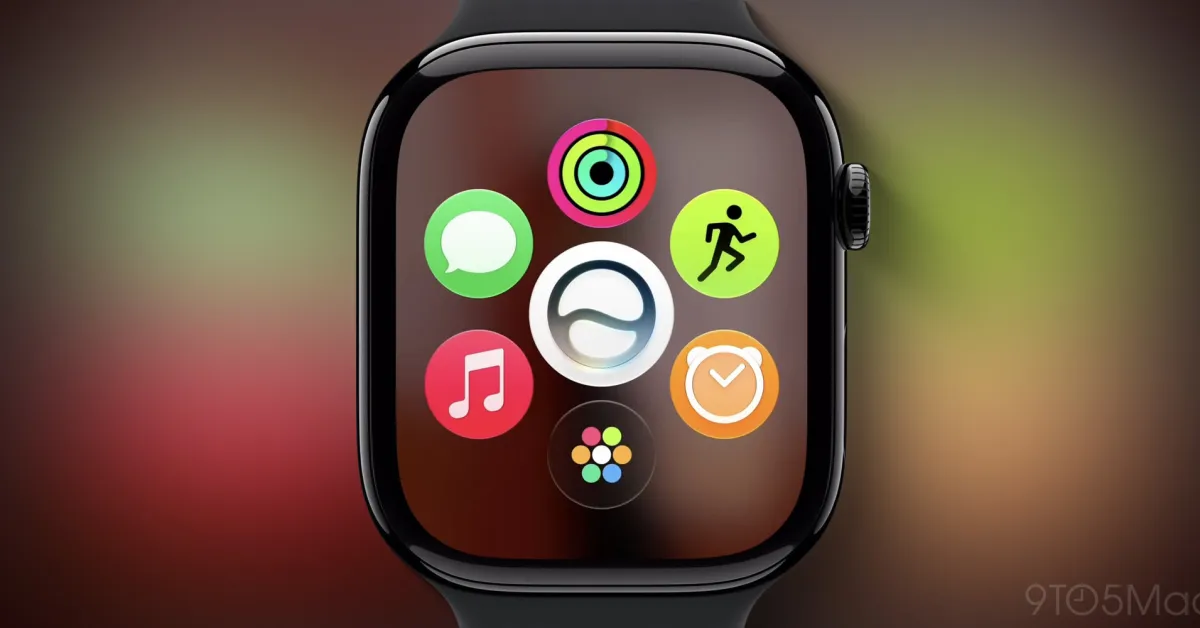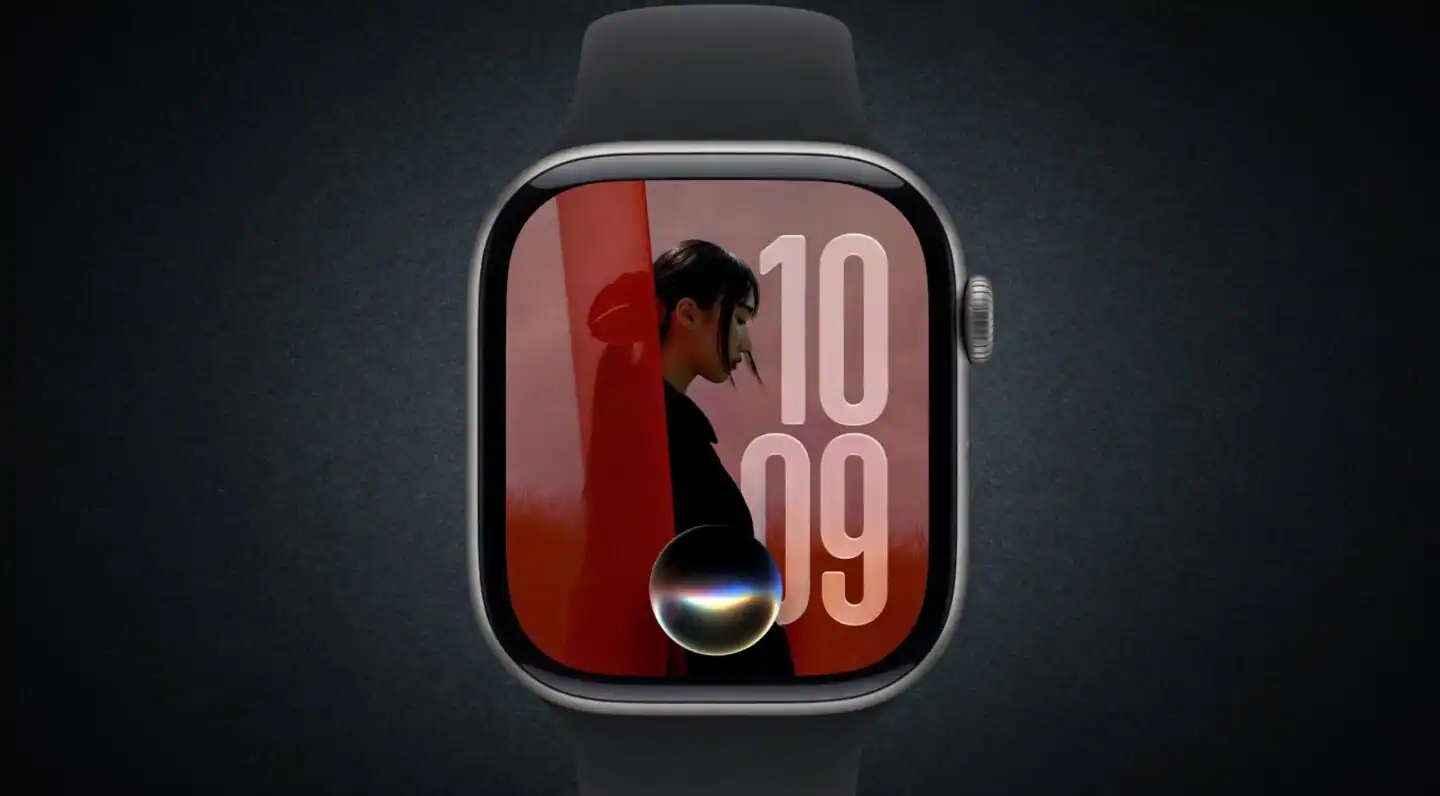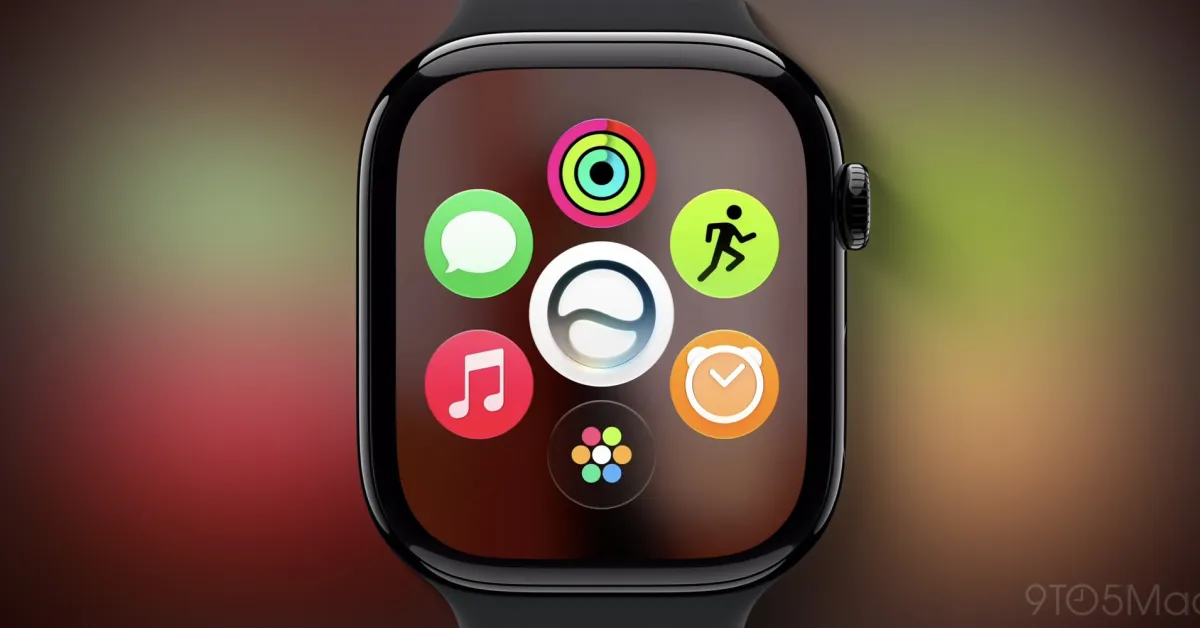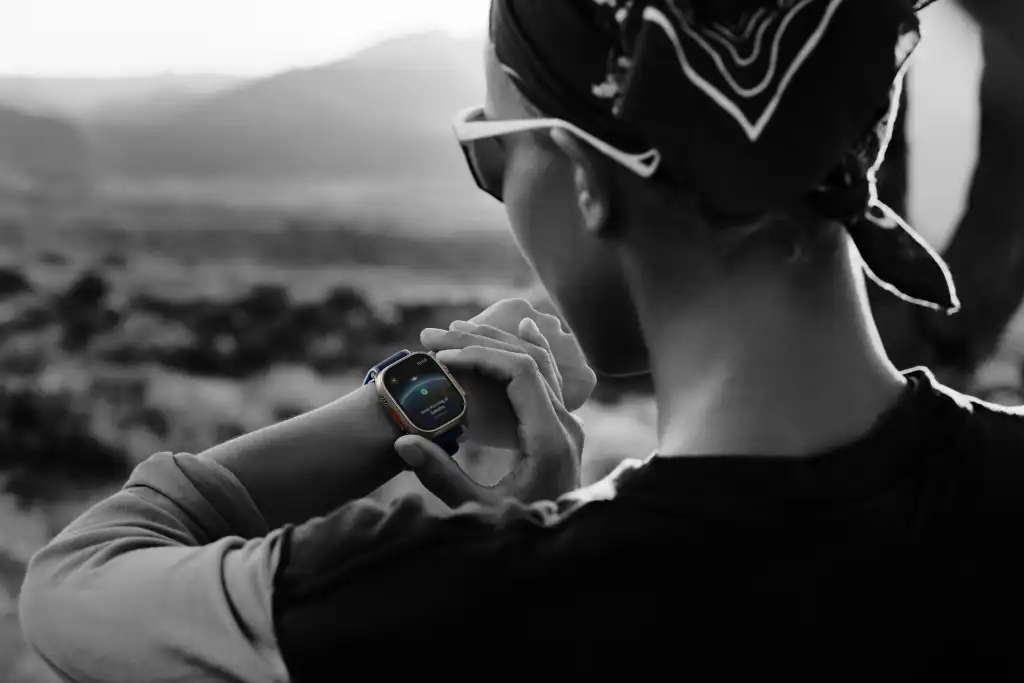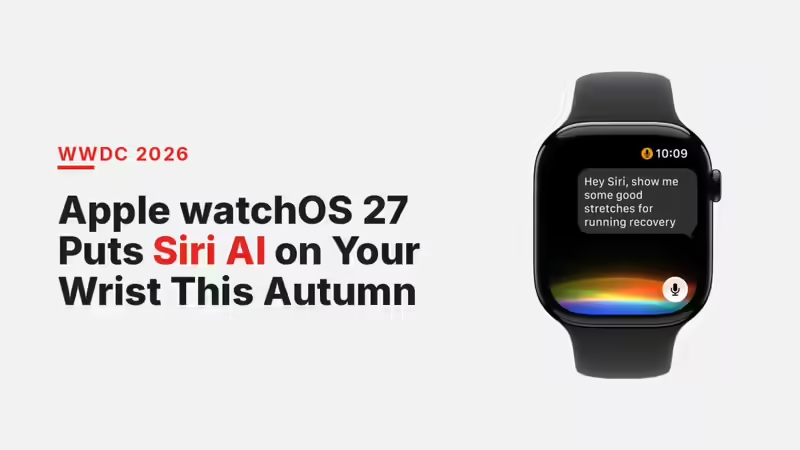
At WWDC 2026, Apple confirmed watchOS 27, and the headline sits on the assistant. Siri AI, the version of Siri rebuilt on Apple Intelligence, now lives on the Apple Watch, with its own app for picking a conversation back up from the wrist. Apple positions the Watch as an intelligent companion. The update arrives this autumn as a free download.Key TakeawaysSiri AI reaches the Apple Watch with a dedicated app, so a conversation begun on the phone or the wrist carries on from the wrist.A press of the Digital Crown opens a grid of five Siri-suggested apps, the Siri app set at the centre.Workout Buddy adds Spanish, runs on the Watch alone, and reads more fitness data before it speaks.Cycle Tracking in the Health app gains perimenopause and menopause support, including alerts for cycle deviations.A one-handed gesture set, a single Find My app, new Smart Stack suggestions, Wallet upgrades, and steadier treadmill distances fill out the release.Siri AI moves to the wrist, and it wants to keep talkingThe centrepiece is continuity. Start a question on the iPhone, lift your wrist, and the thread is waiting. A Smart Stack suggestion can surface on its own to pull you back into a recent exchange, and a dedicated app gathers every conversation in one place. Picture a concierge who remembers where the last sentence trailed off, and stands ready to carry on. You speak from the wrist. It answers, and it acts, with the phone often left in a pocket or a bag.Apple's pitch rests on two pillars it set out for Siri AI across the iPhone and Mac: personal context, and broad world knowledge. On the Watch, that pitch turns physical. The assistant moves from a thing you open to a presence you address, and the "on the go" line in Apple's briefing is the whole point. This is Siri for the moments your hands and your attention are somewhere else, mid-walk, mid-commute, mid-queue.One press, five apps: a faster way inPress the Digital Crown and a dynamic grid blooms: five apps Siri suggests from what you reach for most and last, with the Siri app set at twelve o'clock. It is the kind of small mechanical pleasure a watch should own. A single turn of the crown, and the day's tools fan out like complications across a dial.The one-handed gesture set carries the same instinct. Double-tap index finger and thumb to scroll the Smart Stack, single-tap to choose a widget, then flick your wrist to wind back to the watch face. One hand does the lot, which earns its keep on a crowded train or with a coffee in the other hand.Workout Buddy speaks Spanish and travels lightWorkout Buddy talks in Spanish now, and it runs on the Watch by itself, even when the iPhone stays at home. It also folds in more of your fitness data before it offers a motivational line, so the encouragement draws on a fuller read of the session. For the runners and walkers who leave the phone behind on purpose, that independence is the real upgrade.Cycle Tracking adds perimenopause and menopause supportThe Health app widens Cycle Tracking to perimenopause and menopause, with notifications about cycle deviations that take perimenopause into account. It is a meaningful broadening of who the feature serves, and it arrives with a matching move in Apple Fitness+. This week the service added Strong Through Menopause, a three-week programme of weekly Yoga and Strength sessions built to help people in perimenopause and menopause gain strength, steady their balance and mobility, and ease stress. A fresh Time to Walk episode features the actor Busy Philipps, who shares stories from her life, her perimenopause journey among them.Find My, Wallet and the Smart Stack pull their weightA single Find My app now holds Find Devices, Find Items and Find People together, so the wrist keeps pace with the phone. The Smart Stack behaves more like an attentive page. A Parked Car card from Maps as you step away from the kerb. A birthday-message prompt on a close contact's day. A nudge to switch on Theater Mode as you reach a cinema or a concert hall.Wallet learns two tricks of its own. You can pin transit cards and read their balances from the wrist, and you can build a custom pass on iOS 27 from anything carrying a barcode or QR code, a library card among them, then pin it to the Smart Stack. Around the edges, new machine-learning work sharpens treadmill distance for running and walking, media playback and workout starts feel quicker, step counts sync across the Health and Fitness apps, and post-workout route maps read truer.watchOS 27 at a glanceFeatureWhat changesThe fine printSiri AI appContinue conversations from the wrist; a dedicated app holds them allBeta later this year; English first; leans on a paired Apple Intelligence iPhoneDigital Crown app gridOne press shows five Siri-suggested appsShips with watchOS 27Workout BuddySpanish added; runs on the Watch alone; reads more fitness dataSpanish joins EnglishCycle TrackingPerimenopause and menopause support; cycle-deviation alertsHealth appOne-handed gesturesDouble-tap to scroll, single-tap to select, wrist-flick to exitSmart StackFind MyDevices, Items and People in one app—Smart Stack suggestionsParked Car, birthday message, Theater Mode remindersSurface when relevantWalletPin transit cards and balances; custom barcode or QR passes via iOS 27Transit balances depend on local supportTreadmill accuracyNew ML sharpens running and walking distance—The fine print: the wrist assistant rides on a capable iPhoneHere is the part the highlight reel skips. Siri AI is an Apple Intelligence feature, and Apple has tied Apple Intelligence to the iPhone 15 Pro, 15 Pro Max and the iPhone 16 line and up. The Apple Watch leaves that heavy processing to the phone, so the working read is plain: the wrist experience leans on a paired handset in that bracket. The briefing itself stops short of spelling out the Watch-side requirements, so treat the dependency as the reasonable read pending Apple's full compatibility list. Apple has set Siri AI to land as a beta later this year, in English first, with other languages following on its own clock.For India, the calculus turns on the phone as much as the Watch. A buyer who wants the talking Siri on the wrist is shopping for an iPhone 15 Pro or newer to pair it with. The health additions travel well, since perimenopause and menopause support speaks to a wide audience. The Wallet transit feature waits on local transit support to mean much on a Delhi Metro or Mumbai local commute. watchOS 27 reaches Indian wrists this autumn alongside iOS 27, as a free update.Strip the launch gloss and the shape is clear. Apple is using the wrist to make Siri AI feel ever-present, a companion you address before you have decided to reach for a phone at all. The assistant that struggled for two years is being placed at the most personal point Apple owns: the half-second between a thought and a glance. That is the wager. Own that half-second, and you own the next decade of the platform.FAQWhen does watchOS 27 arrive?This autumn, as a free update, in step with iOS 27.Which Apple Watch models support watchOS 27?The briefing leaves the full compatibility list for later. watchOS updates tend to reach recent Series and Ultra models, and the Siri AI features lean on a paired Apple Intelligence iPhone rather than the Watch alone.Does Siri AI work on the Watch with an older iPhone?Siri AI is an Apple Intelligence feature, which Apple ties to the iPhone 15 Pro, 15 Pro Max and the iPhone 16 line and up. A paired phone in that bracket is the working requirement, and the feature lands as a beta later this year.What menopause features does watchOS 27 add?Cycle Tracking gains perimenopause and menopause support with cycle-deviation alerts. Apple Fitness+ adds Strong Through Menopause, a three-week Yoga and Strength programme, plus a Time to Walk episode with Busy Philipps.What is the new one-handed gesture? Double-tap index finger and thumb to scroll the Smart Stack, single-tap to select a widget, and flick your wrist to return to the watch face.end of article
WWDC 2026: Apple watchOS 27 Puts Siri AI on Your Wrist This Autumn
Apple has carried its new Siri AI onto the Apple Watch in watchOS 27, with conversations that continue from the wrist, a Digital Crown app grid, and fresh health tools. The fine print: the wrist assistant leans on a paired Apple Intelligence iPhone, and lands as a beta later this year.
1,341 words~6 min read