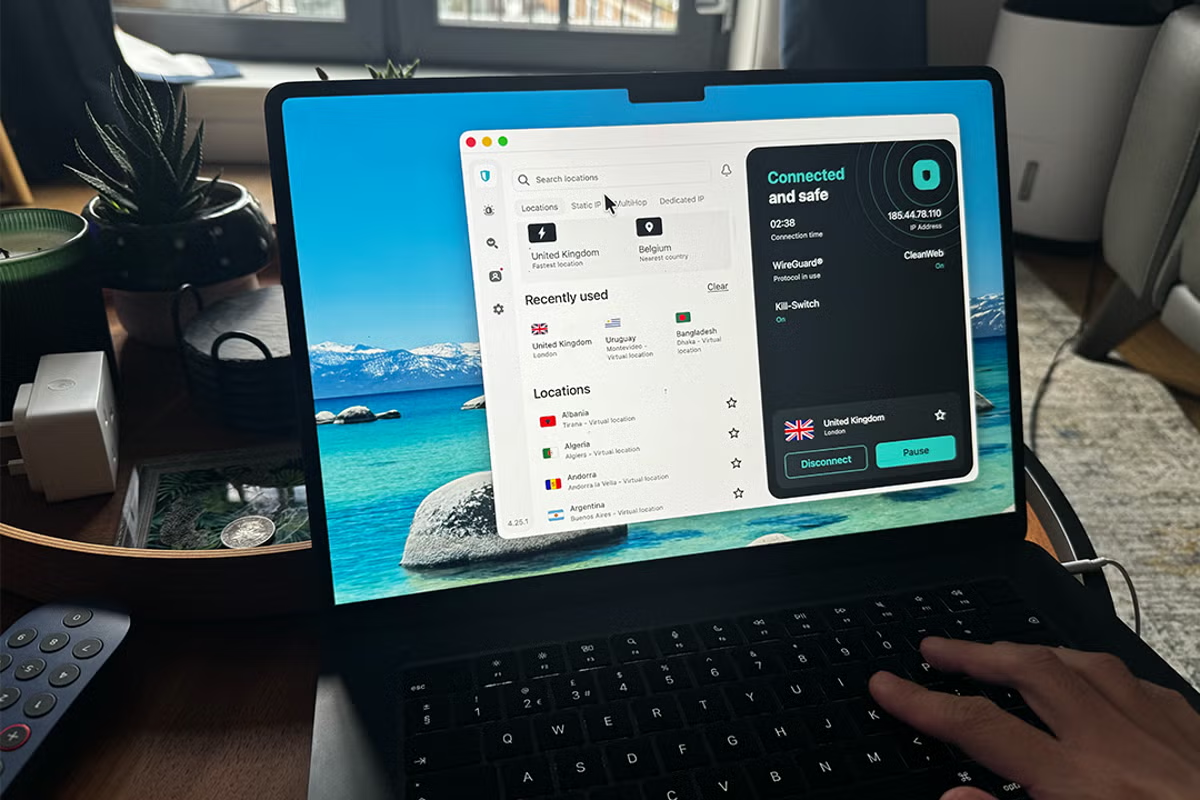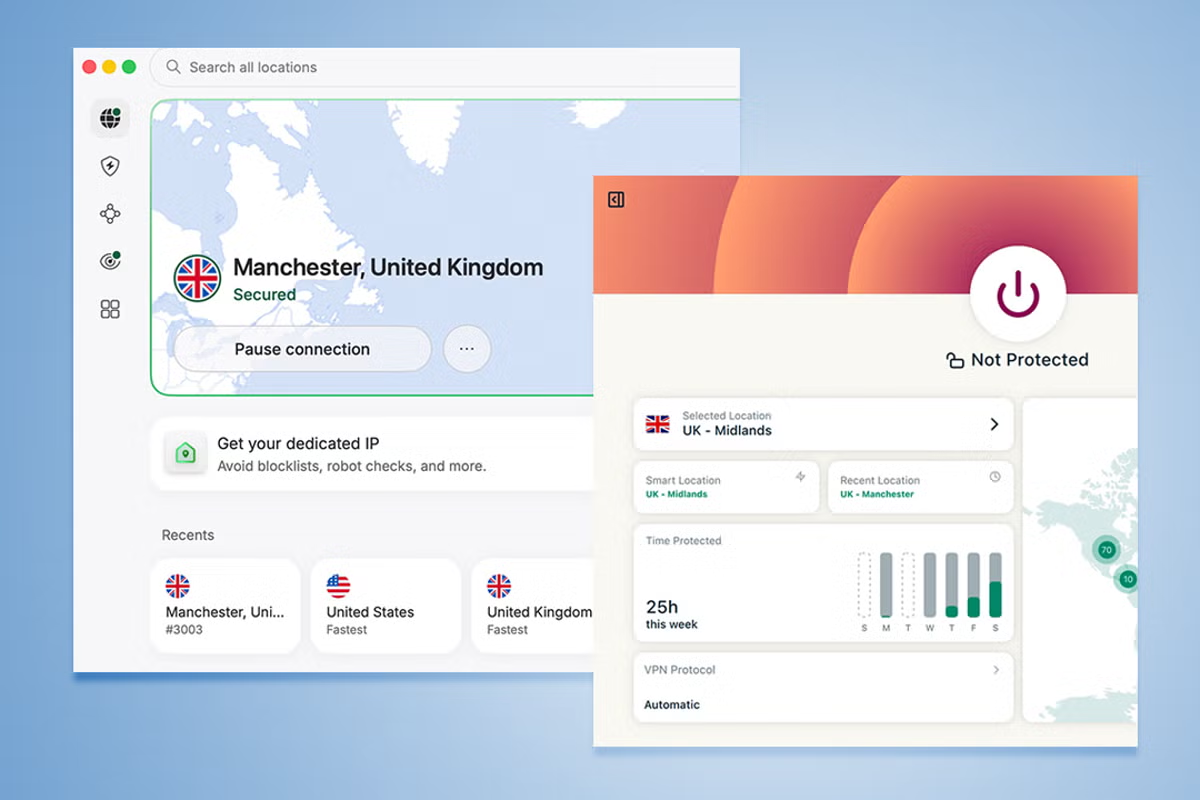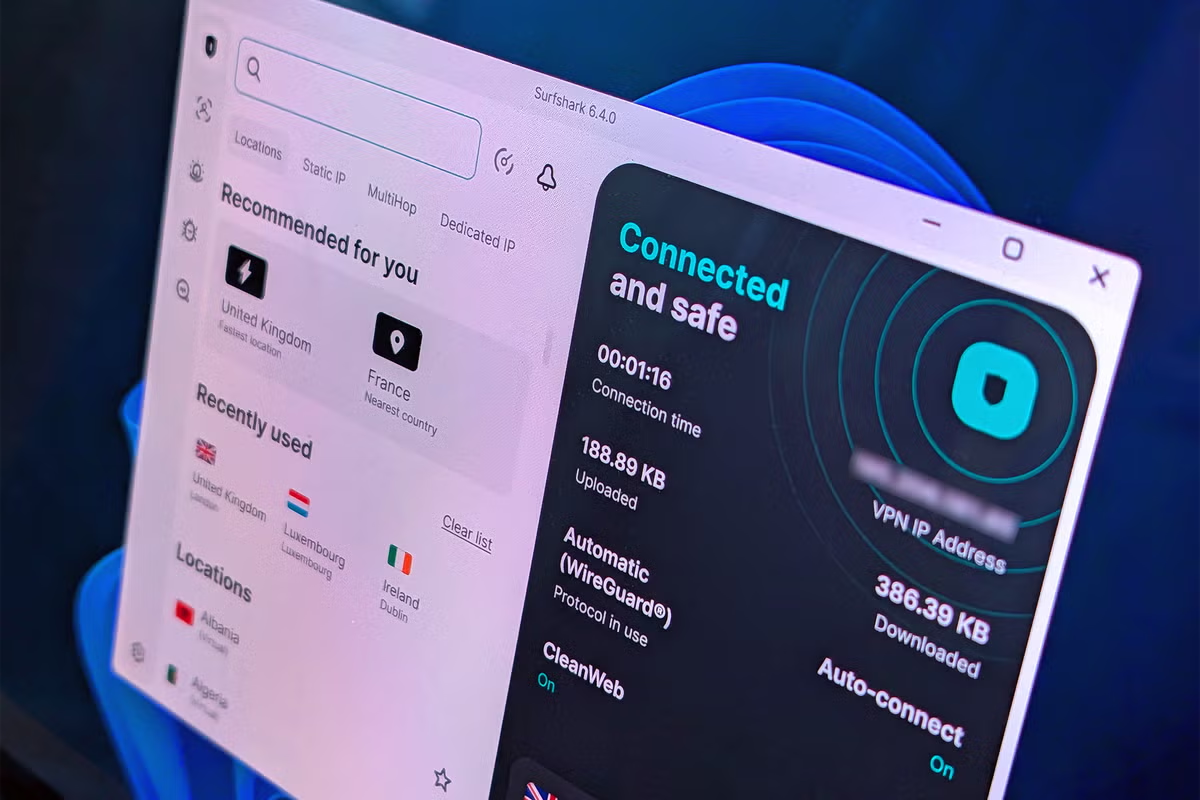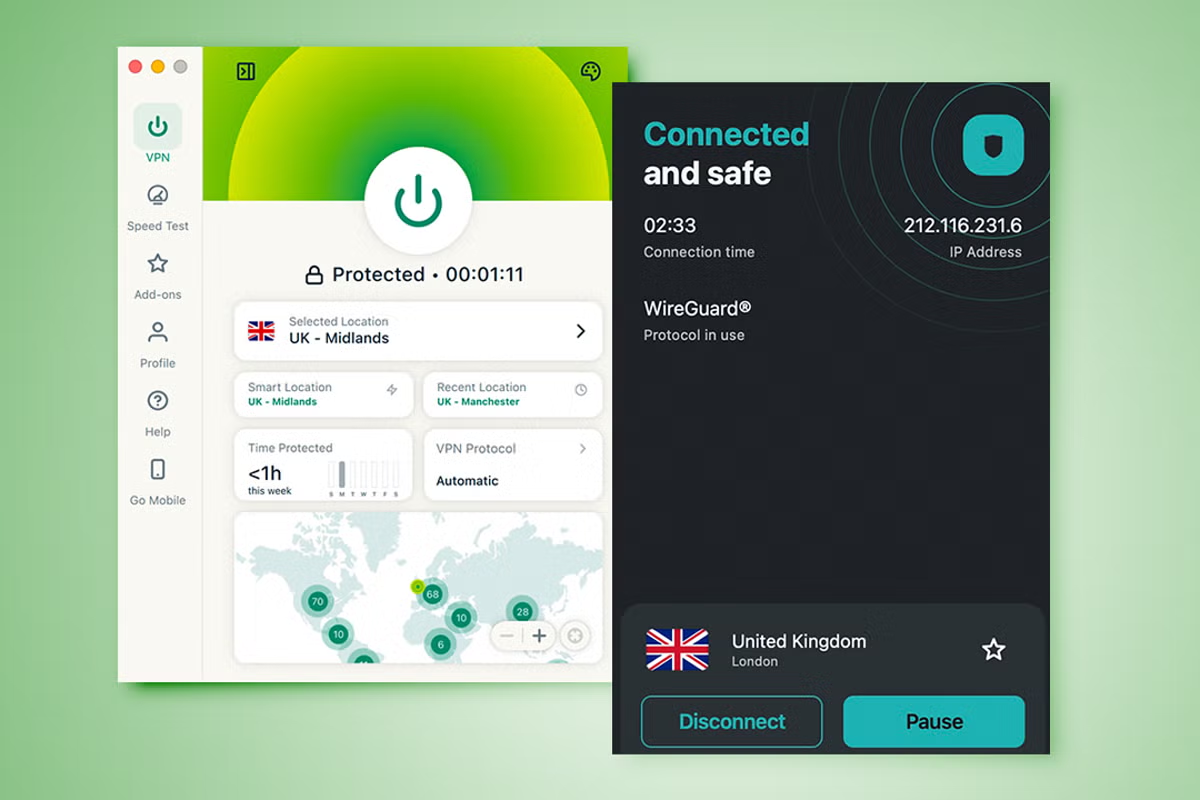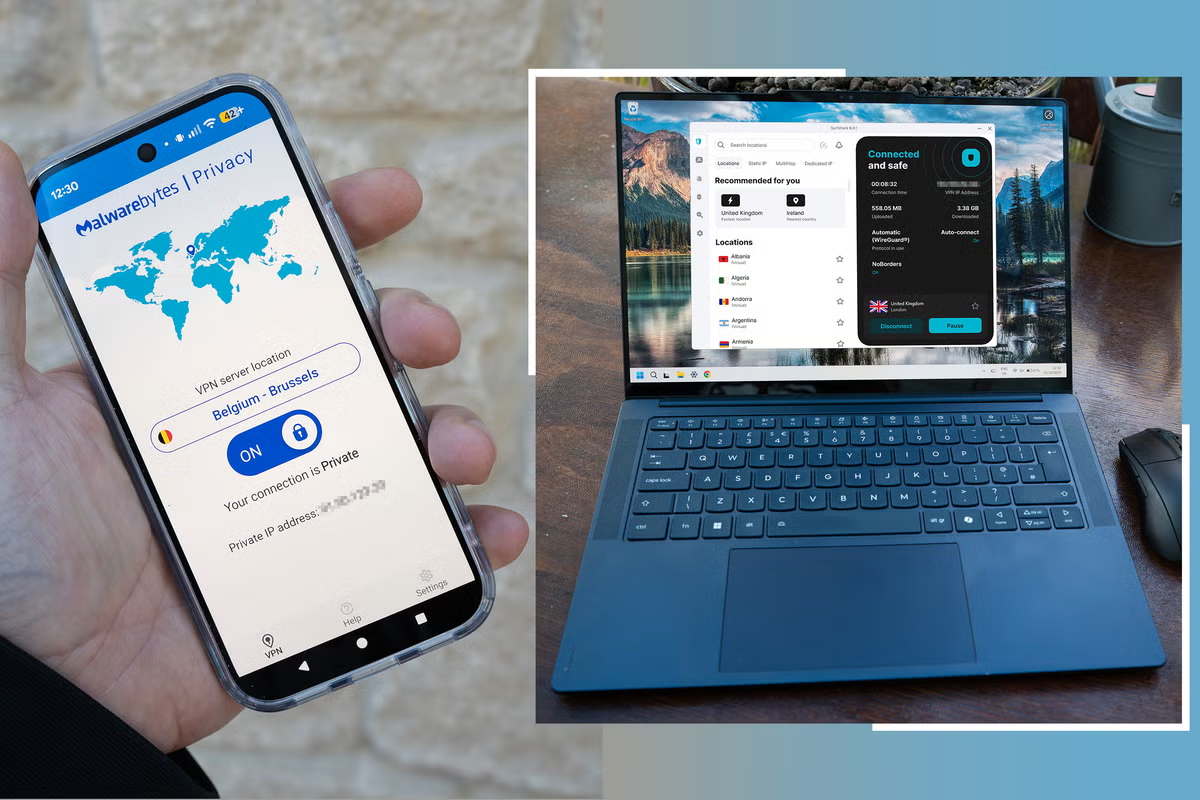
The Independent's journalism is supported by our readers. When you purchase through links on our site, we may earn commission. Why trust us?ExtrasIndyBestTechFrom Surfshark to NordVPN, I’ve found the fastest VPNs so your browsing won’t slow to a crawl Security isn’t the only factor you should consider, speed is just as important (Ian Evenden/The Independent)Our Top Picks1Best VPN for speed overall: Surfshark VPNRead review£12Best for added security: Malwarebytes privacy VPNRead review£303Best easy to use VPN for speed: NordVPNRead review£24Best free VPN for speed: Proton VPNRead review£05Best for anonymity: Mullvad VPNRead review£46Best easy to set-up VPN for speed: ExpressVPNRead review£4Using a virtual private network (VPN) is one of the best ways to secure your privacy online. They work by encrypting your internet traffic and masking your IP address to make it harder for websites, advertisers and internet providers to track your activity across the web, especially when travelling or connecting to public wifi, like when you’re at a hotel, airport or cafe. While security is obviously the most important factor when choosing a VPN, according to a study of VPN users conducted in 2026 by The Independent, speed isn't far behind. More than four in 10 respondents said connection speed was one of the most important considerations when selecting a provider, ahead of privacy protection and ease of use. After all, nobody wants a VPN that sees your streaming and gaming slow to a crawl. I’ve tested dozens of providers to find the fastest VPNs. The best VPNs minimise the performance hit that comes with routing your traffic through an encrypted server, delivering speeds that feel almost identical to an unprotected connection. I’ve measured download and upload performance, connection stability and overall reliability to see which services offered the speediest experience – these are the fastest VPNs around.Read more: The best VPNs, reviewed I tested the speed on a range of VPN services (Ian Evenden/The Independent)The fastest VPNs in 2026 are:Best fastest VPN overall – Surfshark: £1.49, Surfshark.comBest fast VPN for added security – Malwarebytes: £29.99, Malwarebytes.comBest fast VPN for ease of use – NordVPN: £2.29, Nordvpn.comBest fast and free VPN – Proton VPN: Free, Protonvpn.comBest fast VPN for anonymity – Mullvad: £4.40, Mullvad.net1Best VPN for speed overall: Surfshark VPNNumber of servers More than 3,200Number of server countries More than 100Number of simultaneous devices supported UnlimitedDevices supported MacOS, Linux, iOS, Android, moreWhy we love it Fastest on testEasy to set upMultiple optionsTake note Antivirus is a separate appShow moreUsing Surfshark knocked just six per cent off my connection speed, making it the best on test for speed alone. It automatically picked the fastest server for us, which was in the UK – so if using the VPN to circumvent geoblocks, you might see a greater reduction in speeds. Switching to an Australian server, I saw a more significant drop of more than 51 per cent, which is only to be expected considering the distances involved. Switching to a closer country – for example, Ireland – meant a much smaller drop, providing the same kind of speed seen from the UK server. There's a quick connect option in the app’s settings, which will automatically connect you to the fastest location.Elsewhere, Surfshark offers a broad suite of VPN tools. You can create multi-hop connections, where your connection is routed across multiple servers in different countries, and you can switch from the WireGuard protocol to OpenVPN. But in the interests of speed, there's an automatic option that chooses the protocol for you, and it’s probably best to leave this on. I found this the fastest when testing (Ian Evenden/The Independent)The app’s interface is easy to understand, with servers in different countries simple to switch between, and those that are recommended or recently used are displayed prominently. You can add favourite servers too, if there's one you keep going back to. The mobile app offers a widget so you can switch it on and off quickly, which is a much better idea than opening the full app or delving into your phone’s settings.Surfshark also comes with antivirus, ransomware shielding, dark web monitoring and ad blocking, all available to be added to your subscription. Many of these features can be accessed through Surfshark’s browser extension, which offers automatic filling of online forms, too.Read the full Surfshark VPN review nowBack to top2Best for added security: Malwarebytes privacy VPNNumber of servers More than 500Number of server countries 40Number of simultaneous devices supported Up to 20Devices supported Windows, Mac OS, iOS, AndroidWhy we love it Respectable speedsBroad security suiteTake note Most servers in US and EuropeShow moreMalwarebytes is an excellent overall internet security package, and when connected to a UK server, it only showed a six per cent loss of speed, putting it up there with the best. However, when connected to servers further afield, such as Australia, the download speed reported by the speed tester was 65 per cent lower than without the VPN connected. Connecting to Belgium saw a 29 per cent drop, while an Irish server sent the speeds back up to UK levels again.This sacrifies some speed for security (Ian Evenden/The Independent)Options include switching between the WireGuardNT protocol and Malwarebytes’s own MBTun, but there's no automatic option. Likewise, the app won’t automatically choose the fastest server for you, which means there's a little trial and error involved in picking the best one, as they’re listed in alphabetical order. The desktop app keeps things simple, with a slider to turn the VPN connection on and off, and a simple ‘change’ button to select a new server location. The internet kill switch, which prevents your device from connecting to the internet without the VPN, is buried in the settings, and while this useful feature could be easier to find, the clean look of the app is generally successful at making it easy to use.You can subscribe to the Malwarebytes Privacy VPN on its own, but it’s also available as part of the wider security suite, with a host of scanning and protection options to help fend off malware, ransomware and even detect if rootkits have been installed on your PC. It’s an excellent choice for a VPN and computer security, but not the absolute fastest in our tests.Back to top3Best easy to use VPN for speed: NordVPNNumber of servers More than 7000Number of simultaneous devices supported Up to 10Devices supported Windows, macOS, Linux, iOS, Android, moreWhy we love it CheapEffectiveReasonably fastTake note Just a VPN – no other functionsShow moreNordVPN initially showed an American server as being the fastest and connected automatically after pressing the Quick Connect button, with a 28 per cent drop in speed, but connecting to a British node proved better, with just a six per cent drop over the native line. The same figure applied to a server in Dublin, while connecting via Brussels, dropped speeds by 27 per cent. Australia, being so far away, gave a 48 per cent drop.NordVPN is an excellent VPN service, well known for its ability to unblock streaming services, and also offering a service it calls Meshnet, which allows users to be connected on an encrypted virtual network for gaming sessions or to share files securely. It’s perfect if you’re working on a project from home and want to share your work with other contributors, acting in a similar way to company VPNs that allow access to office servers.This popular VPN lived up to the hyper (Ian Evenden/The Independent)The desktop app is well laid out, with a Quick Connect menu and a list of recently used servers, while a bar chart provides a rundown of your recent connection time. There's a mobile app too, with a simple ‘turn on’ button. Linux users should be aware that Nord is still entirely command-line-based on that platform, so you’ll need to brush up on your typing syntax.There are protocol options to switch between NordLynx (based on WireGuard), OpenVPN and the new NordWhisper that attempts to disguise your traffic further by mimicking normal web traffic and attempting to avoid filters that are looking out for one particular type of communication, but for the best speeds this can be left on automatic, allowing the app to work out the technicalities of what moves data faster.Read the full NordVPN review nowBack to top4Best free VPN for speed: Proton VPNNumber of servers More than 8600Number of server countries 117Number of simultaneous devices supported OneDevices supported Windows, macOS, Linux, iOS, AndroidWhy we love it Free optionSurprisingly fastTake note Server location chosen for youShow moreThe free version of Proton VPN (there is a subscription version too) gave a surprisingly good result, with a drop in speeds of just seven per cent, putting it right up there with the best VPNs on test. However, this comes with a caveat – the free version of Proton’s VPN doesn’t give you any choice over the location of the server you connect to. Ours was in the Netherlands first, then changed to Japan with a press of the change server button. Things were different the second time around, with a 53 per cent decrease in transfer speed.So while this free VPN might look like a good deal, if you’re looking for pure speed, it’s too much of a lottery. Add to this the timer on the change server button, which locks you out from changing again until a set amount of time has passed. If you want control over which server you connect to, you’ll have to subscribe, which starts at £8.09 a month for the VPN Plus package.The speed was good but it changes frequently (Ian Evenden/The Independent)Its app looks great, with a stylised map and large, obvious buttons for features such as split tunnelling, which sends some traffic through the VPN and some through your normal connection, depending on your preferences. Profiles – bundles of settings you can use to access features and make changes quickly – allow you to choose optimised servers for your intended use, such as gaming or streaming, while the smartphone app has a widget for quick access to the VPN.Proton VPN offers WireGuard, OpenVPN and Stealth protocols, along with a Smart option that automatically chooses. Many of its more advanced features are locked behind the subscription, but as a basic VPN that is capable of good speeds if you’re lucky with the server allocation, then it’s hard to ignore a free option like this.Read the full Proton VPN review nowBack to top5Best for anonymity: Mullvad VPNNumber of servers 730Number of server countries 49Number of simultaneous devices supported 5Devices supported Windows, macOS, Linux, iOS, AndroidWhy we love it Multiple payment optionsDecent speedsSecurity focusedTake note App is a bit basicShow moreA VPN that’s slightly different to the others, thanks to its emphasis on anonymity and security, Mullvad is very easy to set up and pay for, as it uses a pay-per-month model at a flat rate instead of different tiers of subscription. Mullvad’s UK server was feeling pretty sprightly on the day we tested, with just a five per cent drop in speeds, which is very good. After this, I tried Belgium (37 per cent decrease in speed) and Ireland (25 per cent drop) before moving on to Australia for a 67 per cent drop.Mullvad prioritise privacy and anonymity (Ian Evenden/The Independent)Paying for Mullvad can be achieved in many ways, including the usual credit cards and PayPal, to cryptocurrency (Bitcoin and Monero), bank transfers and, astonishingly, envelopes full of cash (though they’re not accepting Danish krone). This ties in nicely with the firm’s security and anonymity ethos, as does the way you log into the Mullvad site not with a username and password, but with a single 16-digit number it generates for you and which you’d better not lose. The Windows app is a fairly basic one, operating as a system tray popup rather than as a floating window. It’s not difficult to use, with simple ‘connect’ and ‘switch location’ buttons, and there's a Firefox extension too – Chromium-based browsers, such as Chrome and Edge, aren’t supported.Mullvad has options such as DAITA – an attempt to hide your traffic from AI analysis at the expense of slowing down your transfers – multihop routing, and a choice between the WireGuard and OpenVPN protocols, but operates as a pure VPN without any of the extra security software that other providers like to bundle. The firm does, however, offer its own (free and open-source) browser, which is designed to minimise tracking and the leaving of digital fingerprints, and could be a good option if complete online anonymity is your goal.Back to top6Best easy to set-up VPN for speed: ExpressVPNNumber of servers More than 3,000Number of server countries 105Number of simultaneous devices supported Up to 8Devices supported Windows, macOS, Linux, iOS, Android, moreWhy we love it Very easy to set upLots of server locationsTake note Slow without changing settingsShow moreExpressVPN’s East London server saw a 52 per cent drop in internet speeds, its Ireland server provided a 62 per cent drop, and a trip to Belgium led to a 60 per cent decrease. Using its Australian server, located in the splendidly named Sydney suburb of Woolloomooloo, saw speeds drop by 79 per cent.This was until we started poking about in the app’s settings, and found an option to enable lightway turbo under the protocol list, where previously it had been on automatic. This, when connected to the London server, provided a speed that was much more in keeping with what we’d seen from the best VPNs, with just a five per cent drop, giving a similar figure for the Belgium server too. Lightway is ExpressVPN’s own protocol, and the Turbo version uses multiple data transfer lanes to make it even faster. It was only introduced to the app in 2025, so you’re using some pretty cutting-edge tech.This is really easy to use and set up (Ian Evenden/The Independent)The ExpressVPN app is highly user-friendly, with a simple ‘connect’ button to immediately route your traffic to the nearest server, which is often the fastest. More complex options are to be found in the app’s menu, and can get extremely technical, but there's usually no need to bother with them unless you really know what you’re doing. ExpressVPN’s subscription process is a straightforward one. It offers its services across a boggling number of devices and platforms, with plugins for popular browsers as well as PC and mobile devices. But while ExpressVPN’s speed is impressive, the fact that its best performance is tucked away behind a switch in the app’s settings means many users might not even know it’s there.Read the full ExpressVPN review nowBack to topWhat is the best VPN for speed?Getting the best speeds out of a VPN can be a bit of a hit-and-miss process. You never quite know which server location is going to be the absolute fastest, though choosing one close to your real-world location is often a good place to start. My testing, carried out with a reasonably fast and usually quite reliable fibre-optic connection, shows Surfshark to be the fastest, not just when using its UK server, but across the world too. Its Windows app is a good one as well, with automatic recommendations of which server to connect to for the best speed, as well as a host of further options if you want to probe deeper into the connection settings. It’s also very reasonably priced.Best deals on the fastest VPNsSurfshark VPN: Was £11.29 per month, now £1.49 per month, Surfshark.com NordVPN: Was £9.59 per month, now £2.29 per month, Nordvpn.com Proton VPN Plus: Was £7.99 per month, now £2.39 per month, Protonvpn.com How I tested the best VPNs for speedI used a fibre-optic internet connection with a maximum bi-directional speed of 600Mbps for these tests. That’s far in advance of the average UK line speed of 74Mbps, and so should give a better impression of the kind of overhead the VPN is adding. While the 600Mbps figure sounds good, few lines operate at that speed all the time, and on the day of testing, I saw 547Mbps download and 476Mbps upload from it. I then connected to various VPNs and used Google’s speed test widget to see the effect on the data transfer rate. You can read my full testing methodology at the bottom of this article, and we have a full guide on how we test VPNs at The Independent if you want more detail.Speed and stability: I focused on the speed of each service, compared download and upload speeds across the world, and long-distance servers using WireGuard and OpenVPN protocols, testing how each VPN handles streaming, downloads and general browsing. Security and privacy tools: I examined the security suite of each one, noting features like the kill switch, split tunnelling, ad-blockers and tracker protection. User experience: I assess how easy the apps are to use both on mobile and desktop, how simple it is to connect to specific servers or use certain features, and whether the connection process is reliable. Pricing: I looked at how clearly each provider communicated their pricing tiers and what price they offered for the service compared to what this gets you.Why you can trust IndyBest reviewsIan Evenden is a writer and editor specialising in gaming, computing, science and technology publications. Ian has been contributing to IndyBest since 2021, applying his keen eye for detail and high standards to tech reviews such as the best Chromebooks, keyboards and anti-virus security equipment. After more VPN recommendations? Our tech critic has found the best VPN services for 2025
These are the fastest VPNs I’ve tested
From Surfshark to NordVPN, I’ve found the fastest VPNs so your browsing won’t slow to a crawl
2,908 words~13 min read