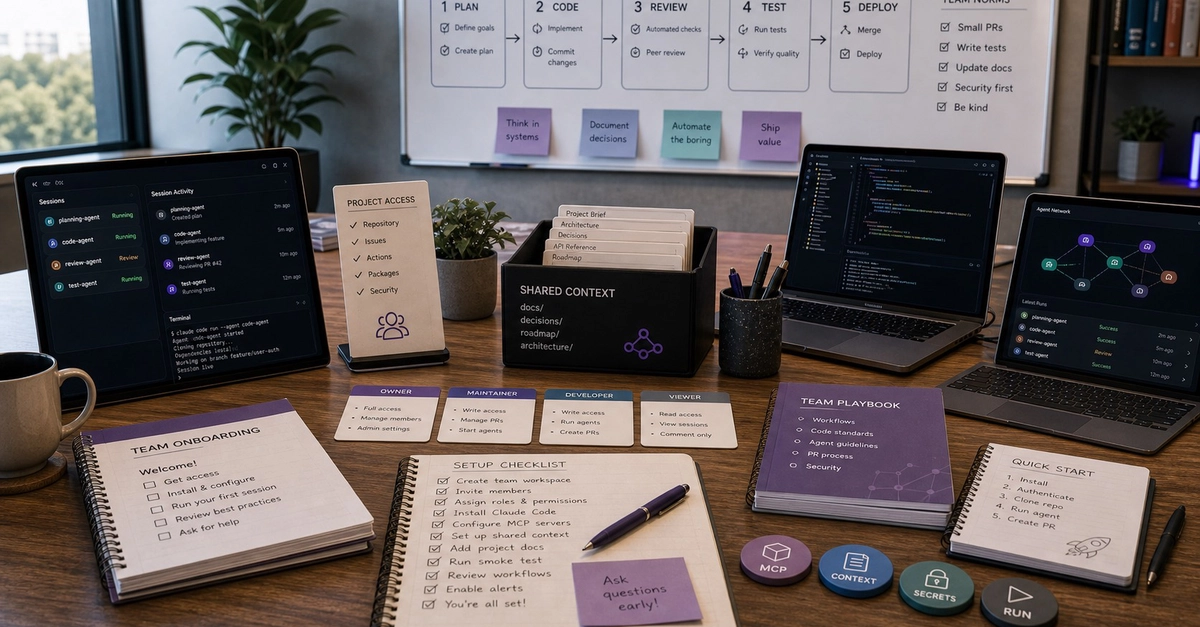
Most posts about Claude Code stop at "install it and say hi." This guide goes further. A reliable Claude Code workflow comes down to a handful of habits that actually ship code: a lean CLAUDE.md, plan mode before any edit, subagents for noisy research, parallel agents in git worktrees, hooks as guardrails, and a verification loop that kills hallucinations. These are the Claude Code best practices worth adopting in 2026 — the opinionated, hands-on version, no fluff.
Quick grounding for anyone new: Claude Code is Anthropic's official agentic coding tool — an AI coding assistant that lives in your terminal. It reads your codebase, edits files, runs commands, and integrates with your dev tools through natural language. It runs in the terminal, in VS Code/Cursor and JetBrains, in a desktop app, on the web at claude.ai/code, and in the Claude iOS app — all sharing the same engine, so your CLAUDE.md, settings, and MCP servers travel with you.
Why most Claude Code workflow advice stops at "install and say hi"
The beginner tutorials get you to a prompt and stop. The "Claude Code vs Cursor" posts argue about UI and never touch cost or parallelism. What nobody connects is the layered setup — the thing that turns a clever autocomplete into a teammate you can delegate to. That layering (memory + skills + hooks + subagents + MCP) plus running several agents at once is where the real productivity lives, and it's exactly what gets fragmented across ten separate posts.