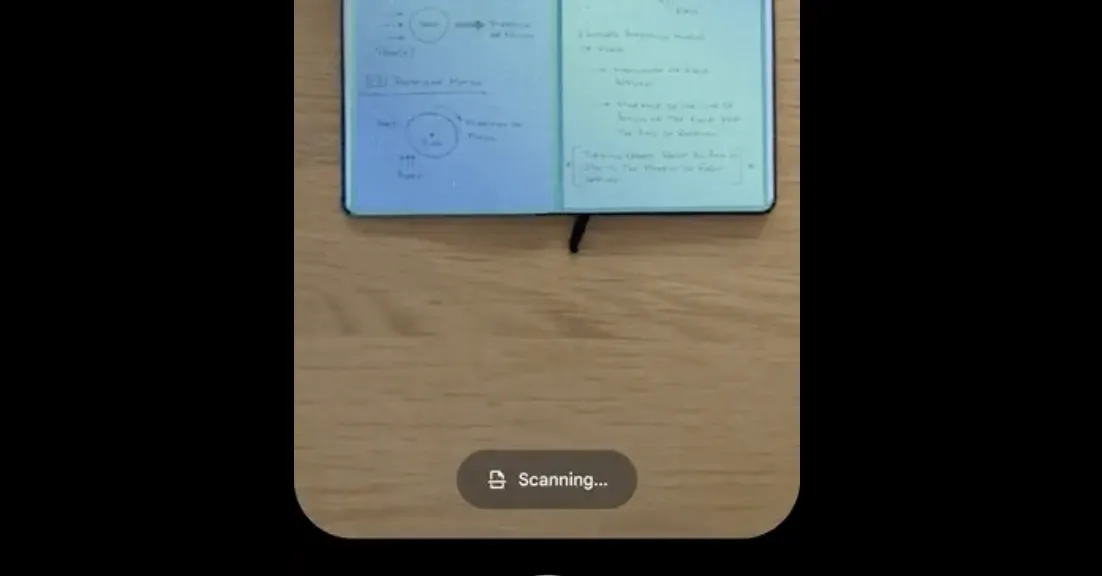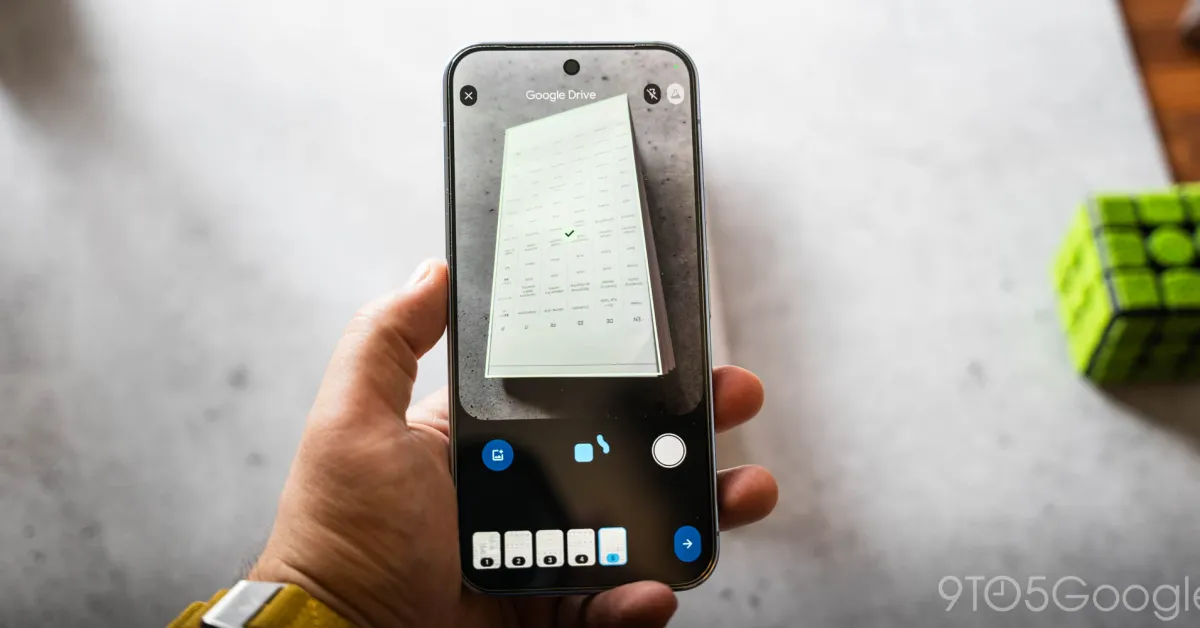
Google is upgrading its Document Scanner feature within the mobile Google Drive application, leveraging on-device artificial intelligence (AI) to allow users to scan multiple pages simultaneously. While many users are already familiar with the existing scanning tool, this latest update significantly enhances its capabilities by shifting to an automated, intelligent process.
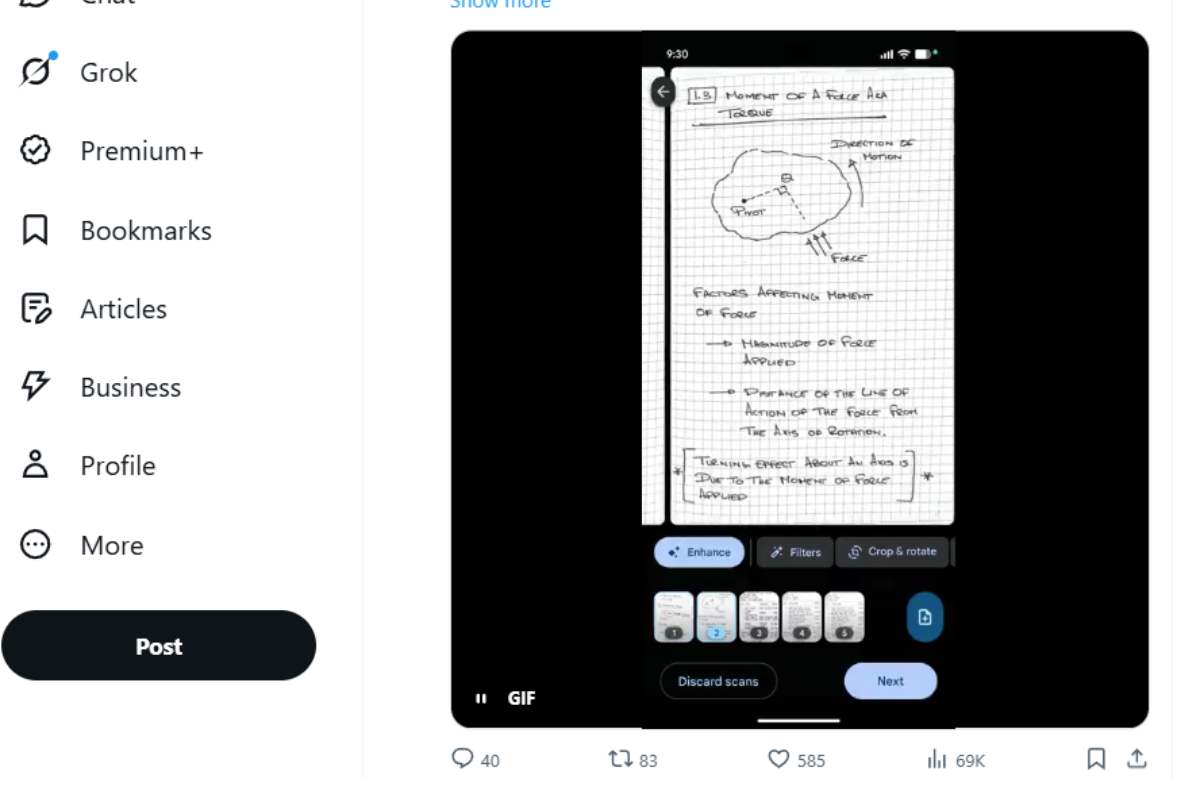
Scanning documents from a phone is a pain! Glad to see the new document scanning experience in Google Drive on Android is rolling out now. Smart Batch Scanning: Scan multiple pages at once, automatically splits them into separate docs. Duplicate Detection: Hovering… pic.twitter.com/Uqh2Zf2NMY
— Sameer Samat (@ssamat) May 29, 2026
A demonstration video shared on the X platform by Sameer Samat, Google’s President of Android Ecosystem, revealed a completely redesigned user interface (UI). Google Drive has transitioned to a clean, distraction-free "Material 3 Expressive" design, removing the old experimental beaker icon and introducing several professional-grade functions:
1. Smart Batch Scanning: Following the upgrade, users no longer need to scan documents page by page. Multiple pages can now be scanned in one go simply by holding the camera over the stack of documents. For larger pages, users can just pass the camera over them, and the system will automatically separate them into individual pages.