If you are reading this, your browser is probably consuming several gigabytes of RAM right now.
We’ve all been there: you’re in the middle of a coding session, Notion is open, Slack is running, you have 15 documentation tabs, 4 StackOverflow threads, and 3 Figma files. Suddenly, your IDE starts lagging, your MacBook's fans kick in, and your battery percent drops like a stone.
You open Chrome’s Task Manager, and there it is: Google Chrome is eating 12GB of RAM.
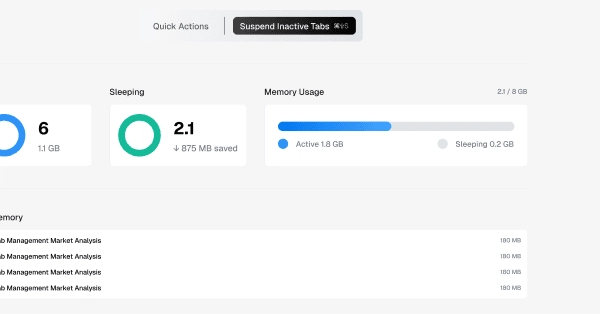
In this post, we’re going to dive into the technical reasons why Chrome is such a memory hog, compare legacy Manifest V2 extensions with the modern Manifest V3 architecture, and look at how we built a lightweight tab suspension extension to cut Chrome's memory footprint by up to 95%.
The Root Cause: Process Isolation & Sandboxing