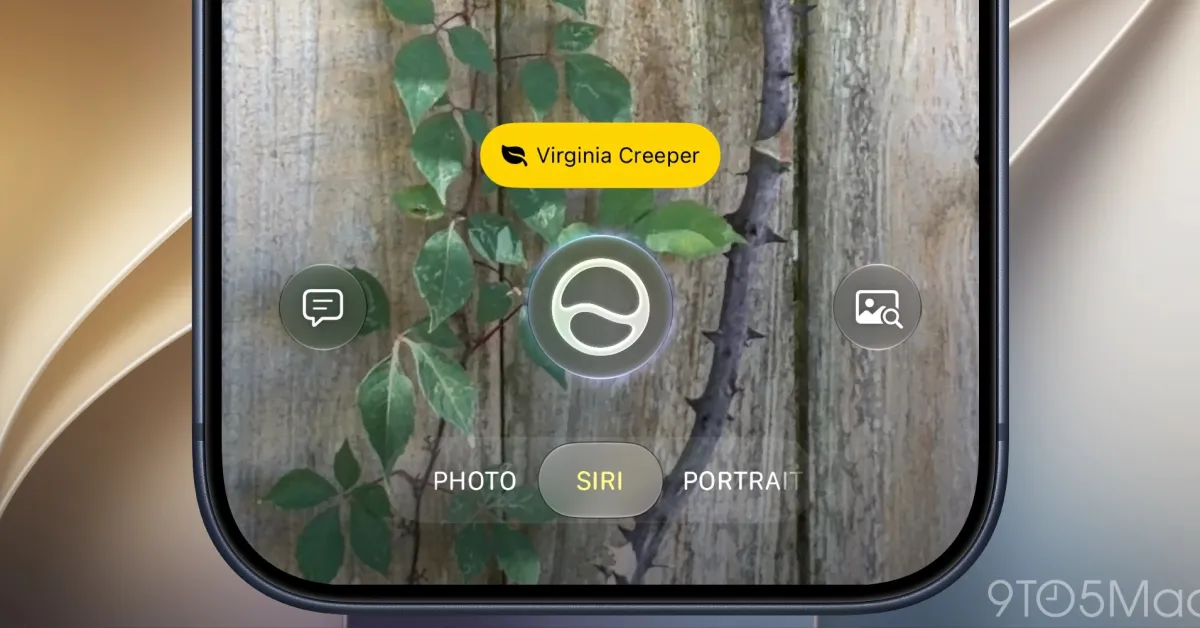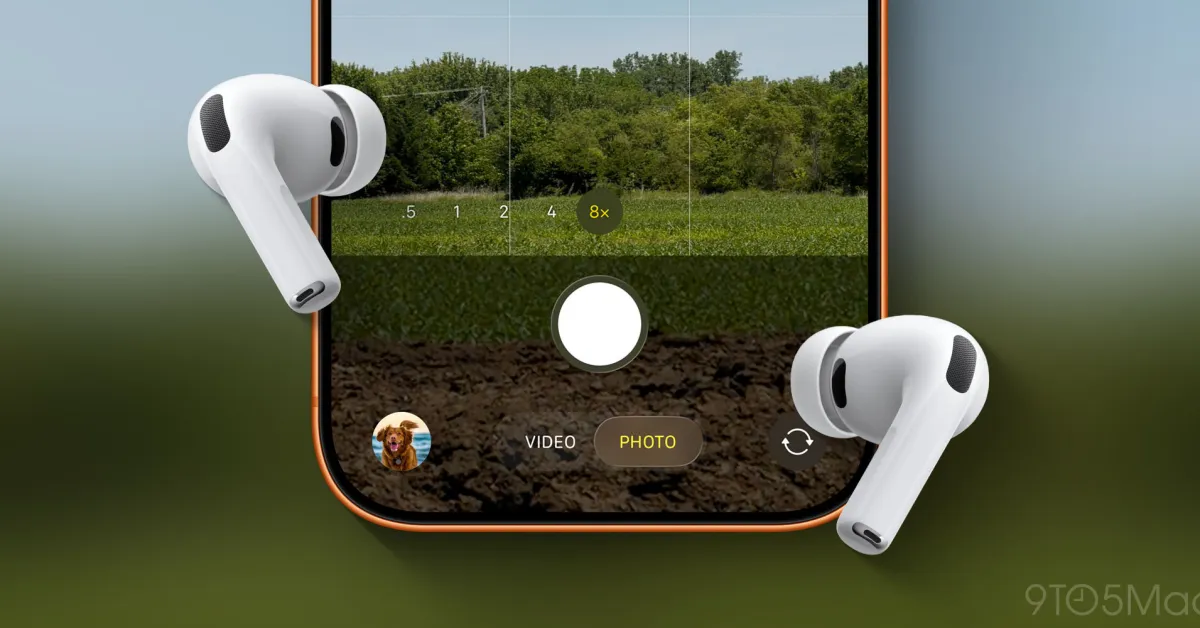
iOS 26 added a variety of new features for AirPods, including a Camera Remote setting to control your iPhone’s Camera app. Here’s how to use it.
Camera Remote can be enabled in AirPods settings to control iPhone’s Camera app
Have you ever wanted to take a photo or video without needing to have your iPhone within reach?
Apple Watch has long offered a Camera Remote app that lets you control the iPhone’s camera remotely. And you can always use the built-in timer in the Camera app.
But with iOS 26, Apple added a third option: Camera Remote for AirPods.