One of the best parts about using Android is the good old-fashioned geeky fun that comes with finding new ways to improve your digital environment — and improve your day-to-day efficiency.
That capability manifests itself in all sorts of interesting freedoms that (cough, cough) other mobile platforms don’t trust their users enough to allow — from added on-screen elements to custom air gestures, advanced multitasking additions, and all sorts of other shape-shifting enhancements that can completely change the way you interact with your device.
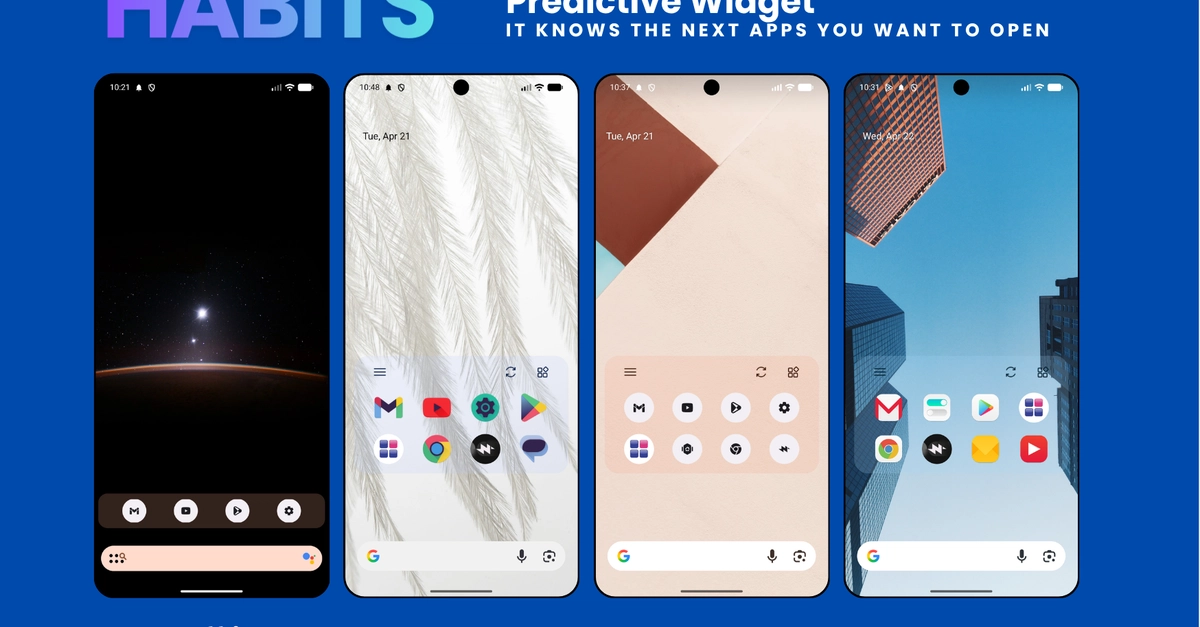
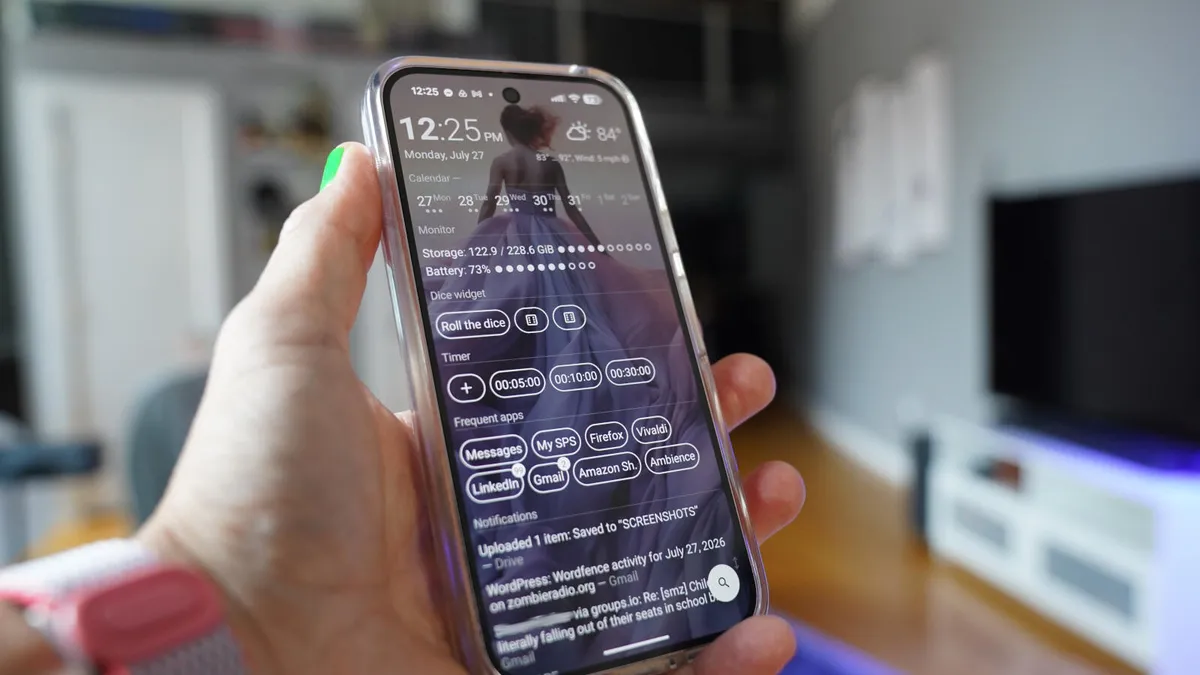
Perhaps the most classic example of advanced Android customization, though, is a splendid little somethin’ called the home screen launcher — a fancy way of saying the system that controls how your home screen and app drawer look and work. Your phone has a built-in process that handles that by default, but here in the land o’ Googley matters, you can always replace that with something completely different and make your device adapt to the way you like to work instead of the other way around.
We’ve got no shortage of interesting Android launcher options, too, ranging from versatile blank slates for complete customization to carefully crafted frameworks for ergonomic efficiency and even throwbacks to mobile operating systems past.