When you purchase through links on our site, we may earn an affiliate commission. Here’s how it works.
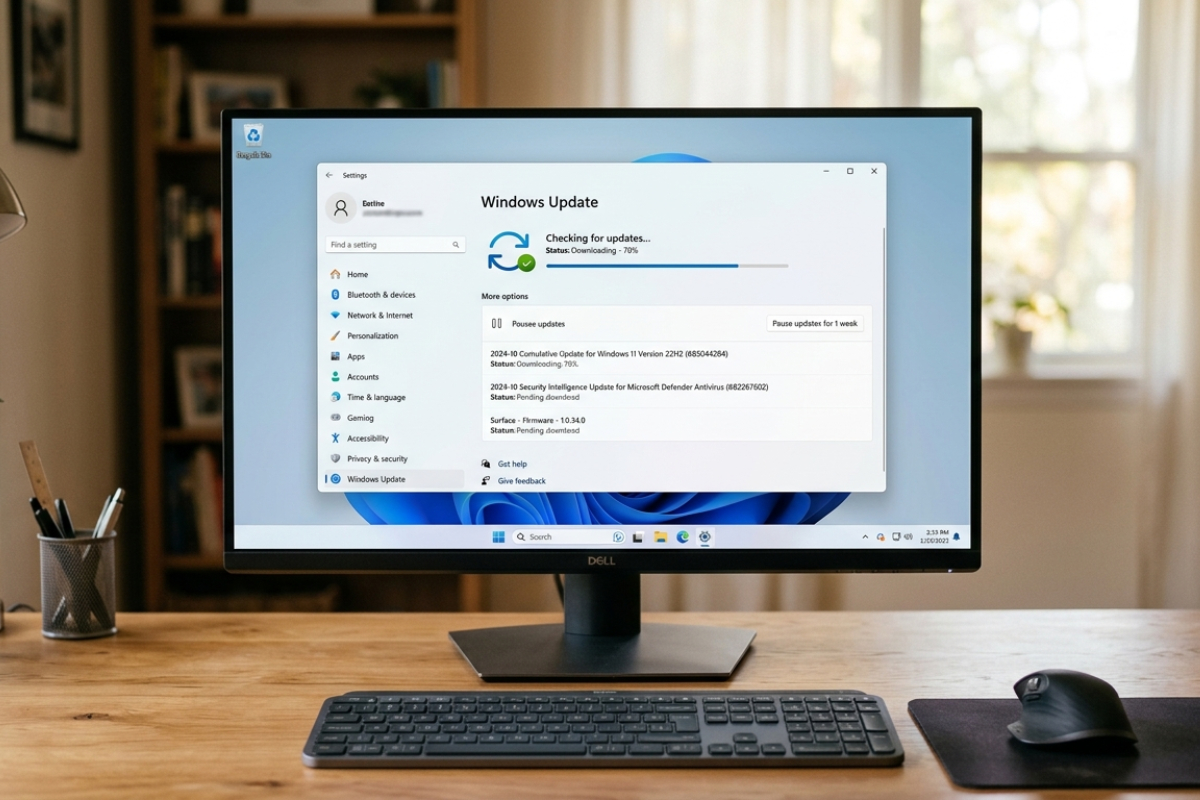
Microsoft is testing a one-click Windows 11 feature to uninstall local AI components on Copilot+ PCs.
Sayan Sen
Neowin
@ssc_combater007 ·
Microsoft is working on a Windows 11 AI model uninstall button, allowing users to remove unused AI components and potentially reclaim significant disk space.
Microsoft testing one-click uninstall for on-device AI components (Phi Silica ~2.5GB) on Windows 11 Copilot+ PCs. Selective uninstall helps IT manage 256GB baseline systems; signals local AI processing significantly impacts Copilot+ infrastructure investment.
When you purchase through links on our site, we may earn an affiliate commission. Here’s how it works.
Microsoft is testing a one-click Windows 11 feature to uninstall local AI components on Copilot+ PCs.
Sayan Sen
Neowin
@ssc_combater007 ·
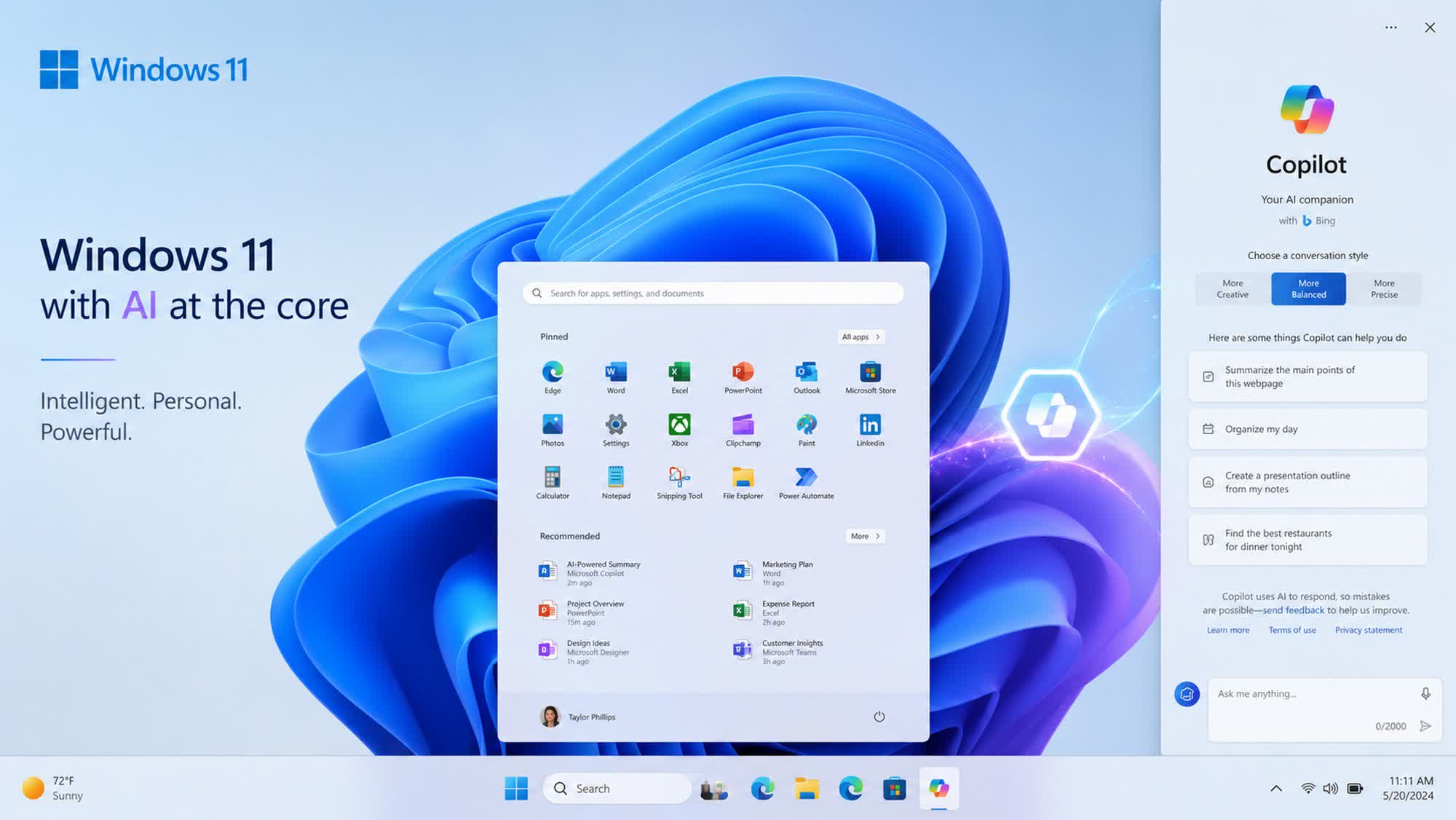
Windows 11 Insider Experimental Preview Build 26300.8553 rolled out last week with several new features, improvements, and bug…
A new major Windows 11 release means a new guide for cleaning up the OS.
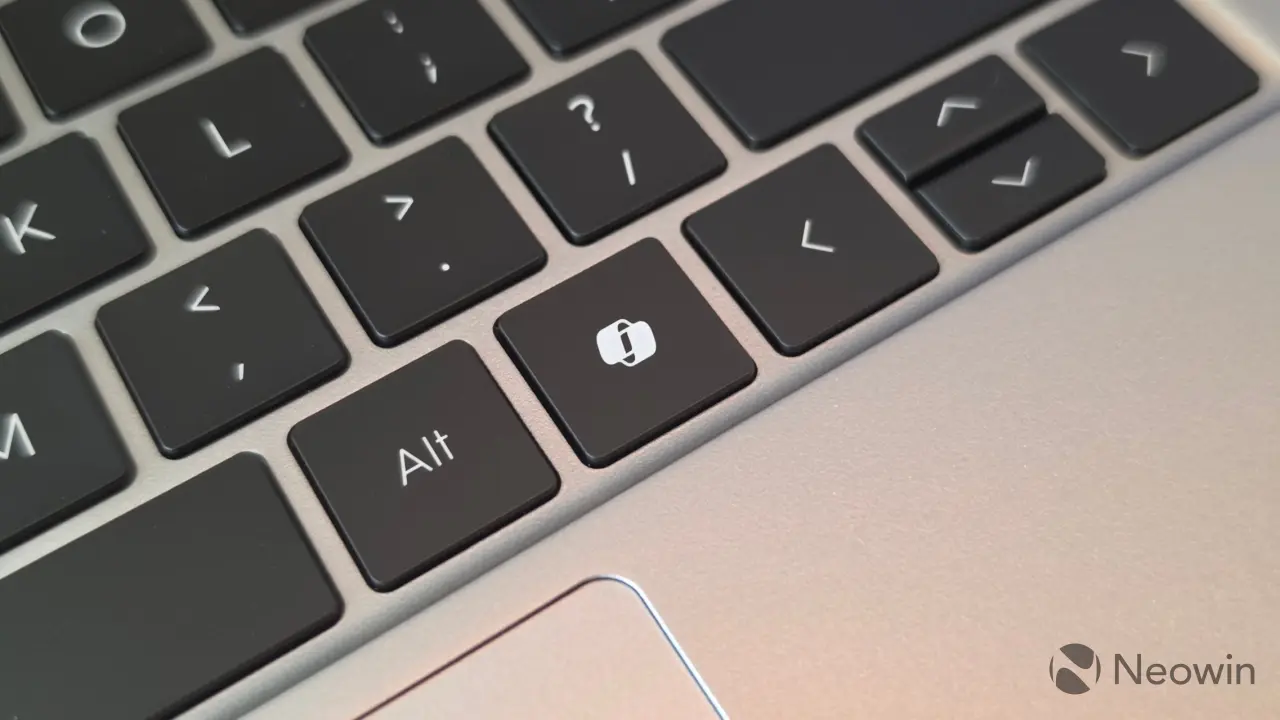
Microsoft may finally be backing down on one of its most criticized AI decisions, and Windows 11 users could soon benefit.
Bit by bit, the company is weaving AI throughout its desktop OS.
Microsoft has confirmed that a default Windows 11 service is indeed gobbling up huge amounts of disk space. A fix is rolling out.

You don't have to live with Microsoft Copilot in Windows 11. Here's how to get rid of it, once and for all.