Jack Wallen/ZDNETFollow ZDNET: Add us as a preferred source on Google.ZDNET's key takeawaysAs long as your Android phone can power on, you can extract files from it.Using the command-line ADB tool gives you plenty of power.ADB is free and can be used on Linux, MacOS, and Windows.Have you ever dropped your phone and realized, as it fell in slow motion to the concrete below, that something bad was about to happen?You pick up the device to see a spiderweb of cracks running across the display. No matter how you touch the screen, the phone simply won't react.Gasp! What do you do? You'll do one of three things: take it to a repair shop, attempt to fix it yourself, or get a new phone. If your screen is shattered, you probably can't even turn on Repair Mode.Also: I've used Android Auto with Gemini for 2 months now - it's transformed my drives in 4 waysBut what if you need to get some files off that device immediately? Maybe your resume was on that phone, and a recruiter has requested a copy tout de suite. How do you pull off that little feat?You have options. First, if you have access to a MacBook, iMac, or Mac Studio, you could use MacDroid to retrieve that file. If you don't have access to an Apple device, you may have to turn to ADB, which stands for Android Debug Bridge, a command-line tool that enables you to communicate with and control your device from a computer.Sounds a bit daunting? I'll show you how to use this tool.ADB can be installed on Linux, MacOS, and Windows, and it works the same across all three platforms. I'm going to install it on Pop!_OS Linux, then walk you through the commands to grab that file from your phone.Are you ready for this?How to install ADBI'm going to demonstrate this on a Ubuntu-based Linux distribution. If you use MacOS or Windows, you can download and install the Android SDK. You can also download the source file for the SDK from that same site, but I want to show you an easier way. First, open your terminal window app on Linux.
Dead touchscreen? This Android tool lets you extract files from an unresponsive phone
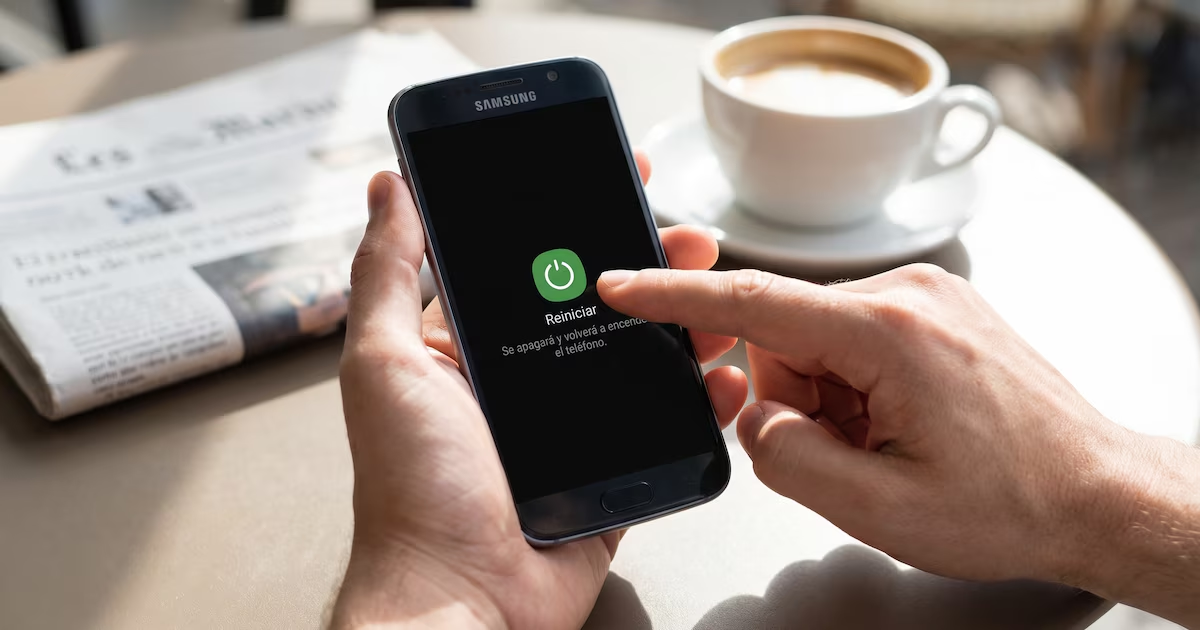
If you've ever broken your phone's screen but still wanted to get data or files from it, you know how painful that can be, but there is a way to do it.
742 words~3 min read