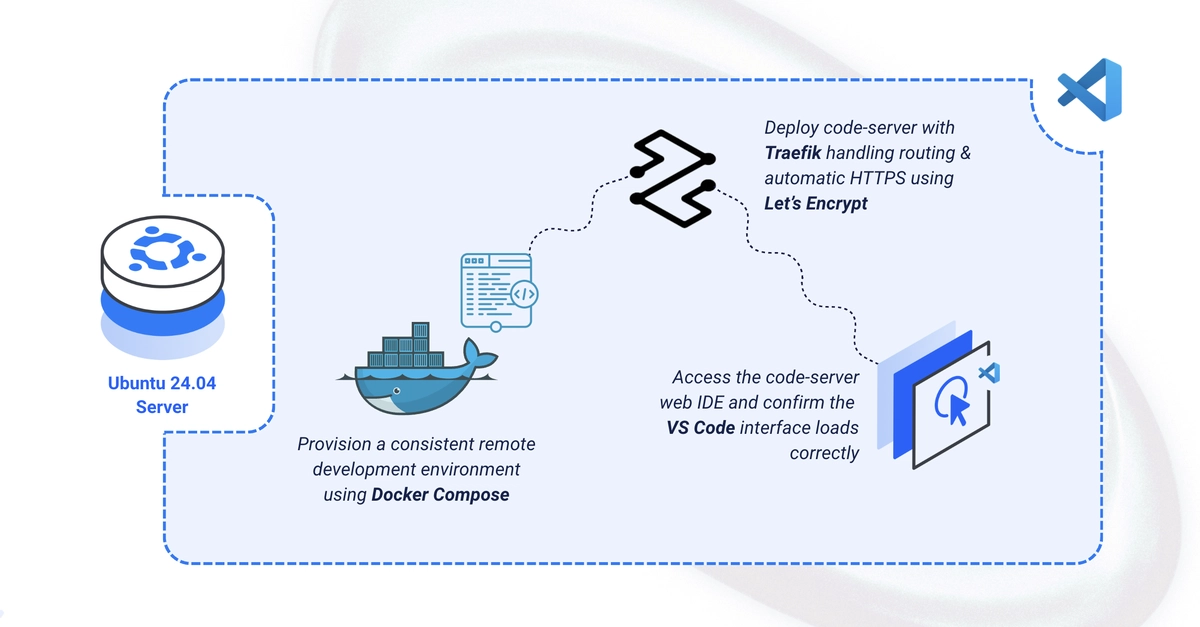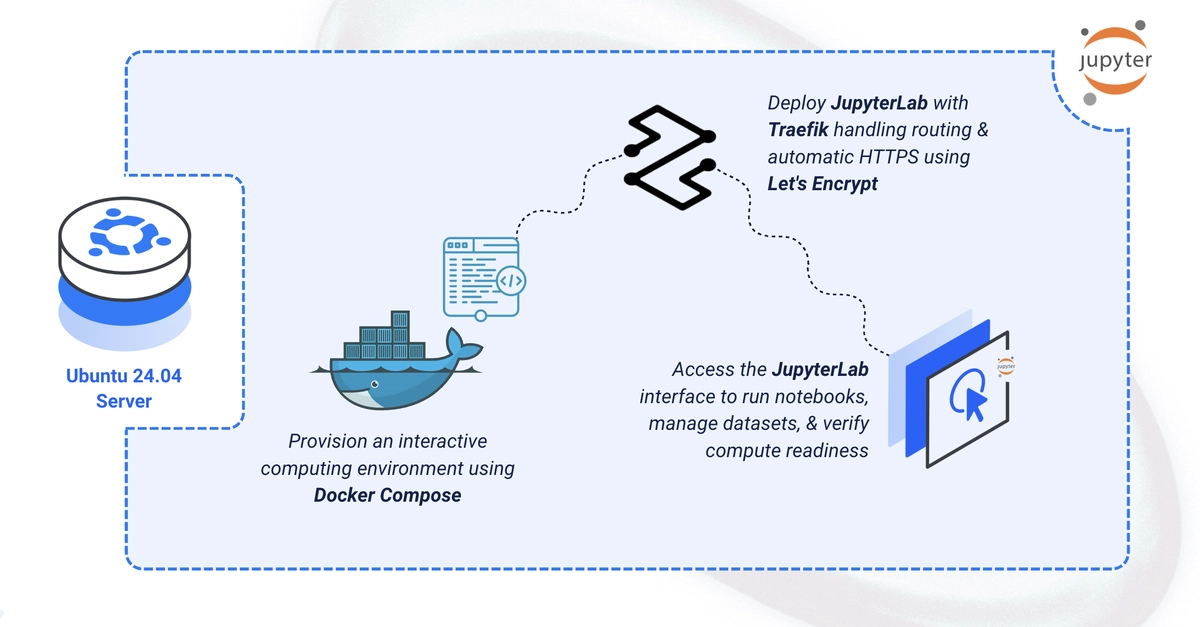
JupyterLab is the next-generation web-based IDE for the Jupyter ecosystem, with notebook editing, file browsing, a terminal, and rich interactive outputs in one workspace. This guide deploys JupyterLab using Docker Compose with Traefik handling automatic HTTPS, backed by persistent notebook and data volumes. By the end, you'll have JupyterLab running securely at your domain, ready for Python development.
Set Up the Directory Structure
1. Create the project directory structure:
$ mkdir -p ~/jupyter-lab/{notebooks,data}
$ cd ~/jupyter-lab