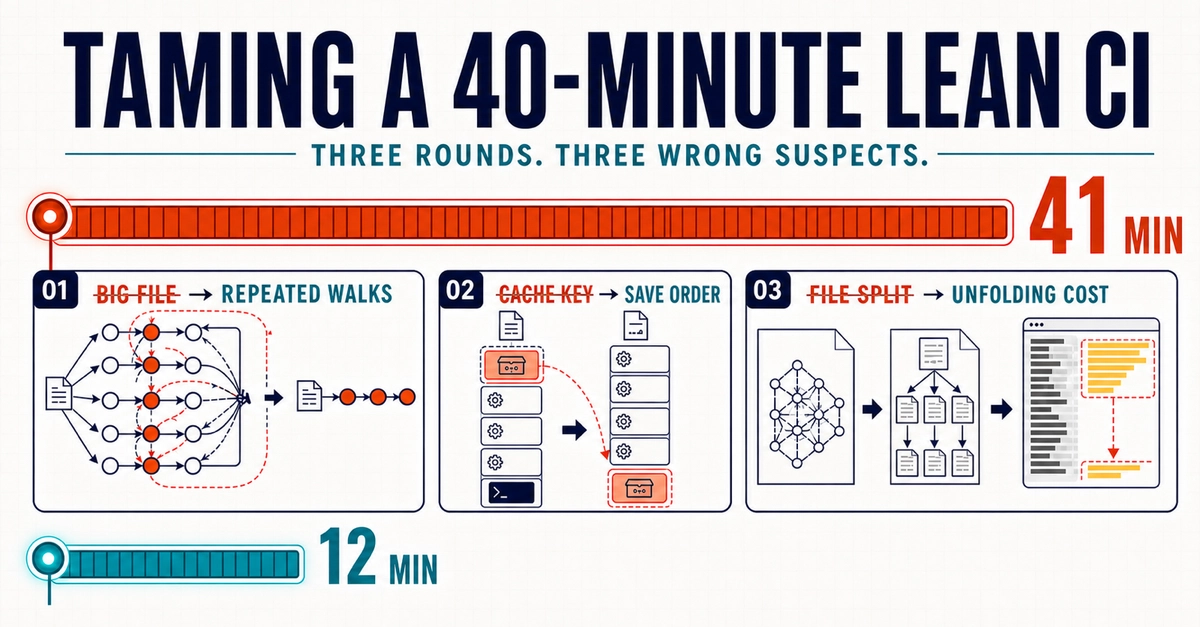
You push a critical hotfix, switch branches—and your CI is still running 30 minutes later. In my current project, our backend pipeline ran across a massive monorepo (~7,000 unit, ~600 integration, ~150 API E2E tests, ~200MB vendor) — and it bloated to a painful 35+ minutes.
It was killing productivity. While the team was frustrated, no one had the time to dive into the runner infrastructure. My roots are in Linux sysadmin work, and I’ve always carried that 'tinkerer' DNA into my software engineering. I don't stop at "it works" — I want to understand the full execution path and how it interacts with the OS and the hardware.
Driven by that urge to look under the hood, I decided against throwing more AWS resources at the problem. Instead, I dug into what was actually slowing things down. This isn’t a full how-to. It’s a practical look at what actually moved the needle — and what didn’t — when we cut our pipeline down to ~5 minutes.
1. Bypassing AWS EBS Limits with RAM Disks (tmpfs)
Initially, I suspected our test databases were the main I/O bottleneck. But a quick look at our EC2 metrics revealed the truth: the CPU was barely breaking a sweat, while disk I/O was completely maxed out. The real killer? Logs and temporary file processing. We deliberately run our CI tests in debug mode so developers get a full stack trace instantly upon failure.