Plugin and extension development for JetBrains products.
IntelliJ Platform
PluginsStop Pasting Tokens: OAuth2 Login for JetBrains IDE Plugins
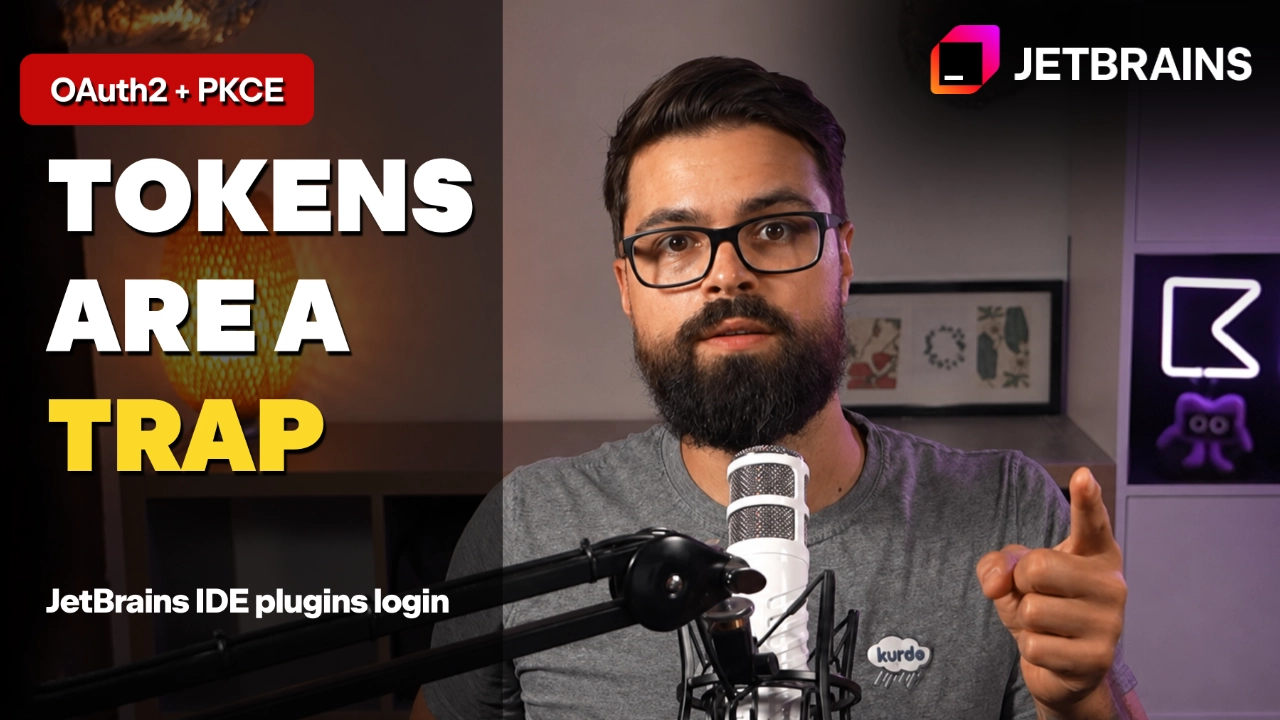
The moment a plugin needs account data, a simple API call turns into an authentication problem. The bad shortcut is familiar: ask the user to create a personal access token (PAT), make them paste it into settings, and hope it never leaks.
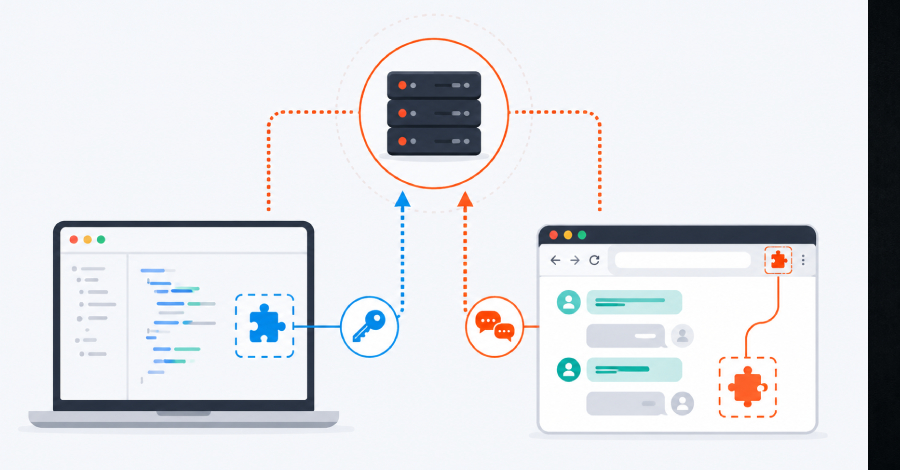
For a JetBrains IDE plugin, use this flow instead: the user clicks the Login button, the browser opens, the provider handles sign-in, the IDE receives a callback, and the plugin stores the token.