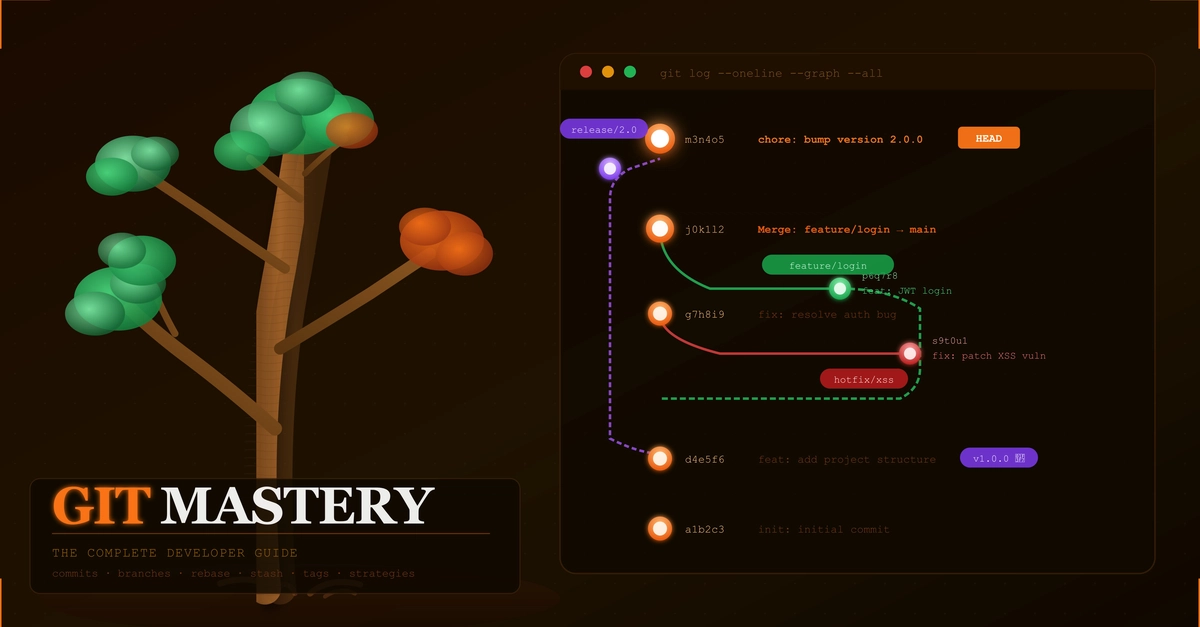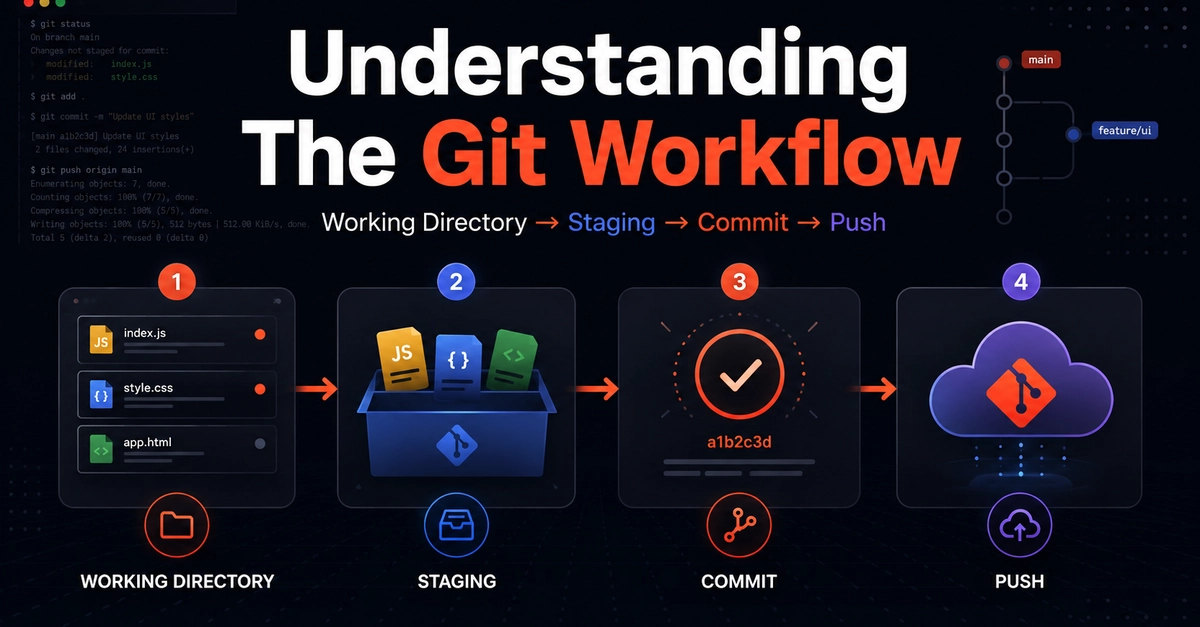
Imagine you are working on a new feature for your web app. You write some code, but everything breaks, and suddenly your whole project is ruined. This is why Git branches exist. They allow you to test new ideas in a safe sandbox without touching your main, working code. By using the terminal, you gain complete control over your project history and collaborate like a professional developer.
Prerequisites: Setting the Stage
Before you can practice branching, you need a live Git repository with at least one save point (commit). Git cannot track or display branches in an empty repository.
Open your terminal, create a project folder, initialize Git, and create your foundational commit by running these commands:
mkdir git-blog-post && cd git-blog-post