Every profession has its insider tips and secrets. Plumbers know which noises could signal a potential wading pool in your kitchen, and mechanics know which warning lights deserve immediate attention before your vehicle grinds to a halt.
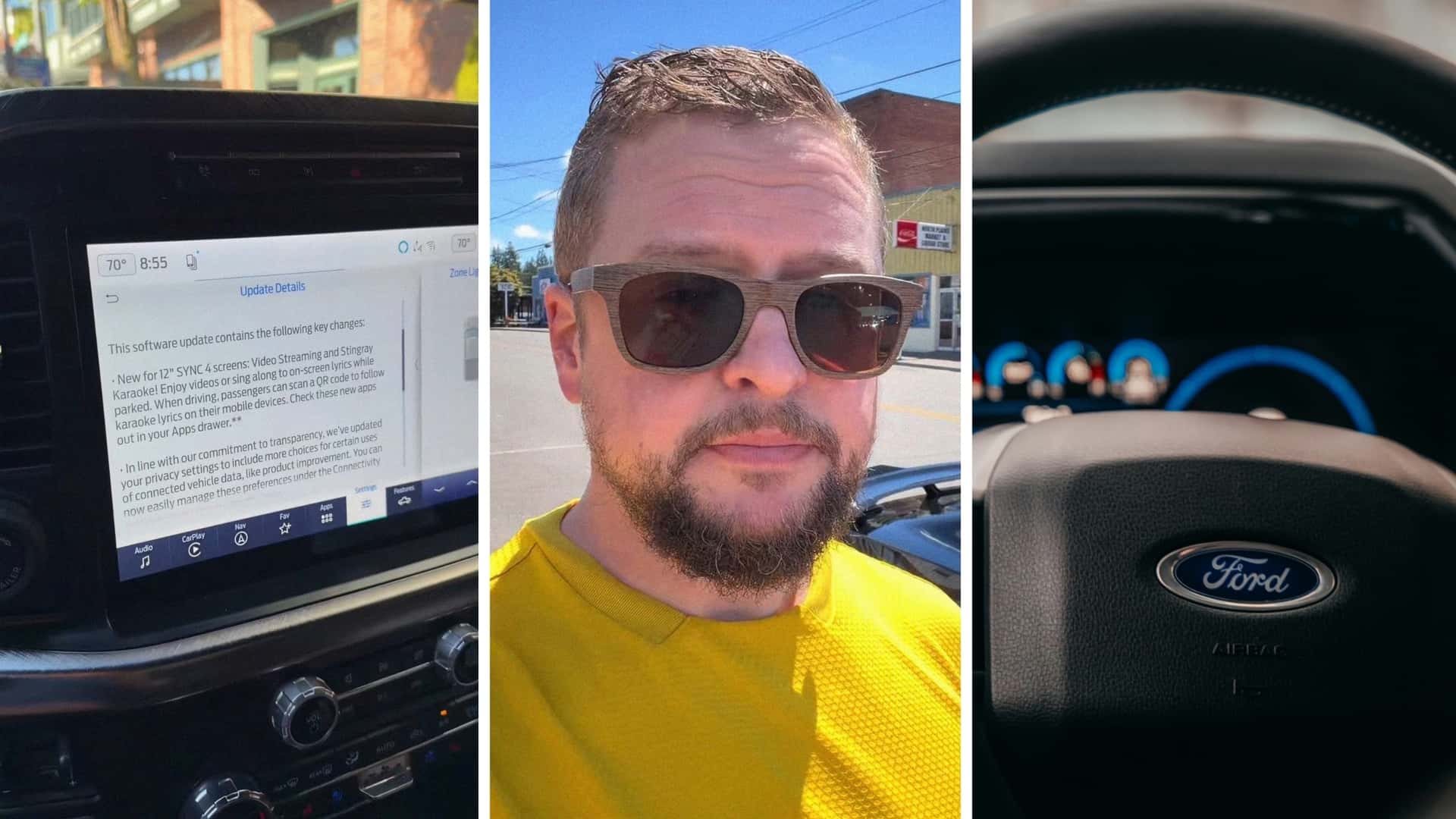
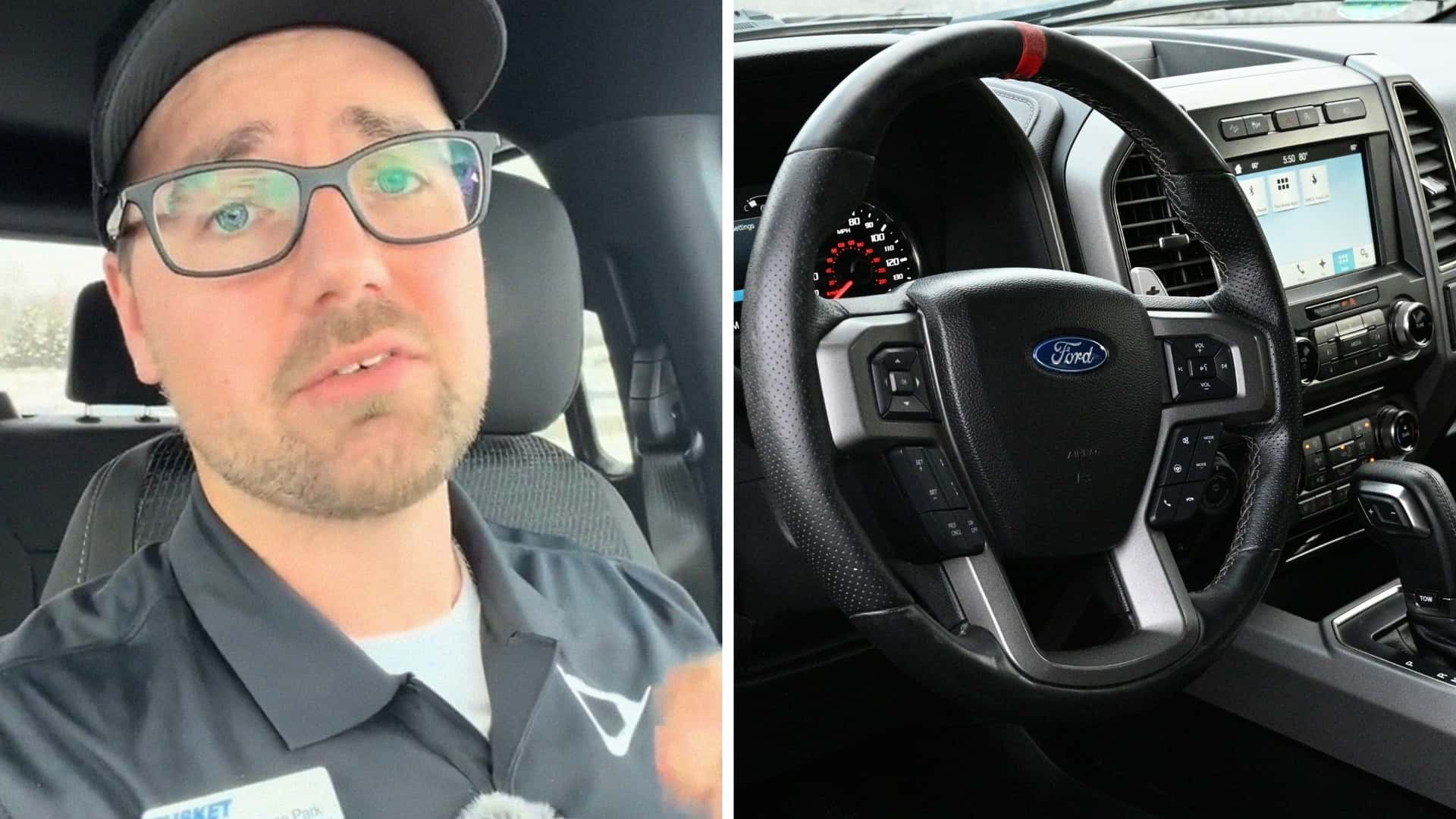
A recent TikTok shows us that for Ford employees one of the old trusty bits of knowledge is how a two-button shortcut can sometimes rescue a frozen infotainment screen in seconds. The clip from salesman Jesse Park (@jesseparkauto) at Tusket Ford in Nova Scotia is intended to help Ford owners unlock their center display without losing all the apps and updates they’ve installed to personalize and fine-tune their driving experience.
“This procedure is known as a soft reset. Unlike a factory reset, you don't lose your apps and your settings won't be cleared,” he said in the clip that’s been viewed more than 15,000 times.
The Five-Second Ford Infotainment Center Fix
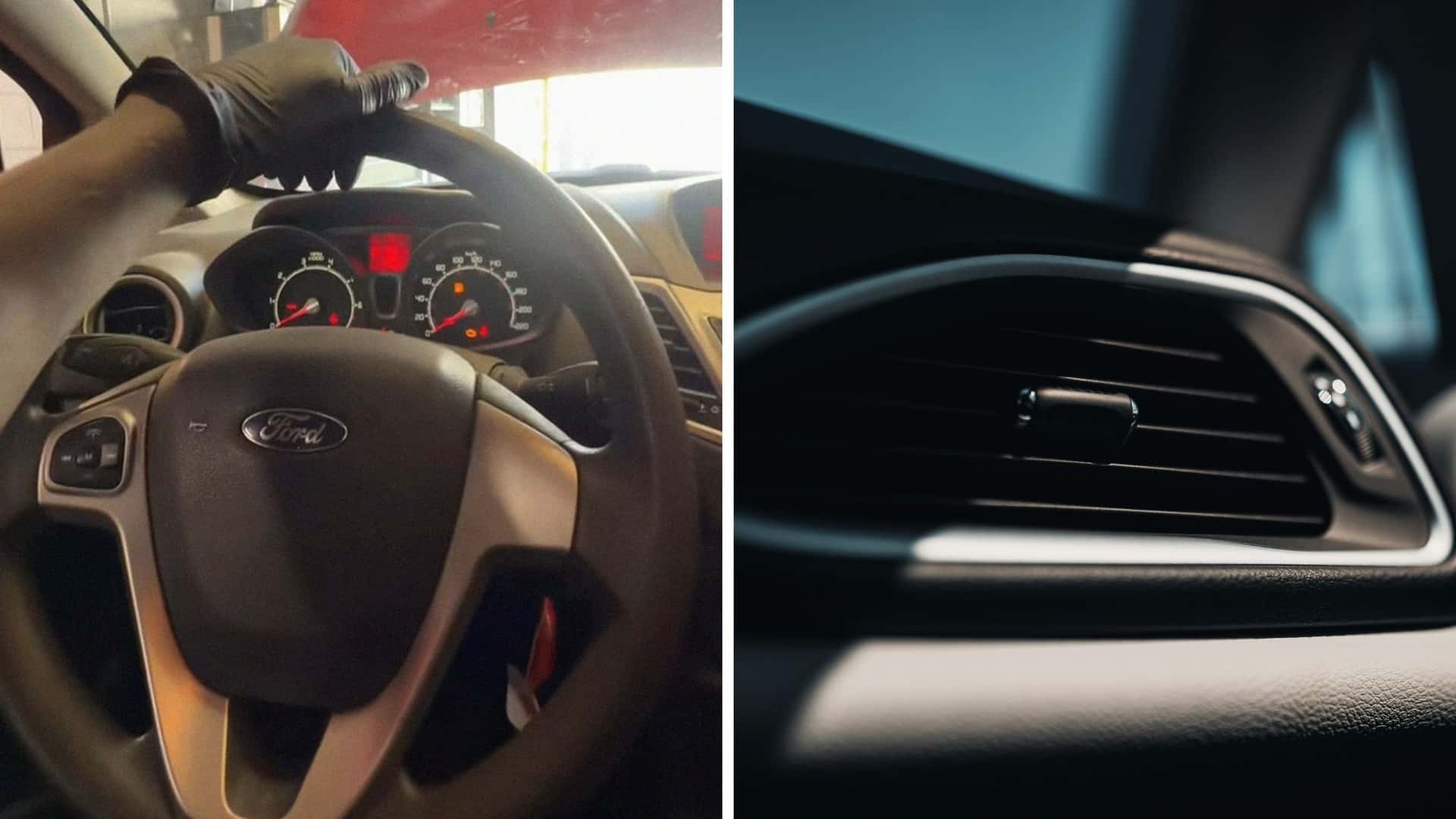
The reset itself requires holding the volume down button and the next track button on the steering wheel for roughly five seconds. Drivers can also perform the same reset by pressing the volume knob and seek right button located below the infotainment screen.