TL;DR
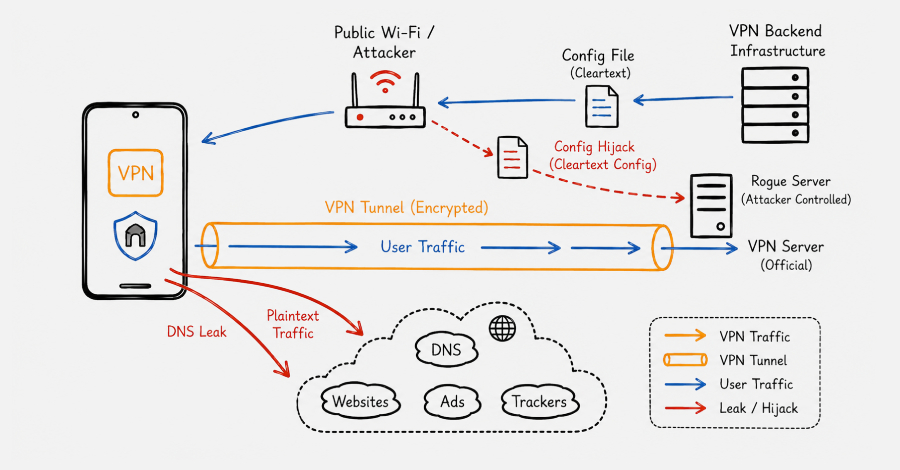
Testing for a DNS leak takes 2 minutes: connect your VPN, open dnsleaktest.com and run the Extended Test, then check whether the DNS servers detected are your VPN's (not your ISP's). If the resolved DNS belongs to BT, Comcast, Verizon, Movistar — or whichever ISP you'd normally use without a VPN — that's a confirmed leak.
Three main causes: (1) VPN without "DNS Leak Protection" enabled, (2) Windows Smart Multi-Homed DNS bypassing the tunnel, (3) Browser with DoH enabled separately.
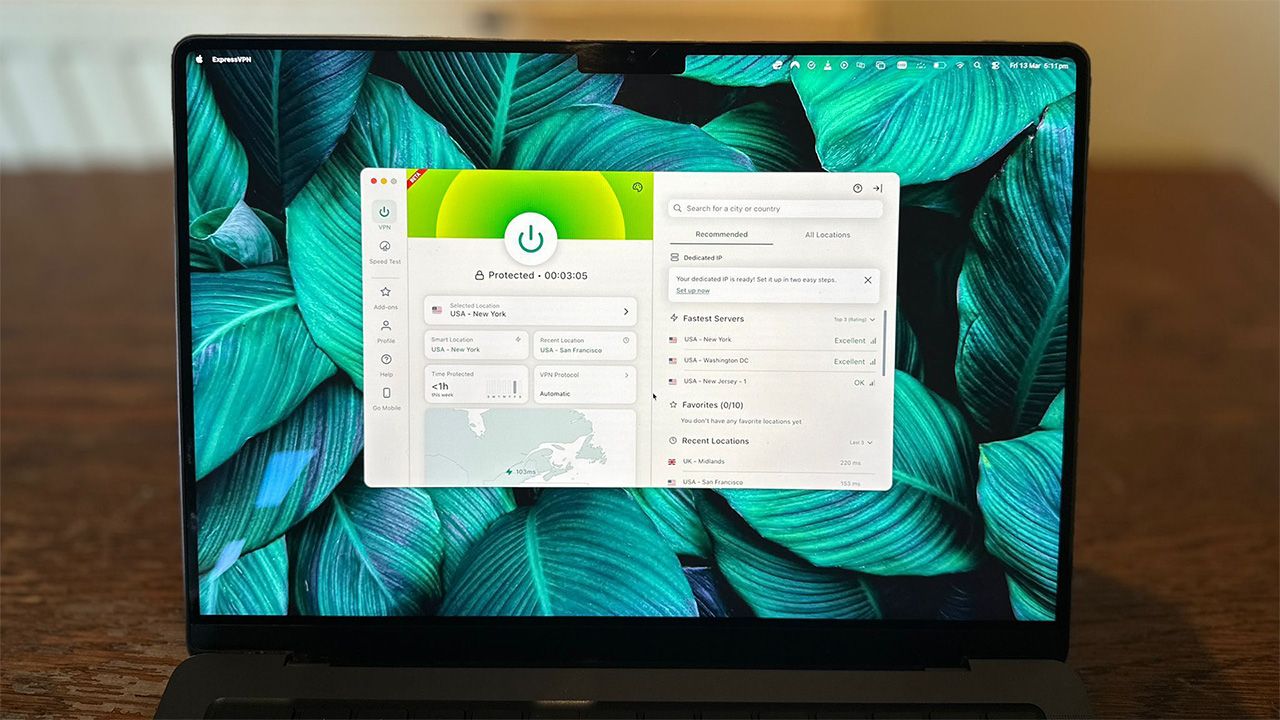
The fix takes 5 minutes depending on the case — detailed below by OS and browser. NordVPN, ExpressVPN, and Surfshark enable DNS Leak Protection by default since 2023 and pass leak tests in 99% of our audit sessions.
Why DNS leaks exist — 4 documented technical causes