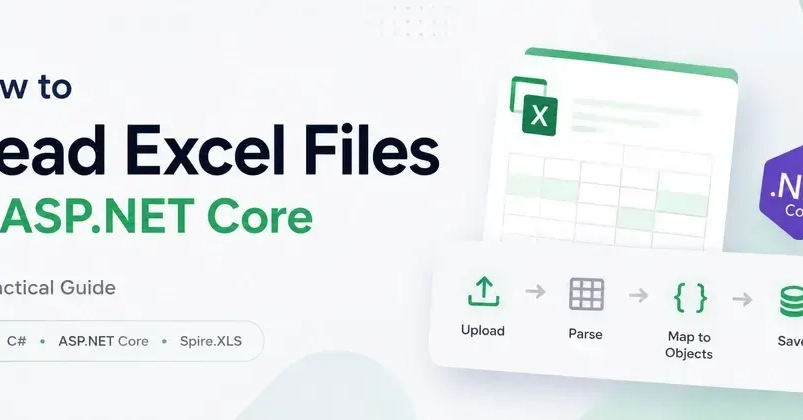
This article will teach you how to export any list into Excel in C# using the ClosedXML library.
Steps to complete
Create the data model with dummy data that we'll export into Excel.
Create ExportExcel interface methods that accept any type of List (using IEnumerable<T>) and a Dictionary List and export a byte array.
Create extension methods and convert the provided data into rows and columns (using DataTable).