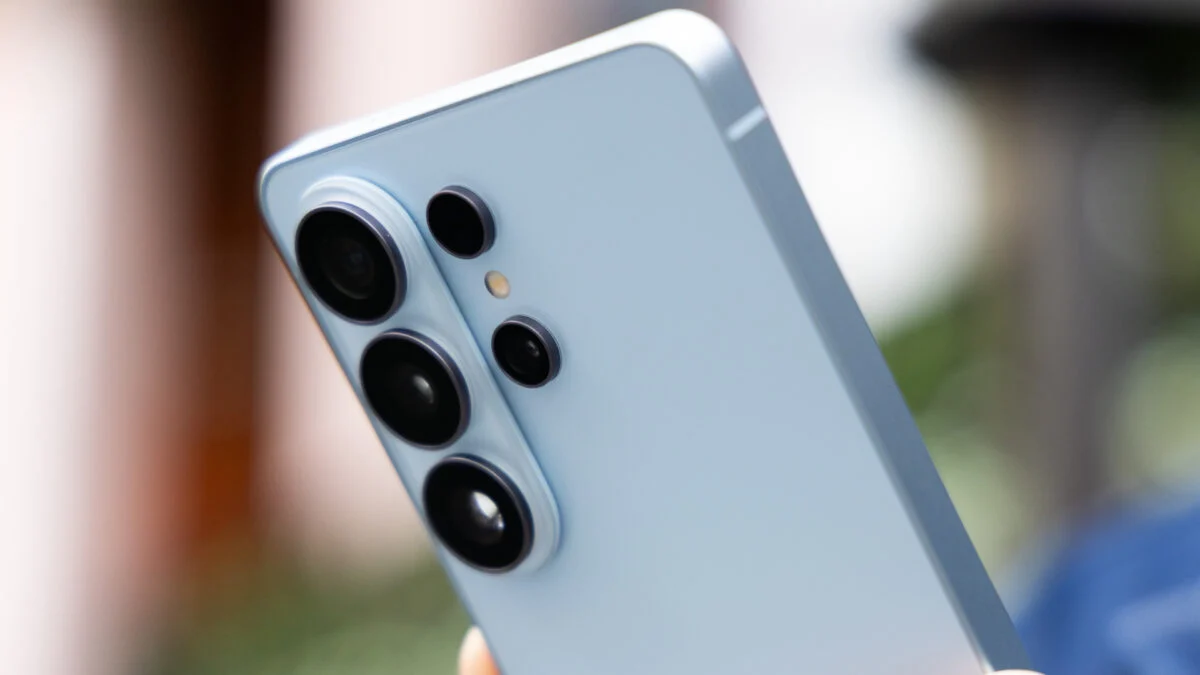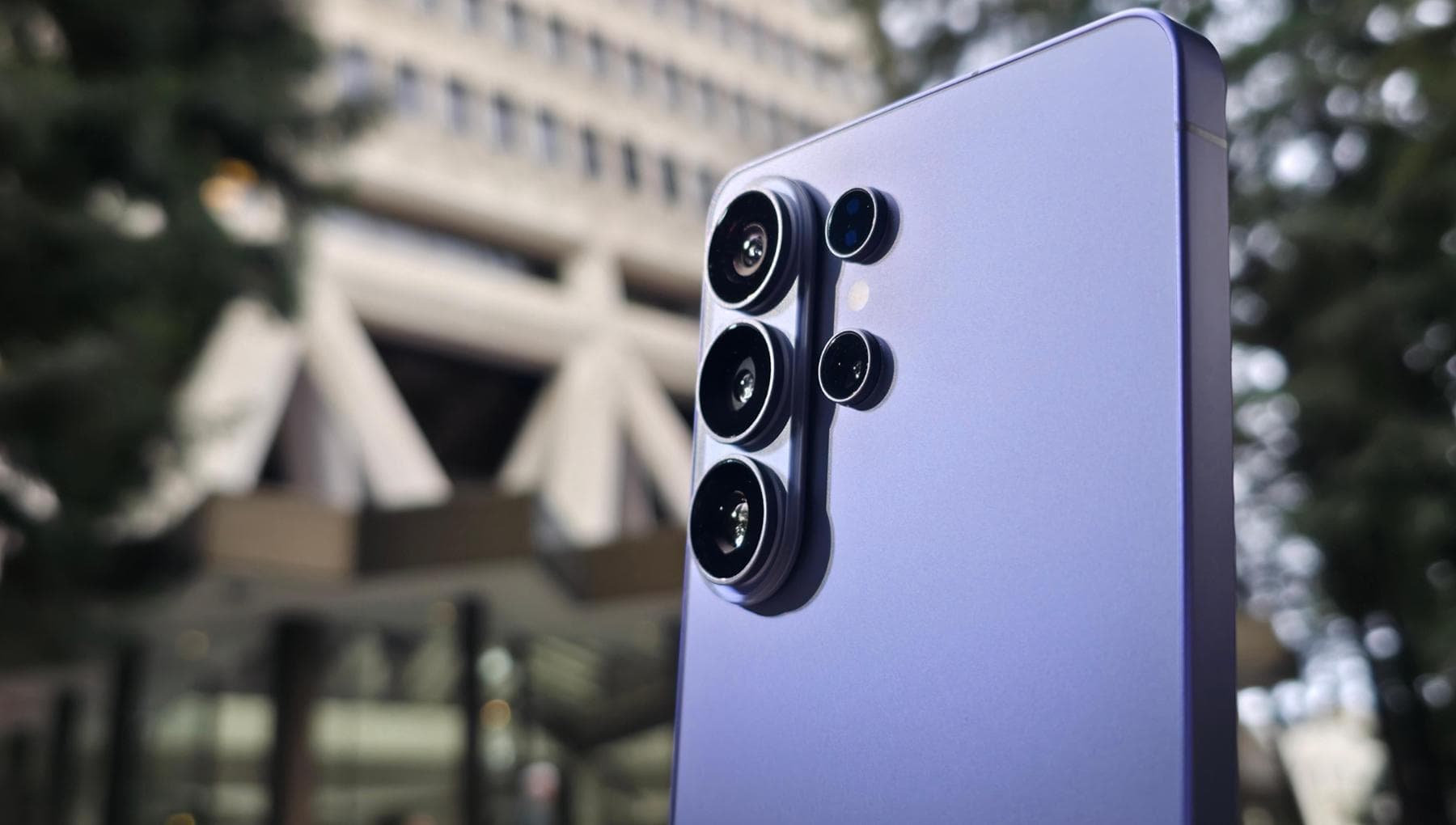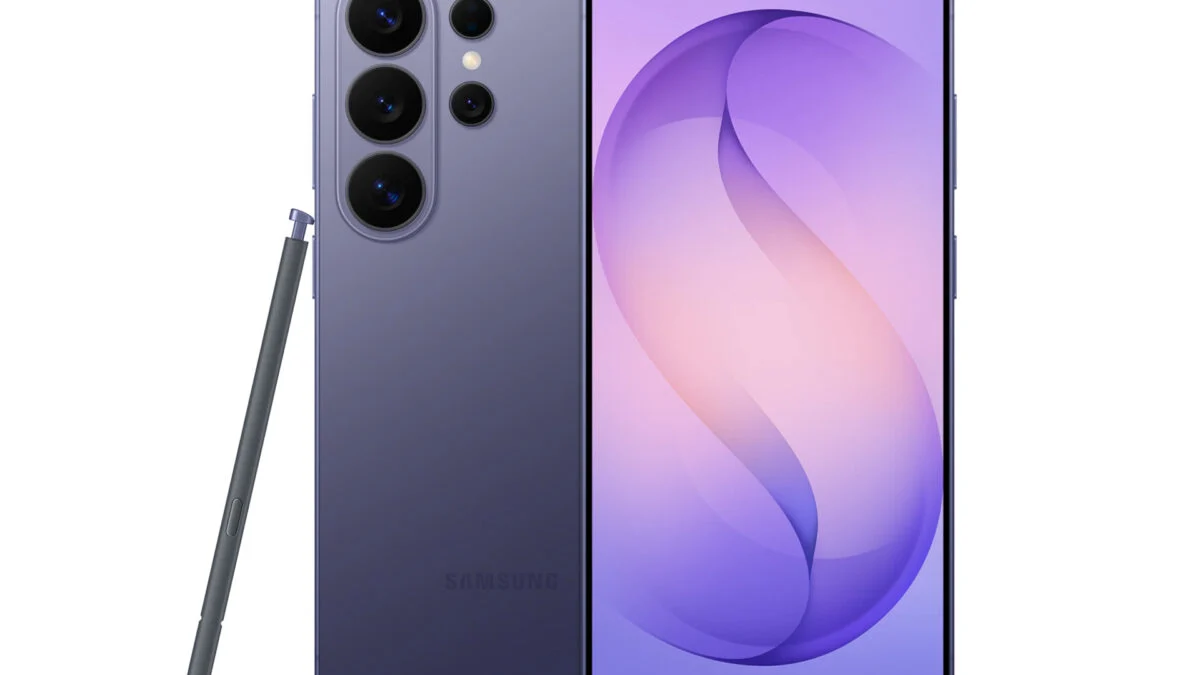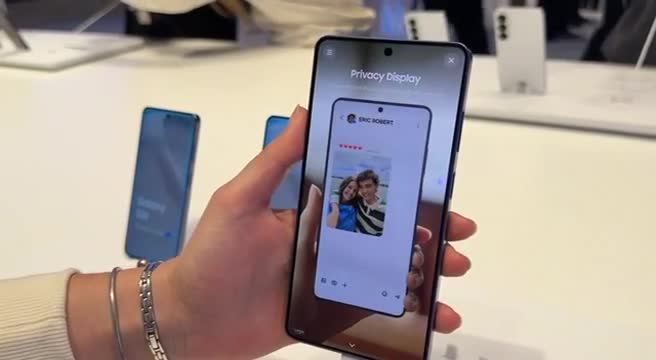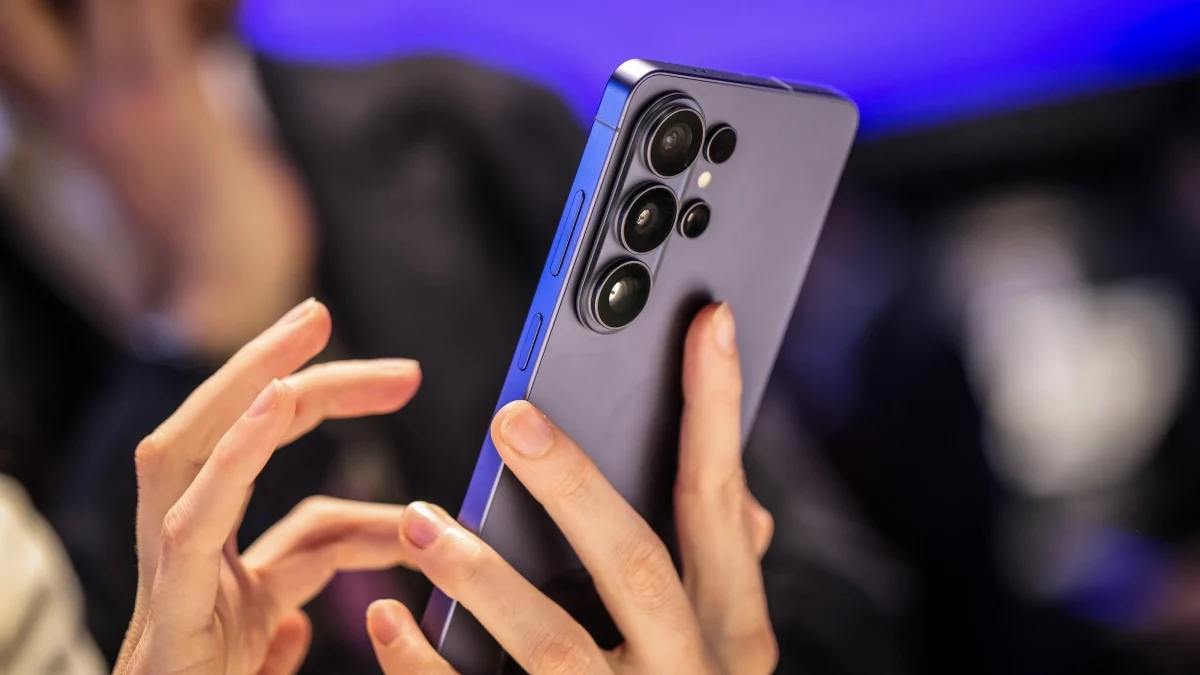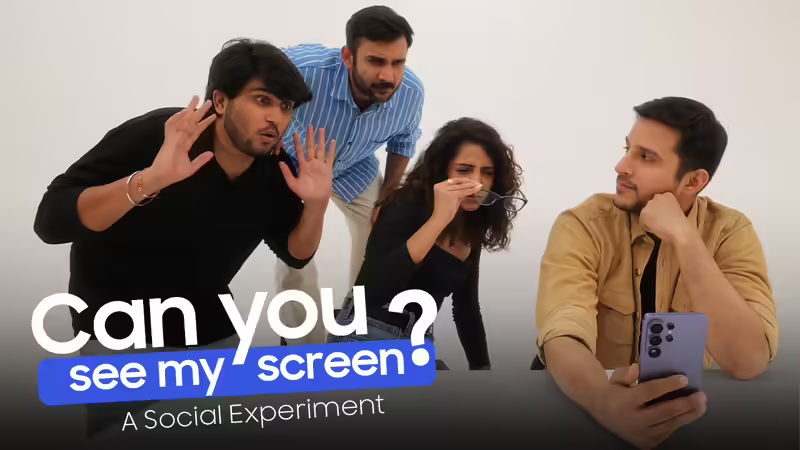
The most personal device you own has always had a very public problem. You are in the metro, half-checking your bank app, and someone sits down a tad too close. Tilt. You are at a café, an OTP pops up at the worst possible moment, and the person across the table has very obviously looked up. Lock screen. You are standing in a queue, reading something private, and you can feel someone's eyes on your screen from two feet away. The casual body block. Well, we have all developed this little choreography without anyone ever teaching it to us. It is just what you do when your most personal device spends most of its life in extremely public spaces. The fix, for years, was either a clunky privacy film that made your screen look like it was perpetually in low-power mode, or just hoping for the best. Neither was actually a solution. So the Samsung Galaxy S26 Ultra took to settle this - properly- at the pixel level.The grand Gadgets Now Social experiment: ‘Can you see my screen’We at Gadgets Now teamed up with Pranay Pachauri to experiment with the Privacy Display on the all new Samsung Galaxy S26 Ultra.One guy. One unlocked phone. One open challenge to everyone around him: walk up, try your hardest, read whatever's on the screen. No angle restrictions, no tricks - just go for it.And then came the challengers - three of Gadgets Now's finest, each more convinced than the last that they would crack it. One leaned in like their life depended on it. One went full detective mode. And one? Let's just say they got creative. None of them stood a chance.What followed was a procession of confident Gadgets Now challengers meeting a quiet defeat. Guesses flew. Nobody got it right. The phone just sat there, screen fully on and fully unreadable to anyone who wasn't holding it. When the last challenger finally gave up, the reaction was instant: "That's cheating!"It wasn't. It was the Samsung Galaxy S26 Ultra's Privacy Display doing exactly what it promises, making your screen visible to one person. The one holding it.Behind the magic. Actually not magic, just better engineering.This is the world's first built-in privacy display on any smartphone, and the reason it hits differently from every privacy film you've ever tried is that it doesn't sit on top of the screen. It is the screen. Samsung spent five years and around 150 patents building a panel architecture called Flex Magic Pixel, which uses two types of pixels: narrow and wide; interlaced across the entire display. In the ‘Normal mode’, both types fire together, light spreads broadly, screen visible from almost anywhere. Whereas in the ‘Privacy mode’, the wide pixels stand down, only the narrow ones keep going, sending light almost directly forward. Sharp and bright for you. A dark mirror for everyone else. No film, no dimming, no trade-off, just the physics of light, finally working in your favour.Privacy Display: Here's everything it can doThe real story isn't just that it works, it's how much you can shape it to fit your life.Per-app privacy: Activate it only for the apps that carry your sensitive stuff - banking, messaging, trading. Everything else runs at full visibility, full brightness.OTP and notification shielding: Set it to kick in only when a notification or password field appears. Just that strip goes private, the rest of your screen stays completely unaffected.All-angle protection: Physical privacy films only cut horizontal snooping. The Samsung Galaxy S26 Ultra shuts down off-angle visibility in every direction - portrait, landscape, diagonal. All of it, all the time.It spots a snoop before you do: The front camera and ambient algorithms can detect another face nearby and trigger Privacy Mode on their own. The phone clocks it before you have even looked up.Zero quality compromise: Toggle it off and you are back to full brightness and full resolution instantly. No permanent dimming, no washed-out colours, no tax on your display quality.Fully on your terms: Always-on, Quick Panel toggle, or surgical per-app rules. The feature bends to how you use your phone, not the other way around.Getting it set up, takes about 10 secondsTwo ways in, depending on how much control you want.Option 1: Swipe down from the top right → tap the Privacy Display icon in the Quick Panel. That's it.Option 2: For more control: Settings → Display → Privacy Display — per-app rules, automated triggers, intensity settings, all of it in one place.Using a physical screen protector? Keep Privacy Display off when it's on, running both together affects display quality. With this built in, you won't need one anyway.The bottom linePrivacy Display doesn't ask anything of you. No tilting, no body-blocking, no reflexive lock screen every time someone gets too close. It works quietly, at a hardware level, in whatever configuration fits your day. The metro, the café, the airport queue, the OTP that arrives at exactly the wrong moment - handled. Samsung spent time and effort solving a problem the rest of the industry had quietly decided was just part of using a phone in public. The Samsung Galaxy S26 Ultra disagrees. Your screen should be visible to exactly one person. The one holding it. Everyone else? They can keep guessing.Disclaimer: This article has been produced on behalf of Samsung by Times Internet’s Spotlight team.end of article
Samsung Galaxy S26 Ultra hides sensitive content in plain sight - Here’s how it works
Find latest technology news, gadgets reviews & ratings. Popular & latest gadgets specifications, features, prices, photos & videos. Trending mobile phone comparisons, slideshows, how tos and videos for latest mobile phones, tablets, technology news updates.
891 words~4 min read