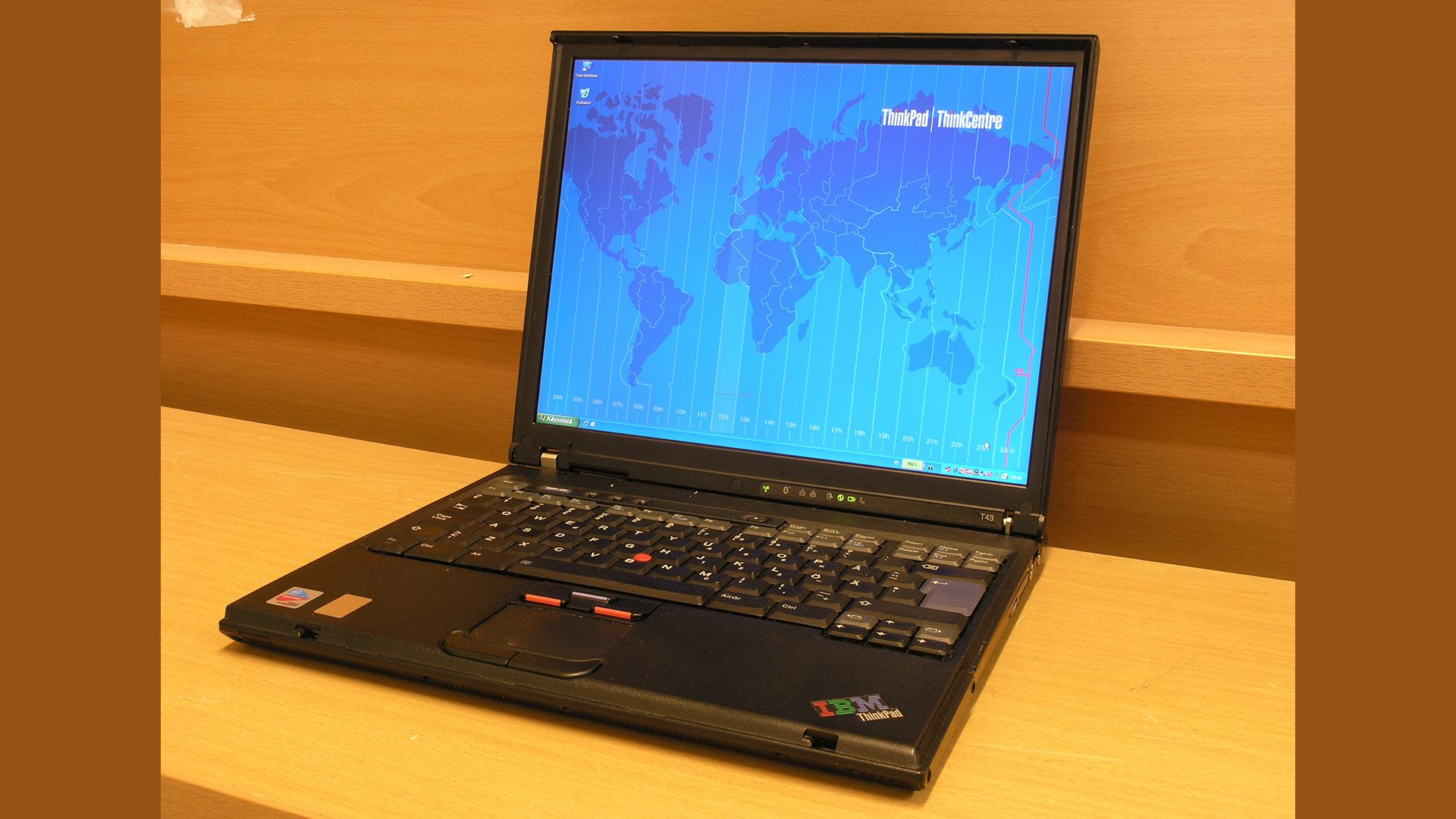
A year ago, a family member gave me a 2019 laptop that wouldn’t run Windows anymore. And of course, I immediately installed Fedora Linux on it. While my day-to-day Fedora Linux system is a desktop PC, it’s nice to have a laptop to take with me when I do workshops or conference demos.
However, the laptop has a physical “spinning heads” hard disk, so it is really slow to boot. I timed it; the laptop takes almost two minutes to go from “power on” to “login prompt.” And that’s a very long time when you’re at the front of the room, waiting to start a demo.
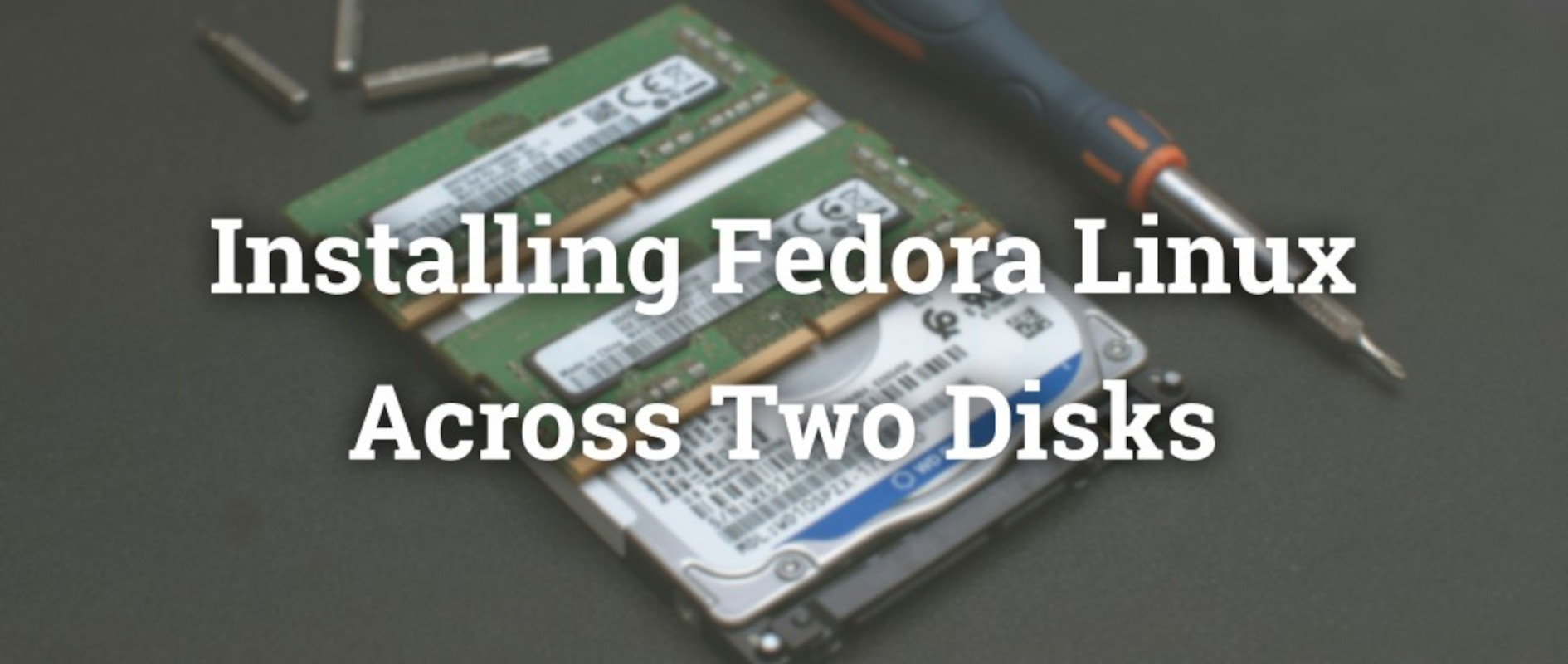
I thought about replacing the hard disk with a solid state drive, but when I opened the laptop to make sure the drive was replaceable, I saw that the laptop also supports an NVMe solid state drive in addition to the hard disk.
This presented an interesting opportunity: I could put in an NVMe drive and install Fedora Linux across two disks. Specifically, I wanted to boot Fedora Linux from the NVME drive, and keep extra apps and other data on the hard disk. I use several big third-party apps for my demos, which I install in both /opt and /usr/local, and it’s a huge pain to download and install those extra applications whenever I upgrade Fedora Linux. (I prefer to wipe and reinstall when I upgrade Fedora Linux, so I always have a clean starting point.) If I could keep /opt and /usr/local on the hard disk, I could preserve those when I install the next version of Fedora Linux.