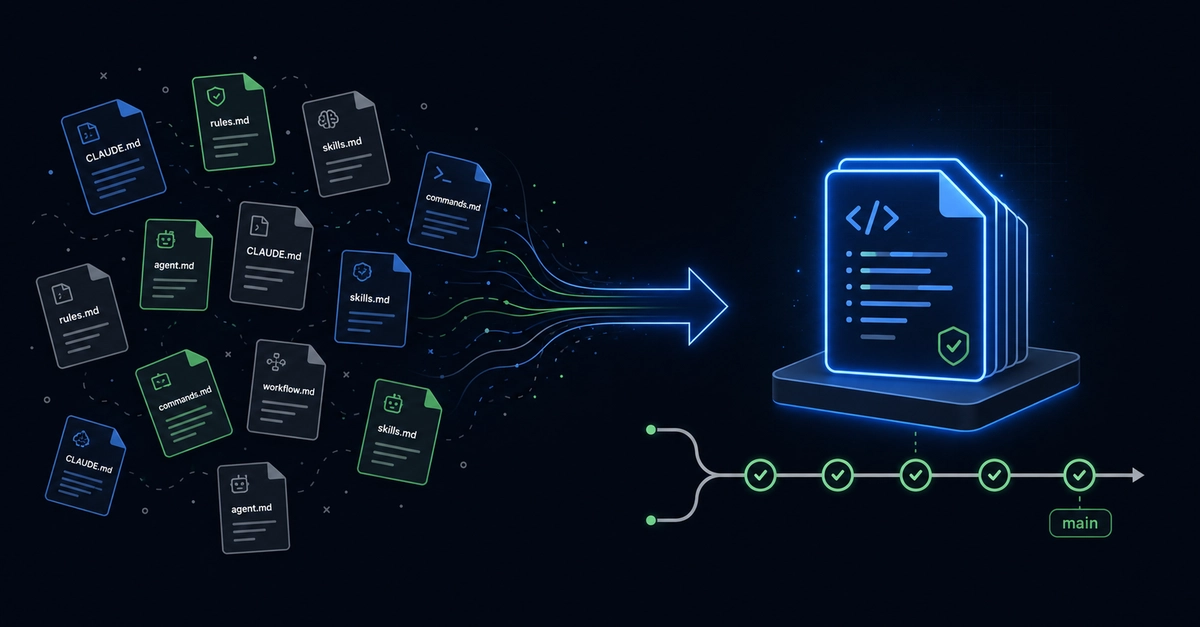
Your Claude Code session knows your project inside out. Your teammate's Claude Code session knows nothing. Every morning, one of you re-explains the architecture, the conventions, the decisions you already made — to an AI that was there for all of it yesterday, just in someone else's session.
This is the setup guide for fixing that. By the end, your entire team's AI sessions — Claude, Cursor, Codex, whatever — will read and write to the same knowledge store. When your teammate commits a decision at 2am, your morning session already knows about it.
We're using Context Cloud, which is the only MCP memory server with shared team workspaces. The whole setup takes about 10 minutes.
Step 1: Create your account
Go to contextcloud.pro and sign up. You'll land on the onboarding flow, which walks you through connecting your first AI tool.