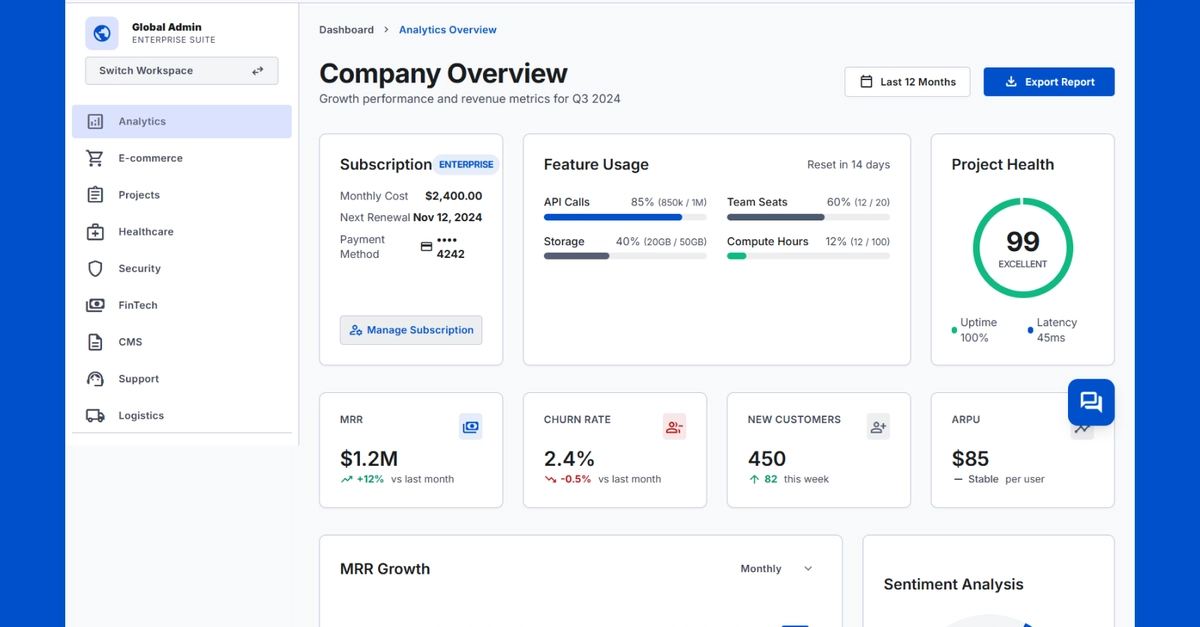
A little while ago I was asked to to build a “white-label” feature into an existing app. Their customers can now customize the app to match their brand without touching code.
It will look a little something like this:
This article walks through how I build a custom theme system using Tailwind CSS and the OKLCH color space. The basics for this feature I extracted and is available on GitHub.
The approach I took generates an entire color palette from a single value, instead of managing eleven different color stops manually. Sounds complicated? It really is quite simple. Let me show you.
Tailwind allows defining custom colors using the @theme directive (these can then be used normally, e.g. text-brand-500 and bg-brand-50/60). Rather than hardcoding hex values, use CSS variables that change at runtime.