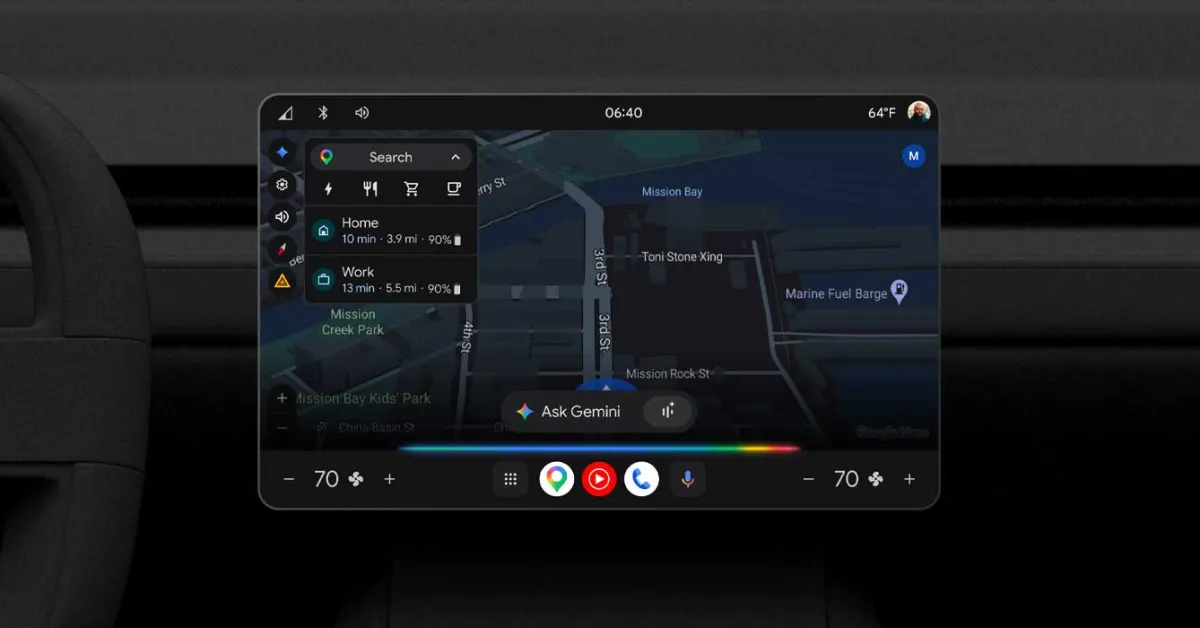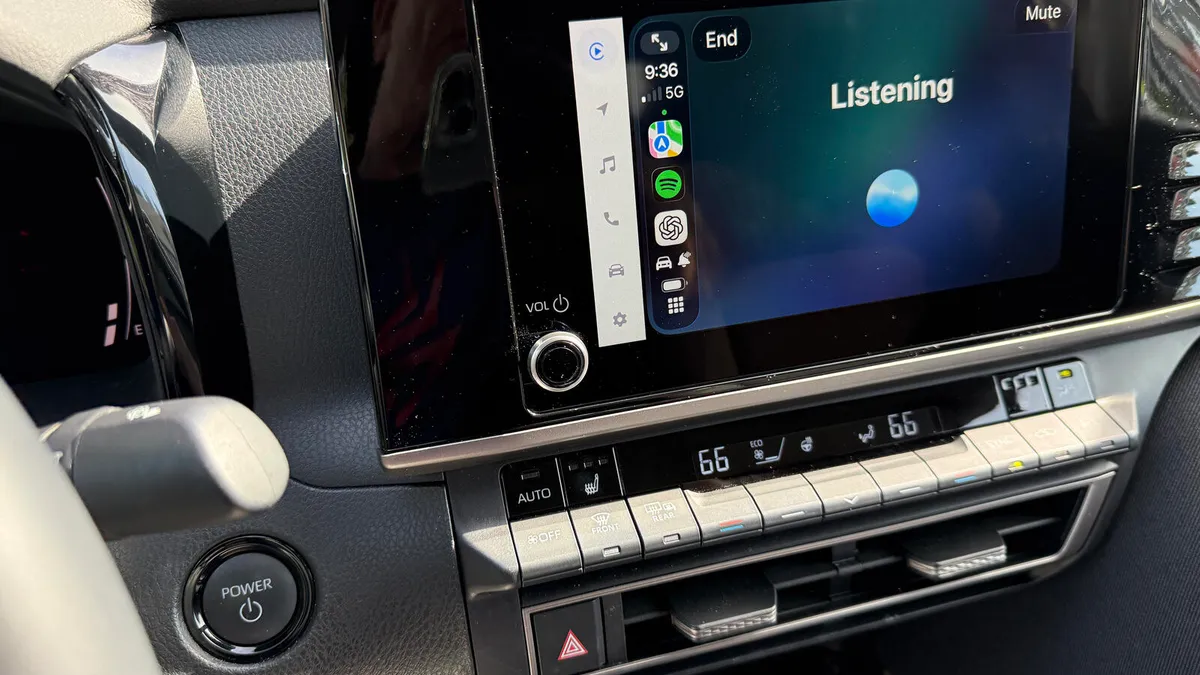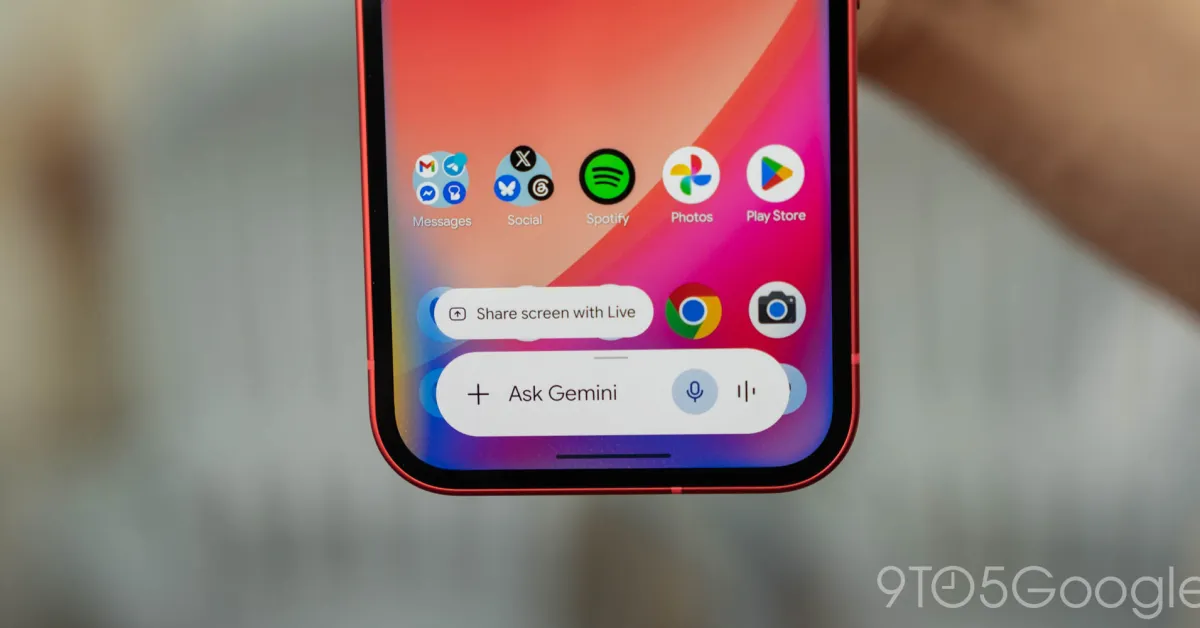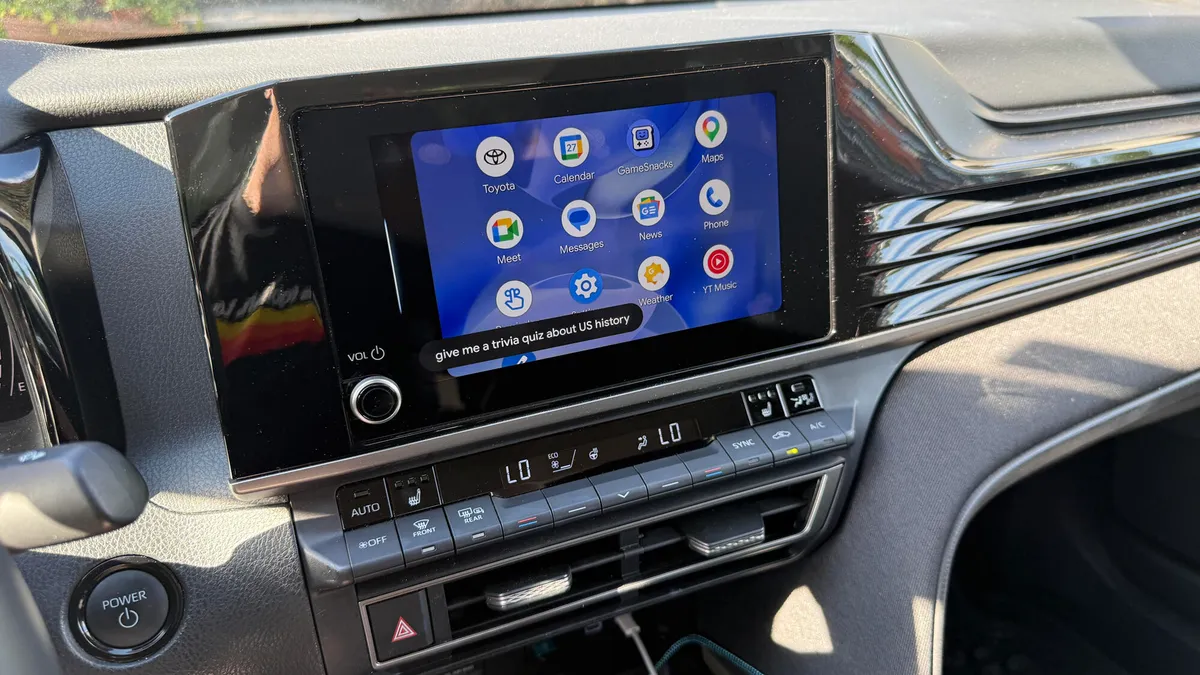
Lance Whitney/ZDNETFollow ZDNET: Add us as a preferred source on Google.As an iPhone owner, I primarily use Siri through CarPlay when I'm driving. Apple's voice assistant can handle basic tasks like giving me turn-by-turn directions, making phone calls, sending texts, checking my calendar, creating reminders, and playing music and podcasts. For more challenging questions that stump Siri, I've been turning to ChatGPT.But since my Toyota Camry supports Android Auto as well, I wanted to see how Google Gemini would fare as my in-car assistant. With that in mind, I've been using Gemini with my Android phone when I'm behind the wheel. I've given it a variety of tasks to perform and questions to answer. Also: Does Android Auto make your phone overheat? Try these 8 ways to cool it downWith Google's AI, you can send emails and messages, ask for playlist suggestions, get information on local restaurants and businesses via Google Maps, set reminders, ask any question on your mind, play a game, listen to a story, and more. How did Gemini perform in my experience? You'll have to read on to find out. But here's how I've been using Gemini and how you can, as well. How to set up and use Gemini in the carWhat you need: To rev up Gemini through Android Auto, you need an Android phone and a car that supports Android Auto. Check Google's "Find your ride with Android Auto" page to see if your car's stereo or multimedia system is compatible. If you have the right phone and car, let's go through the initial steps. Screenshot by Lance Whitney/ZDNETThe process is different on Samsung phones. Here, head to Settings, select Apps, and tap the option to choose default apps. Tap the entry for Digital Assistant app and make sure it says Google. If not, tap the entry on the next screen and change the selection to Google. To confirm that Gemini is the default on your Samsung phone, hold down the power button. A window should pop up telling you that Gemini is your new AI assistant from Google. Screenshot by Lance Whitney/ZDNET To use Gemini in your car, you want to be able to activate it hands-free. For this, open the Gemini app on your phone, tap your profile icon, and select Settings. Tap the option to talk to Gemini hands-free, and then turn on the switch for "Hey Google." Tap the Turn on button and then tap Done.
I'm an iPhone user, but Gemini with Android Auto beats Siri in the car any day - here's why
Gemini can help with a variety of tasks when behind the wheel. All you need is an Android phone and a car with Android Auto.
1,134 words~5 min read