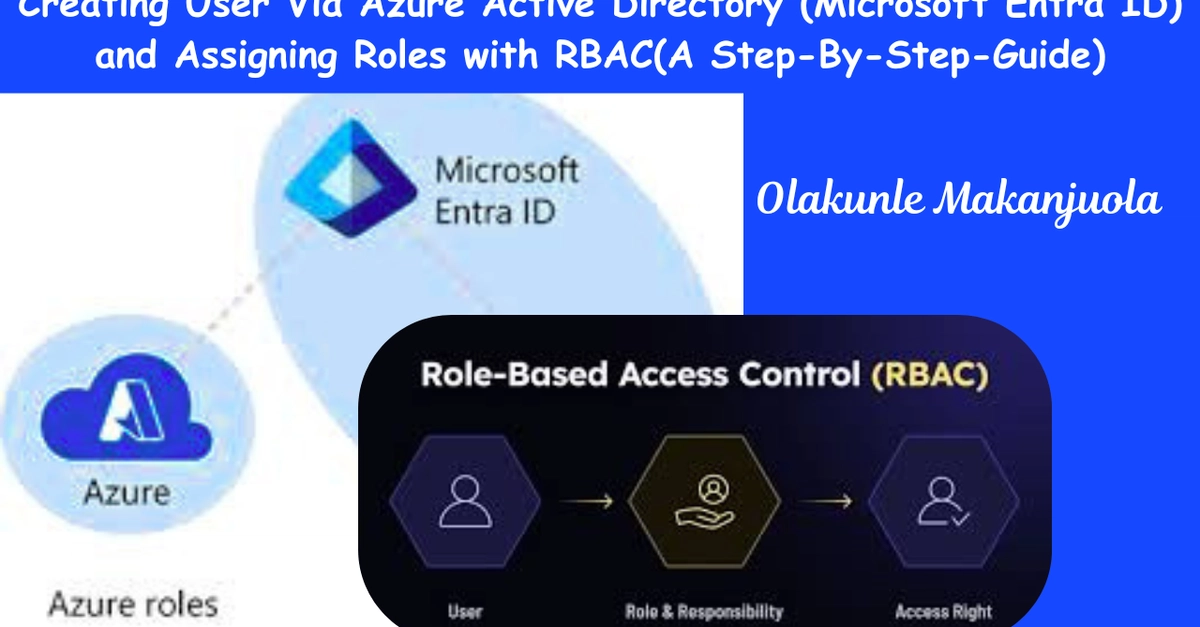
Cloud identity management sits at the center of modern IT operations. Whether you are managing a startup environment or a large enterprise infrastructure, controlling who has access to cloud resources is vital. In Microsoft Azure, this responsibility is handled through Microsoft Entra ID.
In this hands-on guide, you’ll learn how to create users, assign administrative privileges, and apply the principle of least privilege by removing elevated permissions when they are no longer needed. These are foundational tasks every Azure cloud administrator should understand.
By the end of this walkthrough, you will know how to:
Create users in Azure Entra ID
Sign in with newly created accounts