Welcome back to the mobile development blog!
Ever tapped a link in WhatsApp or an email and landed directly on a specific screen inside an app? That’s deep linking in action.
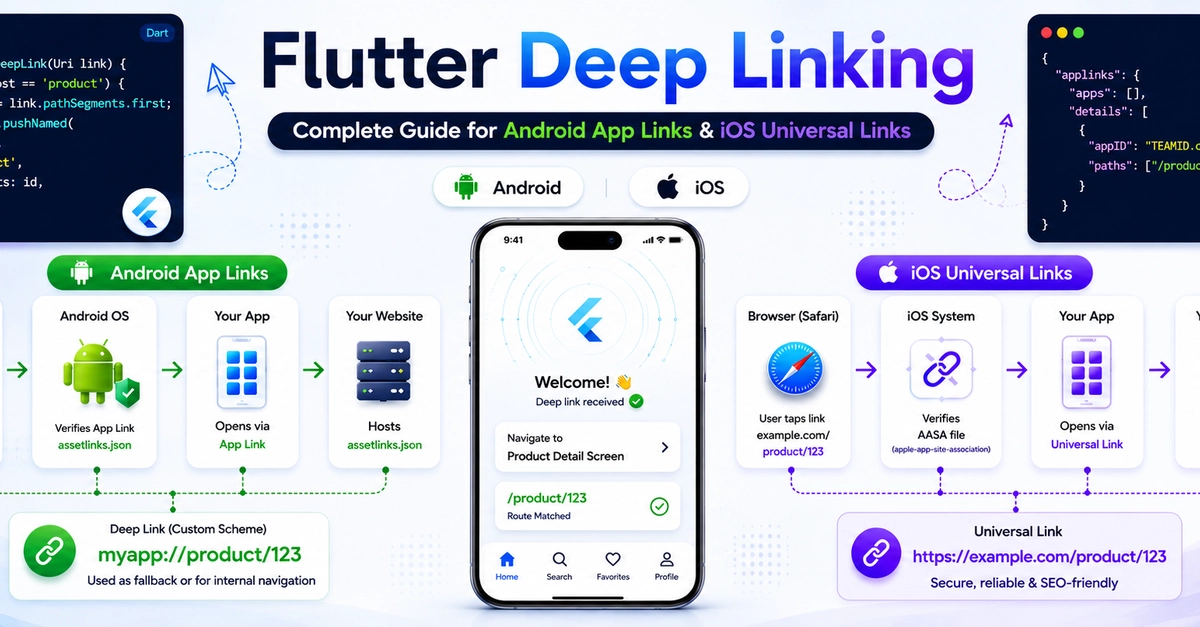
For Flutter developers, deep linking sounds simple — open a URL and navigate to a screen. But in reality, it involves Android App Links, iOS Universal Links, server-side verification files, app configuration, and platform-specific setup, where even a small mistake can break the entire flow.
In this guide, we’ll implement deep linking in Flutter for both Android and iOS, including:
Android App Links setup