(Image credit: Future)
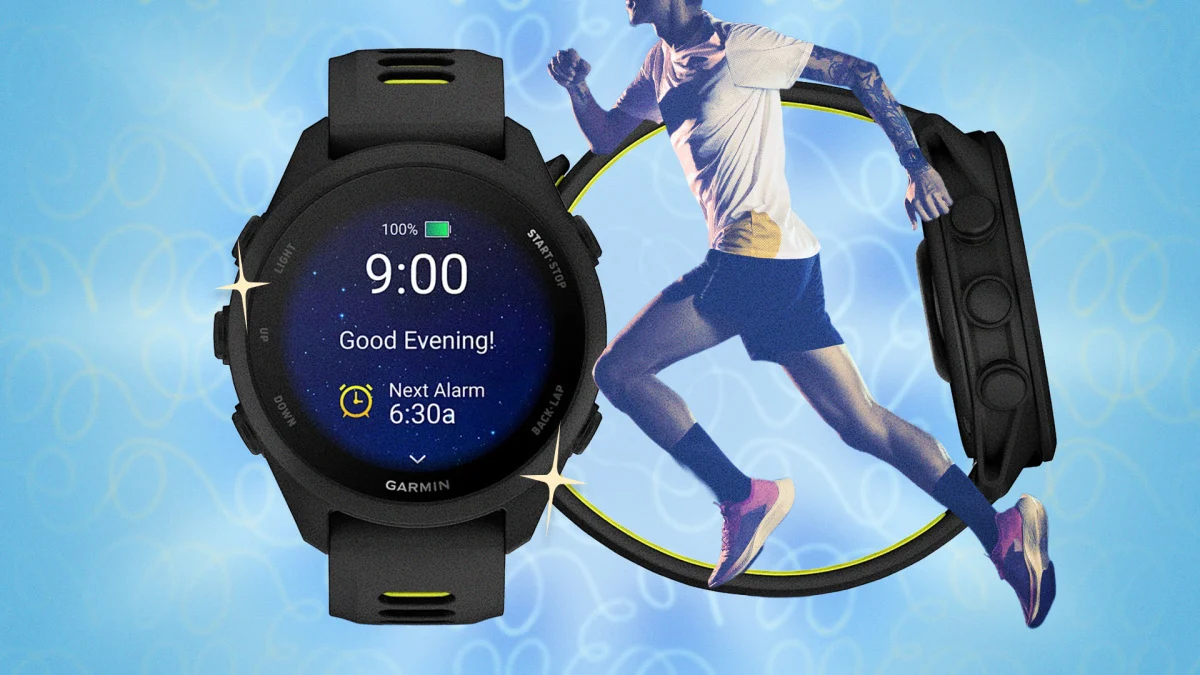
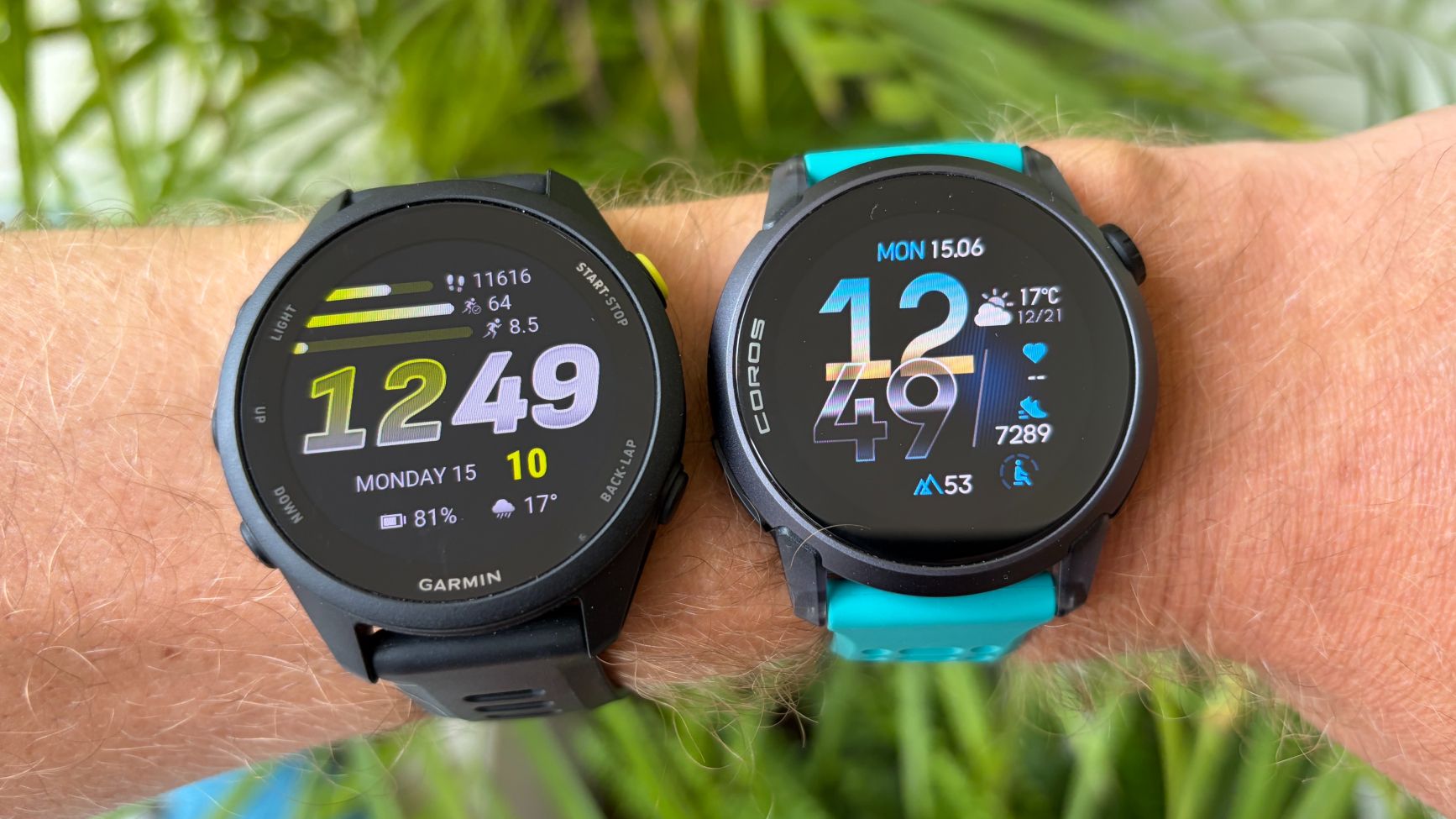
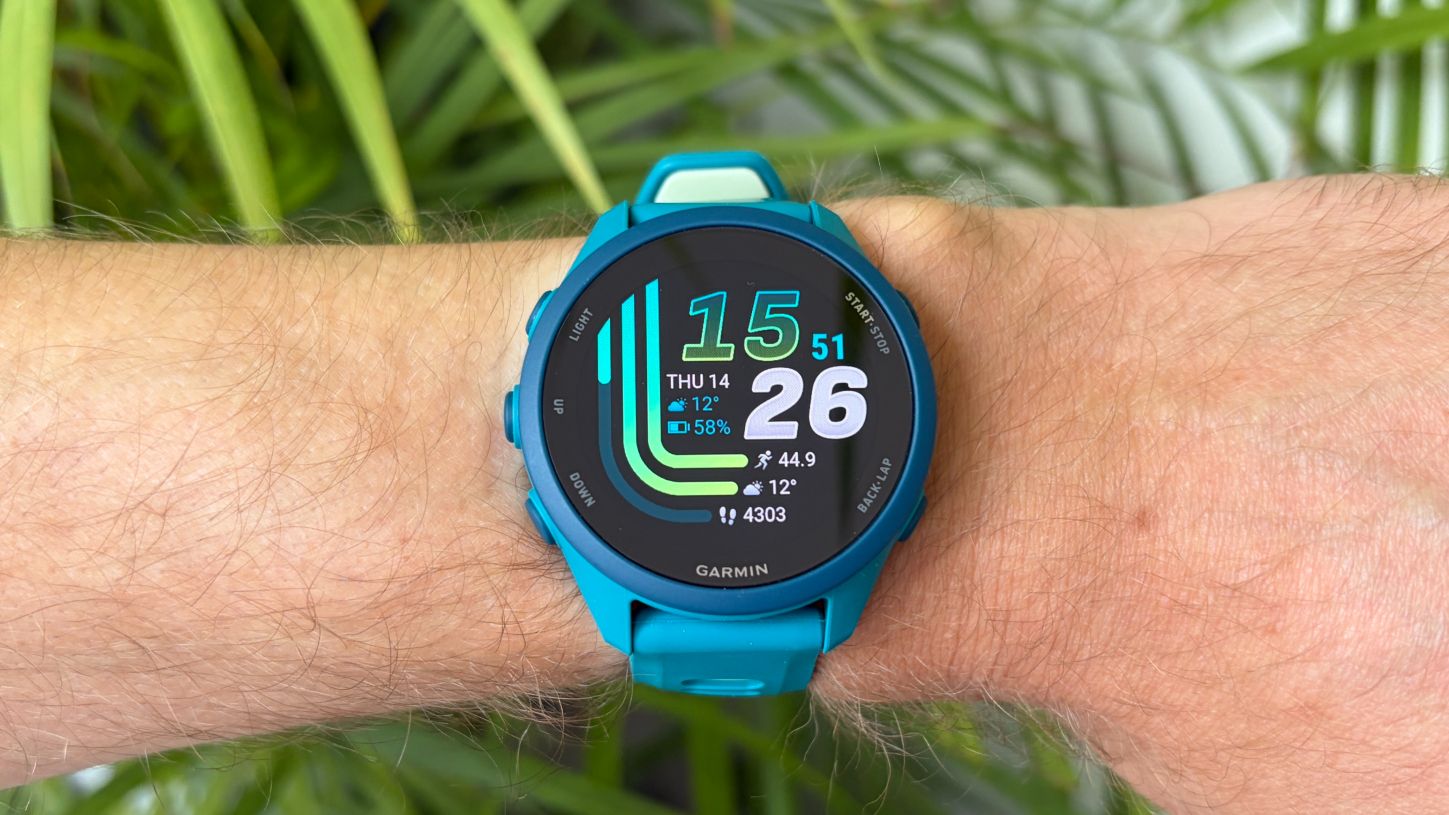
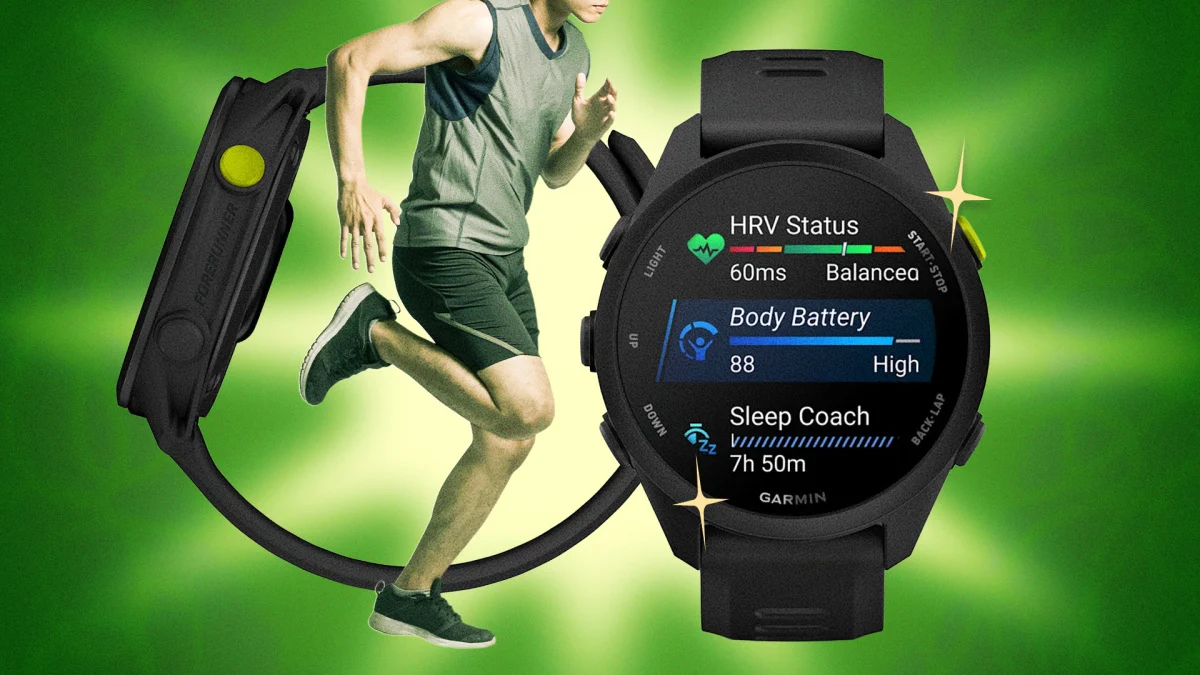
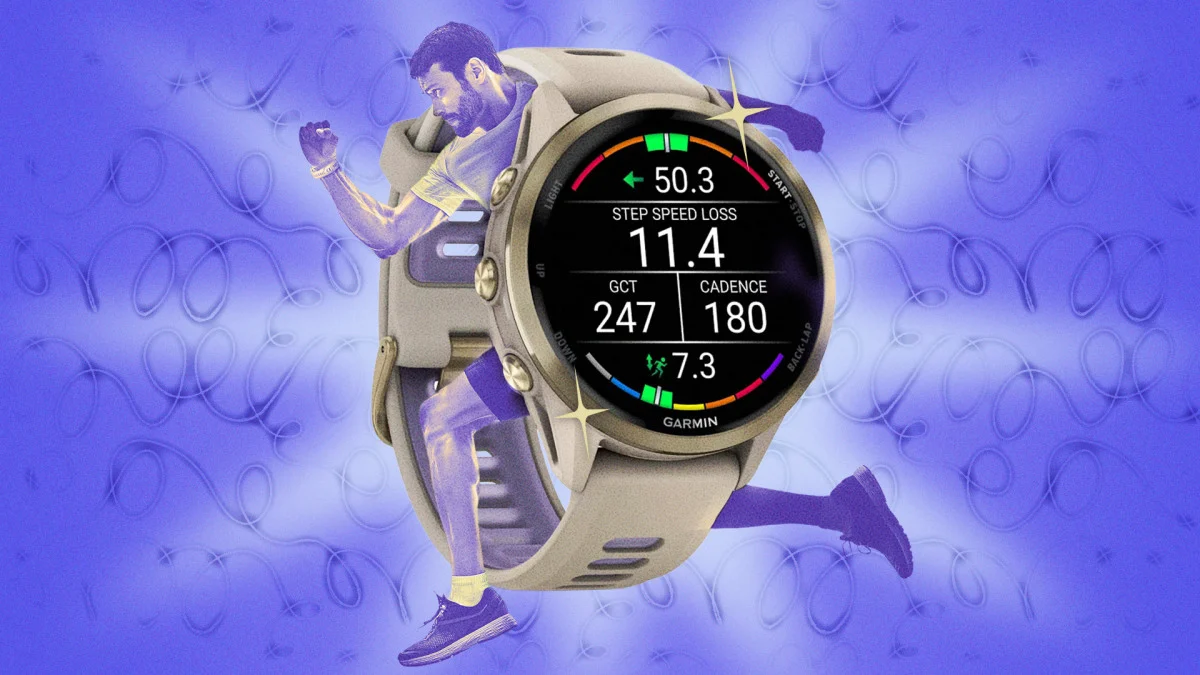
As an extremely keen runner who has followed a structured training plan set by a coach for seven years, it’s fair to say I’m not the target audience for Garmin’s new Quick Workout feature.The feature was introduced with the Garmin Forerunner 70 and Garmin Forerunner 170 sports watches, and offers runners an easy way to mix up the training they do without following a plan.To use the tool, you simply choose how hard you want to work that day and for how long, and it sets you a target run to follow and guides you through each step.I’m currently testing both of the new Forerunners to see how they compare to the best running watches available, and I gave the Quick Workout feature a try one lunchtime when I had an easy run on my plan.Here’s how to use the feature, and what I learned from testing it.How to use Garmin’s Quick Workout Feature
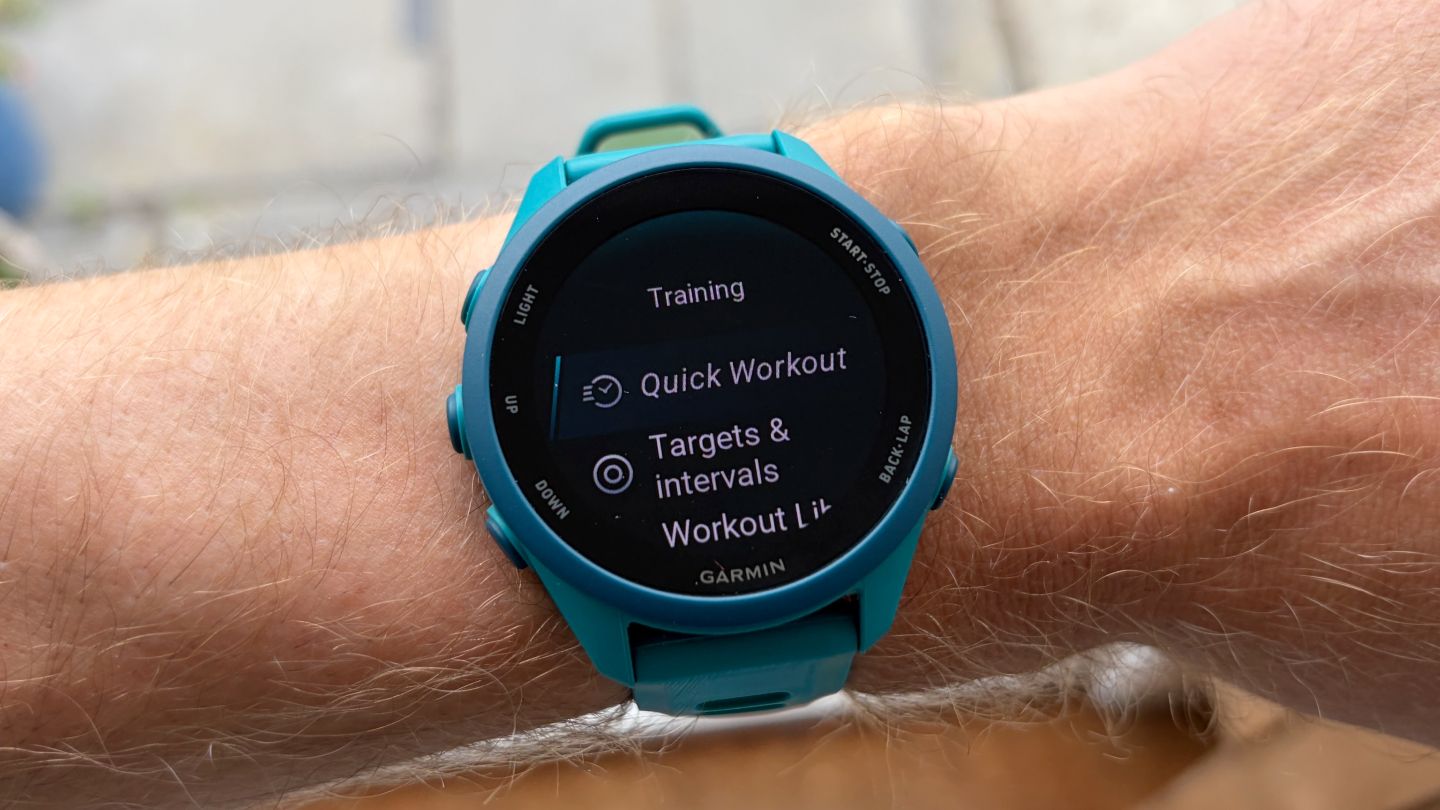
(Image credit: Future)The Quick Workout is designed to make life easier for you and it is very simple to use.Start a runScroll down to TrainingSelect Quick WorkoutChoose the intensity level: Easy, Moderate, Hard, Very HardChoose the duration: 30, 45, or 60 minutesCheck the workout and hit ‘Do Workout’Start your run when GPS is locked on