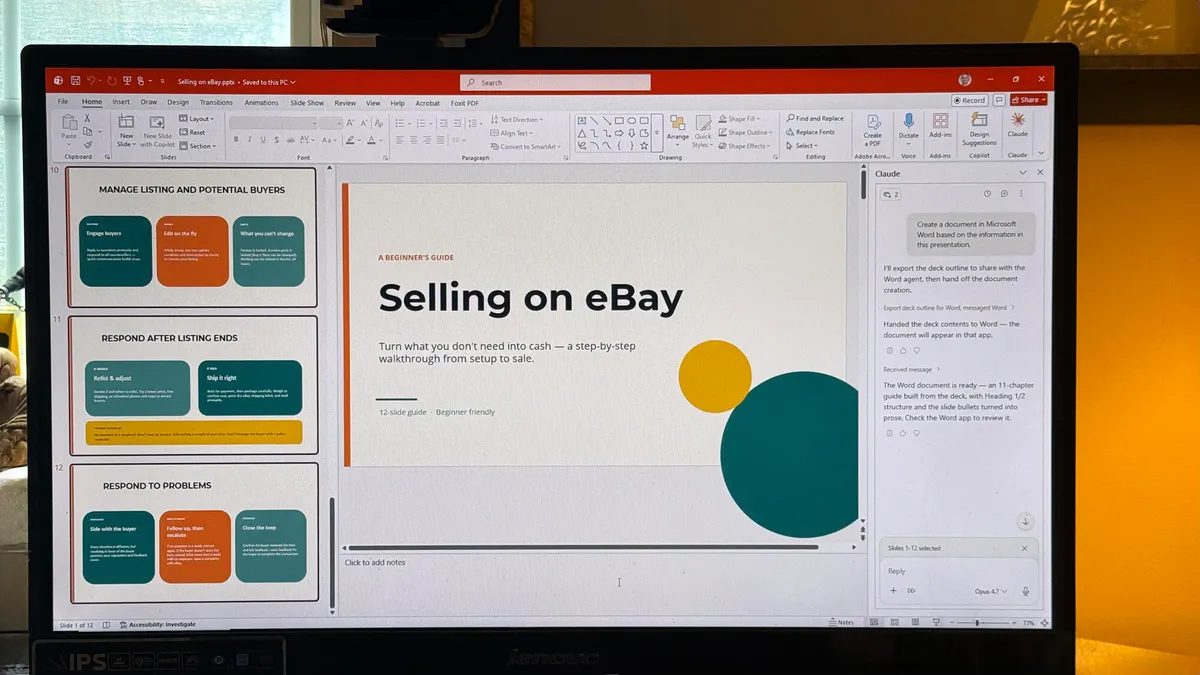
Need to get up to speed on the latest features in Excel? Wrestling with an old version of Word? Looking to get more out of Windows 11? Computerworld’s cheat sheets are easy-to-use guides to help you navigate Microsoft’s core productivity software.
Here’s a one-stop resource where you can find in-depth stories on several generations of Word, Excel, PowerPoint, and Outlook for Windows, focusing on what’s new in each major release. We’ve also got guides for Windows itself, as well as Microsoft Teams, OneDrive (both in Windows and on the web), OneNote, Loop, Whiteboard, Forms, Visio, Planner, and Power Automate.
Microsoft’s subscription-based office suite, called Microsoft 365, is continually updated with new features, so we periodically refresh the cheat sheets for the “365” versions of Word, Excel, PowerPoint, Outlook, and other apps in the suite. But some companies and individuals will likely stay on older versions of the non-subscription software (Office 2021, for example) for some time to come, so we’ve got cheat sheets for several generations of those products as well.
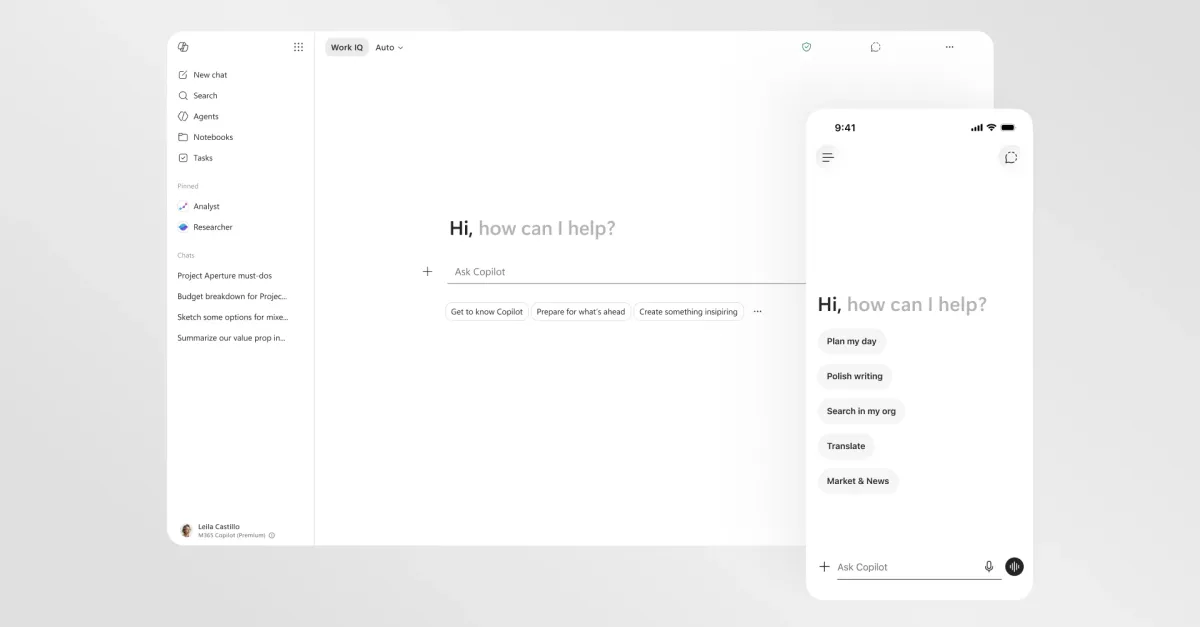
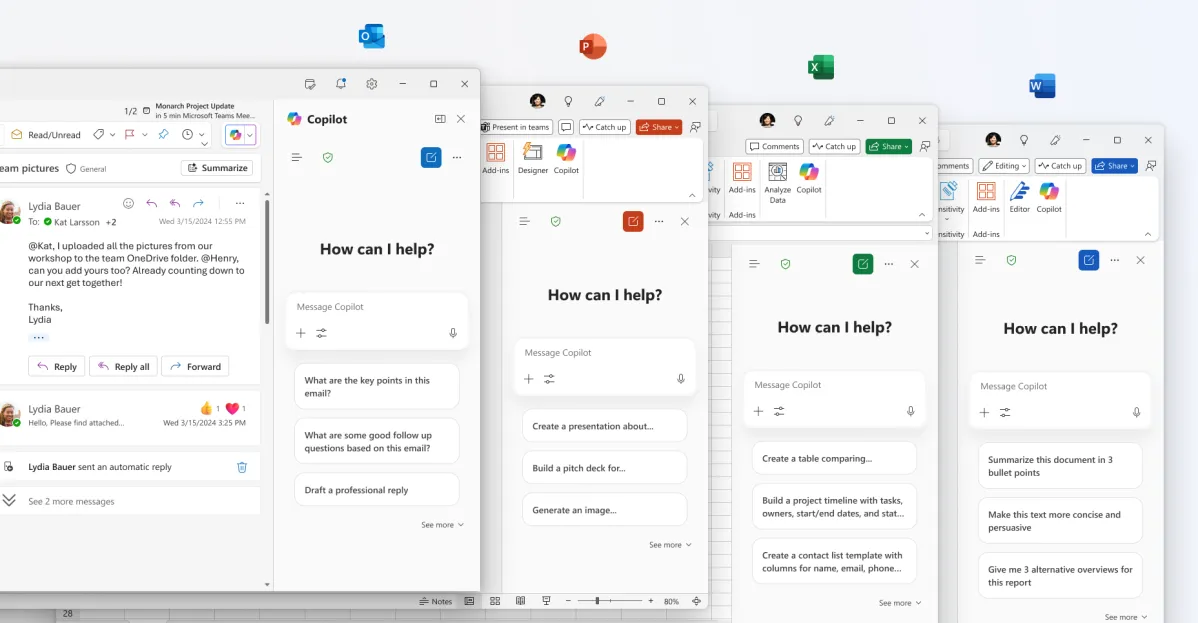
The biggest change in both Microsoft 365 and Windows in recent years is the widespread integration of Microsoft’s generative AI assistant, Copilot. We’ve got tips to help you get the most out of that tool too, with more on the way.