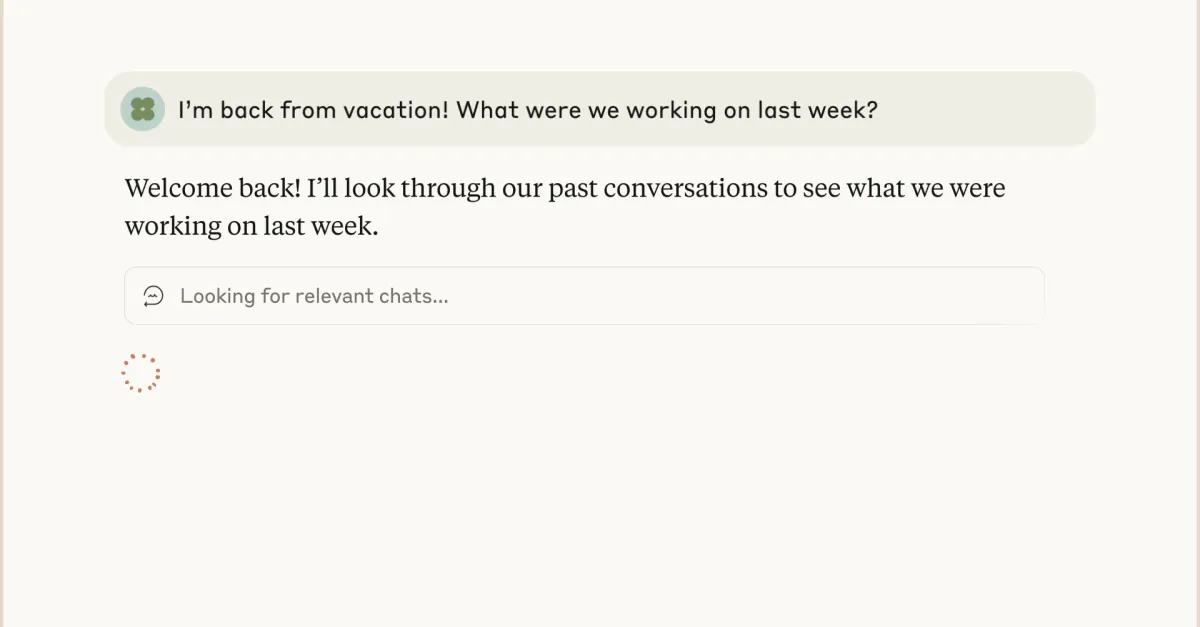
Claude remembers your projects, your writing style, the context you've shared across conversations. It does not know what you spent last quarter. So when you ask it for budgeting advice, the answer comes back as a generic checklist: "track your spending, make a budget, automate your savings." Useful for a 22-year-old. Less useful when the question you actually have is "did I overspend on travel last quarter?"
The fix is not better prompting. It is to give Claude real access to your real bank data, so the answer comes back with numbers from your accounts. This post walks through the setup end-to-end: the protocol that makes it possible (MCP), the bank connection (Plaid), and the FinContext server that bridges the two. Setup is about ten minutes. (Prefer ChatGPT, Cursor, Cline, or Zed? The same server works there too — more on that below.)
What MCP changes
The Model Context Protocol (MCP) is a standard for letting AI clients — Claude Desktop, ChatGPT with custom connectors, Cursor, Cline, Zed — read data from external tools through a uniform interface. Before MCP, every "AI plus your data" integration was bespoke: a ChatGPT plugin here, a Claude tool there, a different config for every editor. MCP collapses that surface area: one server speaks the protocol, and every MCP-compatible client can use it.