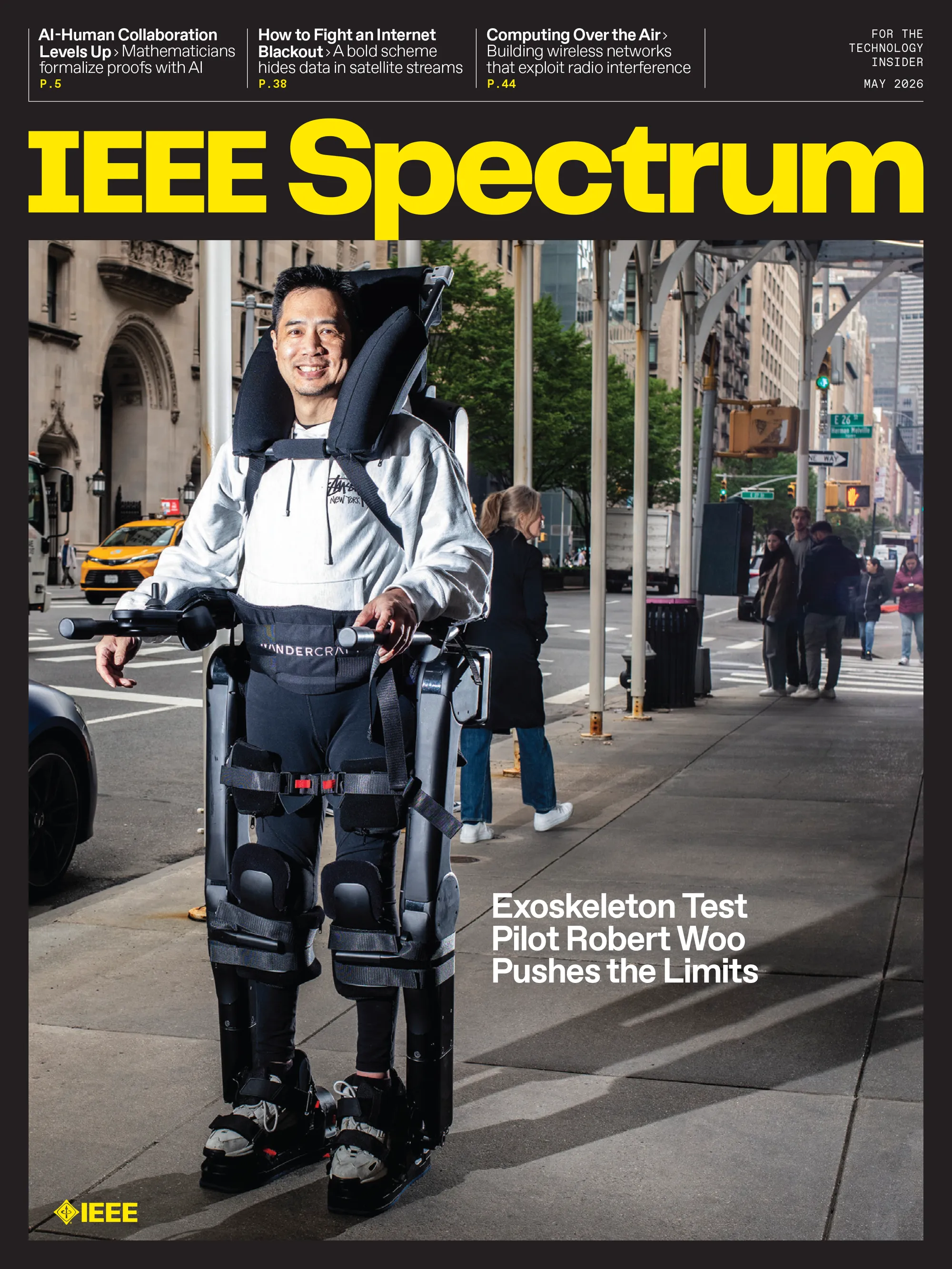
IEEE Members have exclusive access to PDF downloads of any Spectrum issue. To download a PDF, follow these steps:• Click on the cover of the issue you're interested in. A new page will open and display that issue's contents.• On the new page, click the "Download PDF" button.• If you're signed in with your IEEE Member credentials, the PDF download will start.• If you're not signed in, you'll be asked to do so. Once you're signed in, click the "Download PDF" button again.If you have any questions, please visit the IEEE Support Center.
IEEE Spectrum Magazine Archive
Explore our magazine archive from 2000 to 2026, with full PDF downloads exclusive to IEEE Members
93 words~1 min read