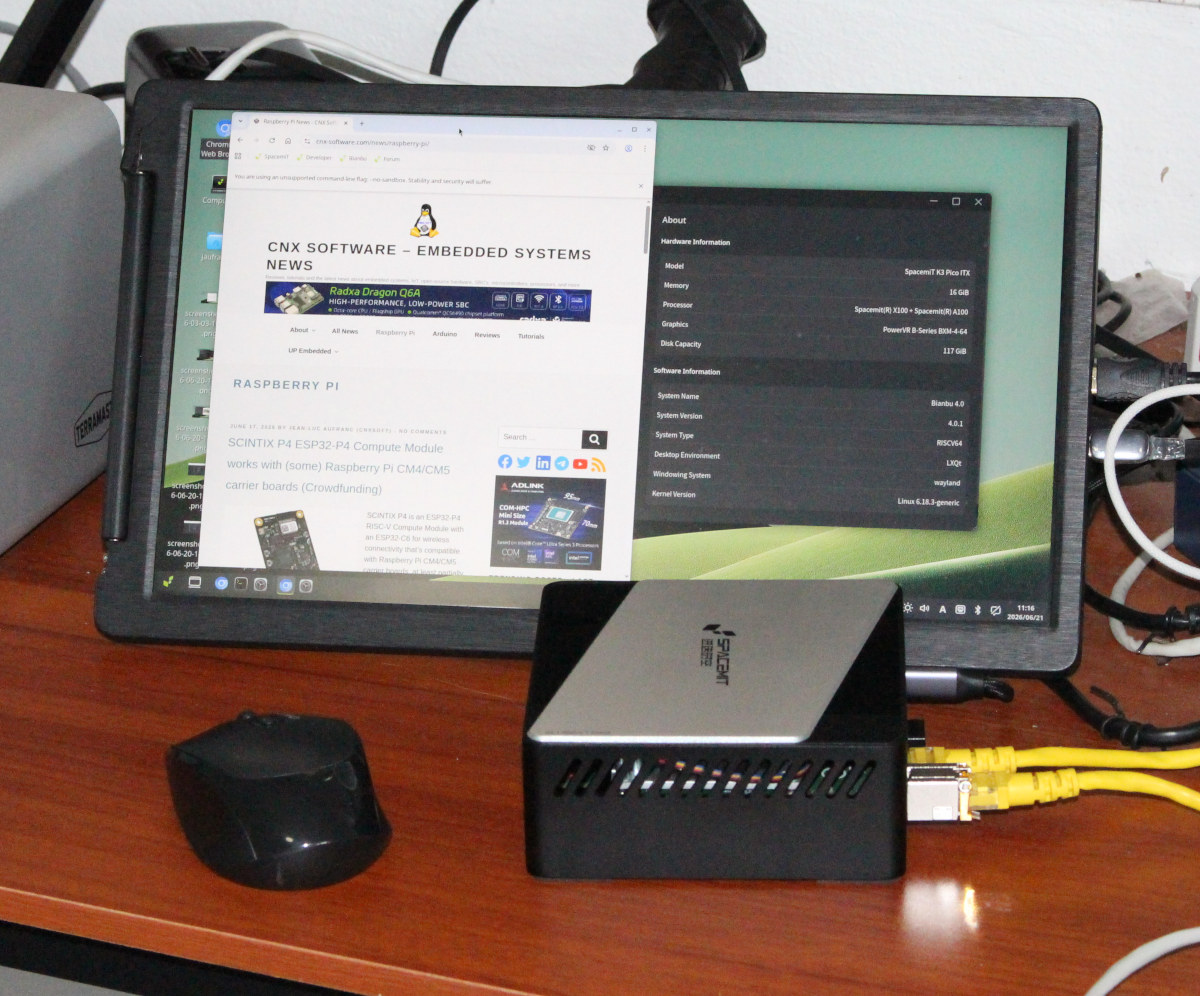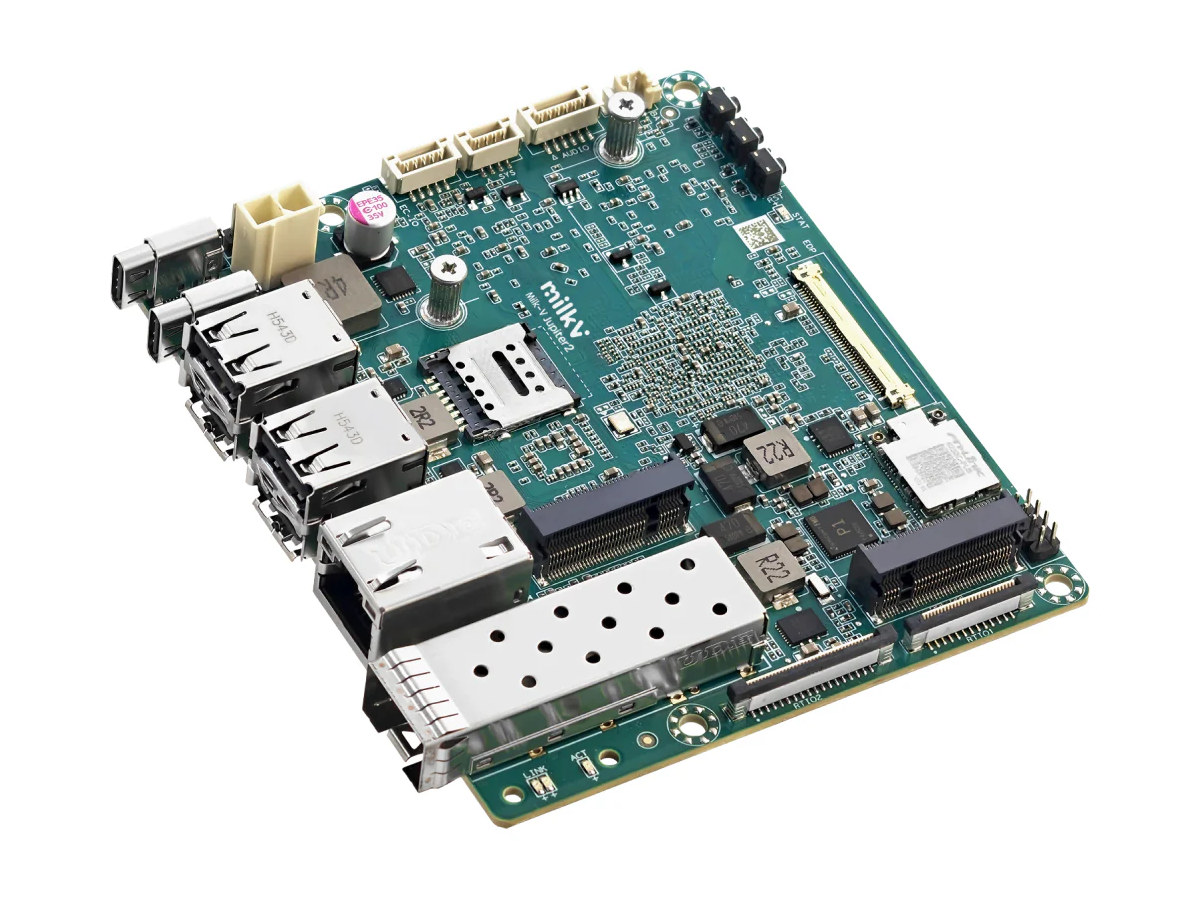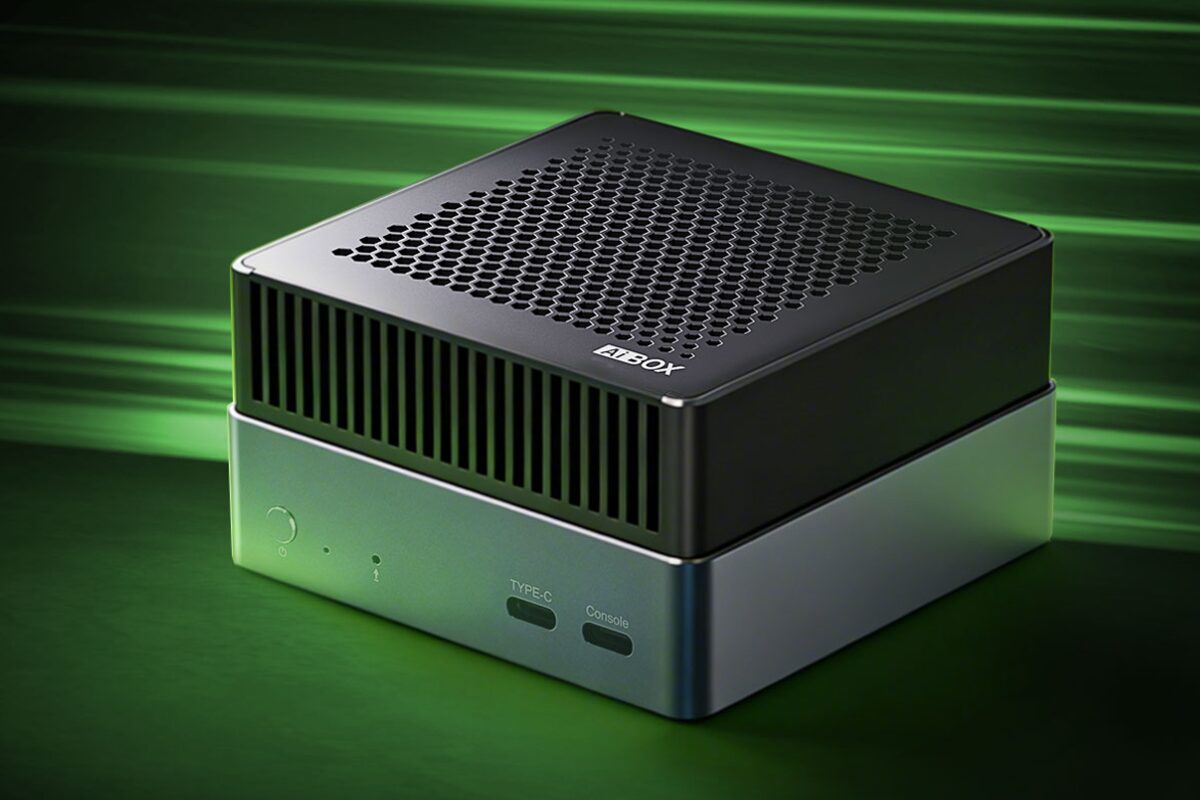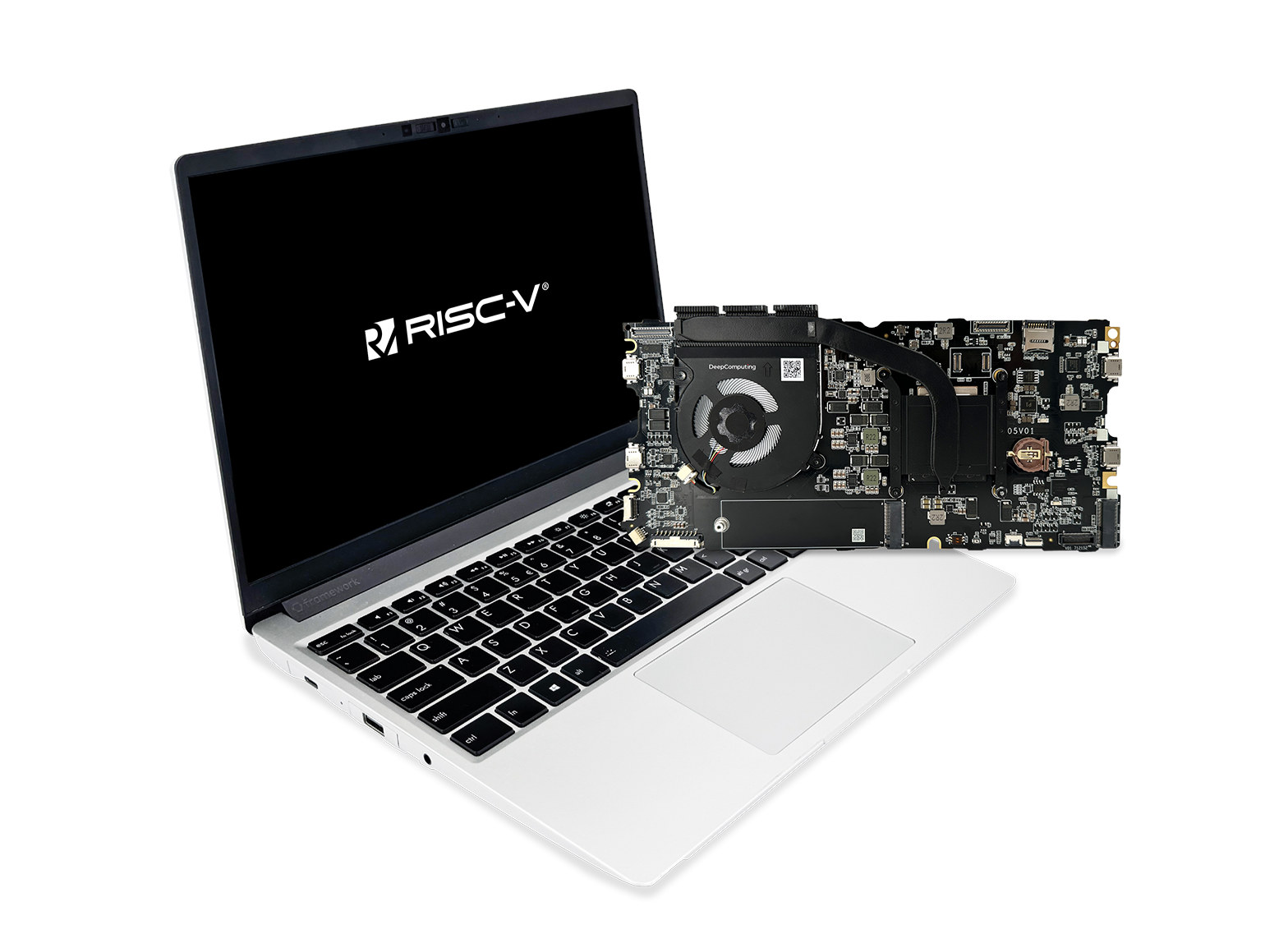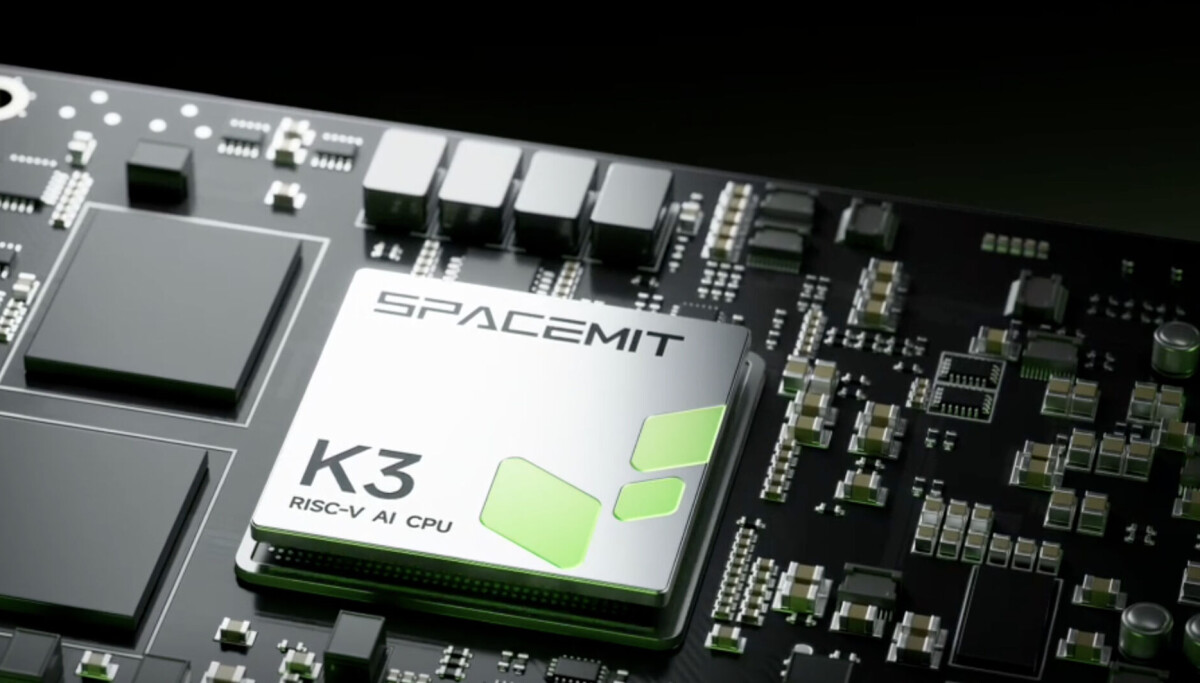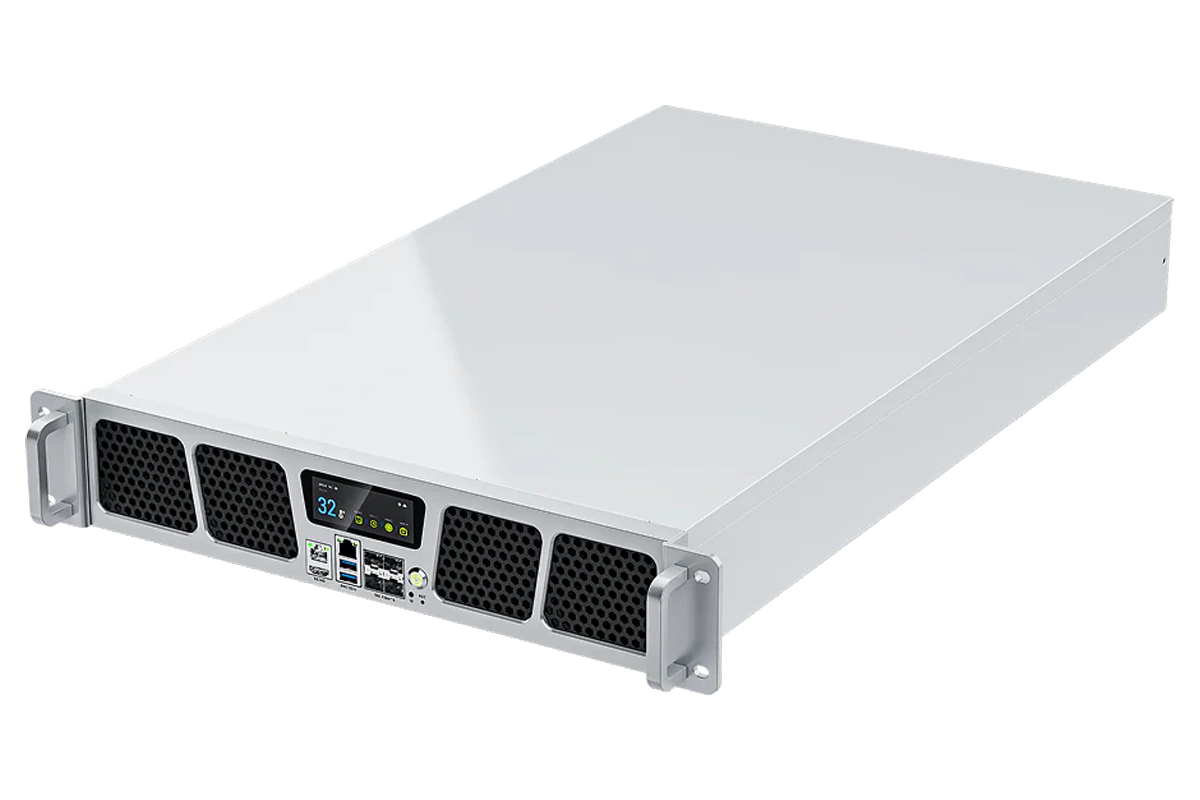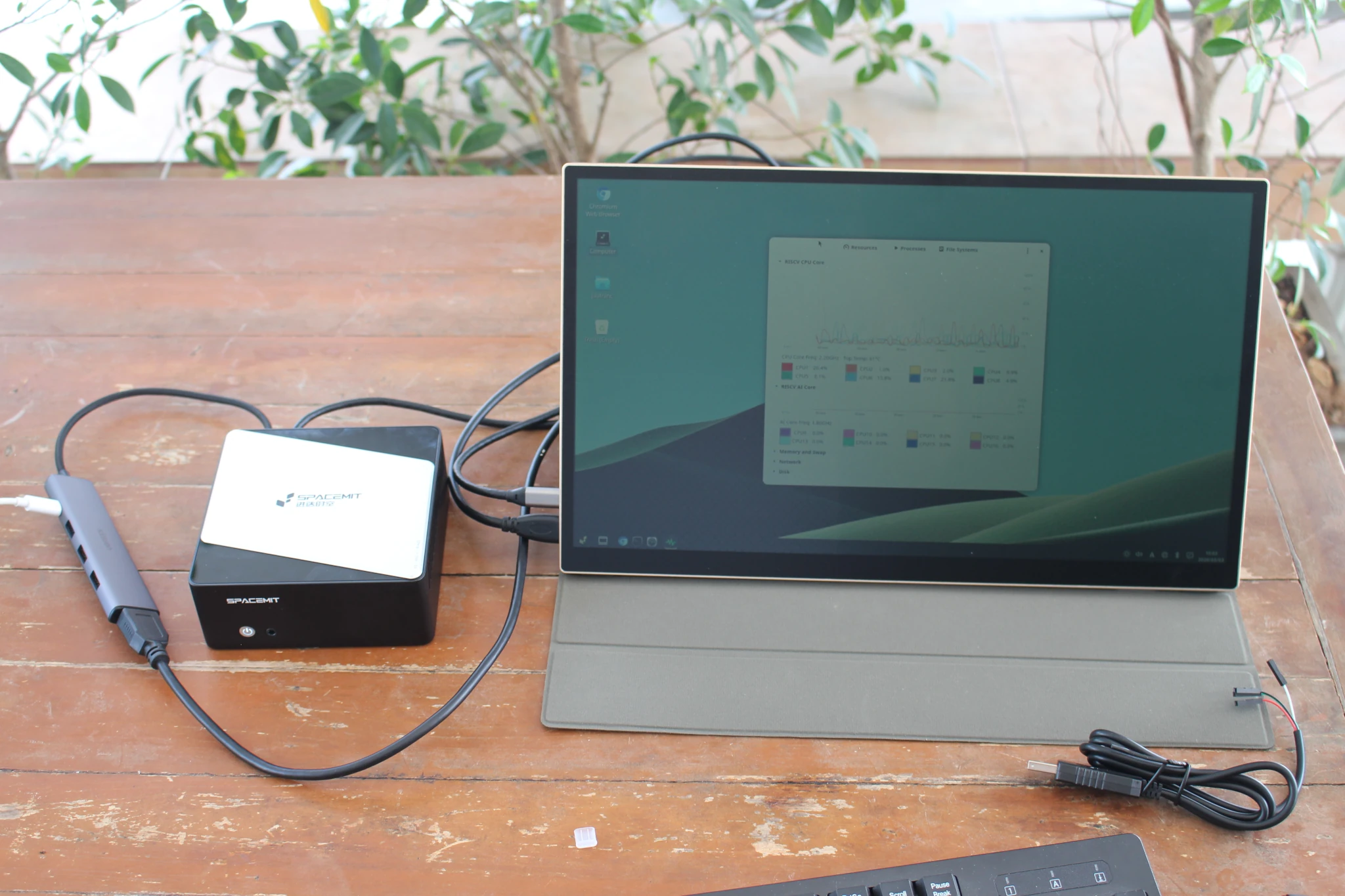
SpacemiT has sent me a K3 Pico-ITX Chassis Kit for review. It’s based on the K3 Pico-ITX motherboard with the SpacemiT K3 16-core RISC-V Edge AI processor housed in a compatible chassis.I’ll start the review with an unboxing, a teardown, and a first boot to the pre-installed Bianbu OS. In the second part of the review, I’ll perform feature testing and run several benchmarks (see early K3 benchmarks for reference) to evaluate the status of the software and performance of the system.I received a kit in a retail package reading “RISC-V AI CPI K3 RVA23 Profile Chip” and a UGREEN USB-C dock with a few USB-A ports, HDMI output, and 100W USB PD support. The dock will make perfect sense once we connect the system for our first boot.I was initially expecting a Pico-ITX SBC, so I was a little surprised to see a complete system/mini PC instead. It ships with a USB debug cable, a screwdriver, and a sheet in Chinese with two QR codes, one of which points to the user guide (available in English).
The front features a power button with LED and a 3.5mm audio jack.
Most ports are on the rear panel: 10GbE SFP+ cage, Gigabit Ethernet RJ45 port, four USB 2.0 ports, a USB OTG Type-C port, and a USB Type-C port with DisplayPort Alt. mode and USB PD for power.K3 Pico-ITX Chassis Kit teardownSince the kit comes with a screwdriver, it’s clearly designed to be opened. We can do so by loosening the four screws on the bottom of the enclosure.