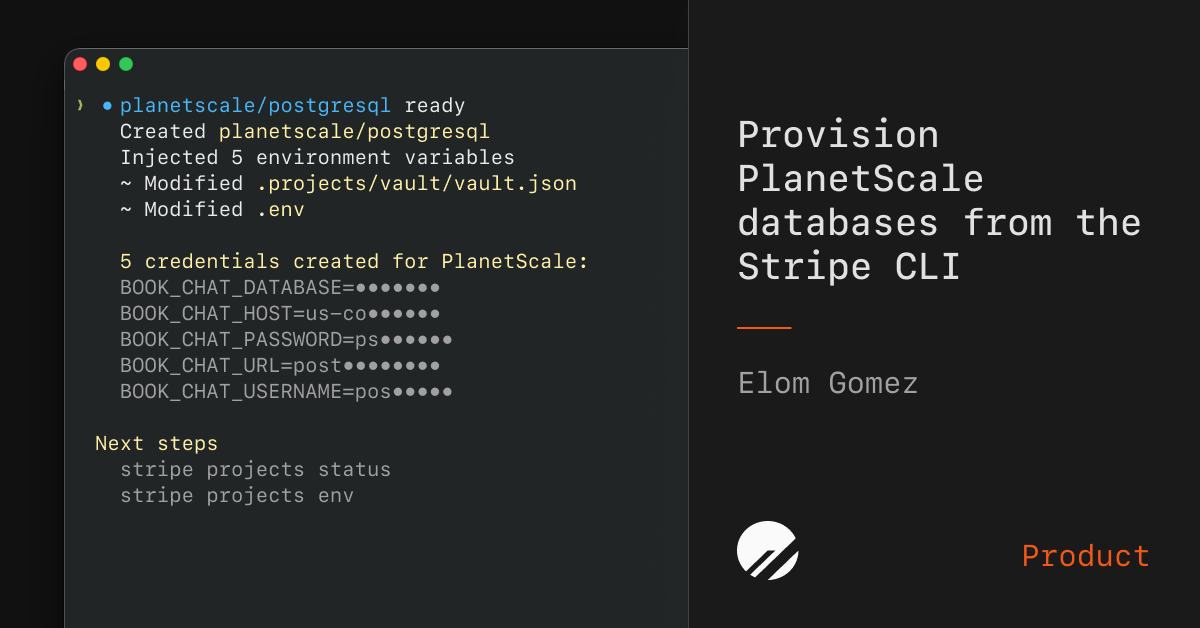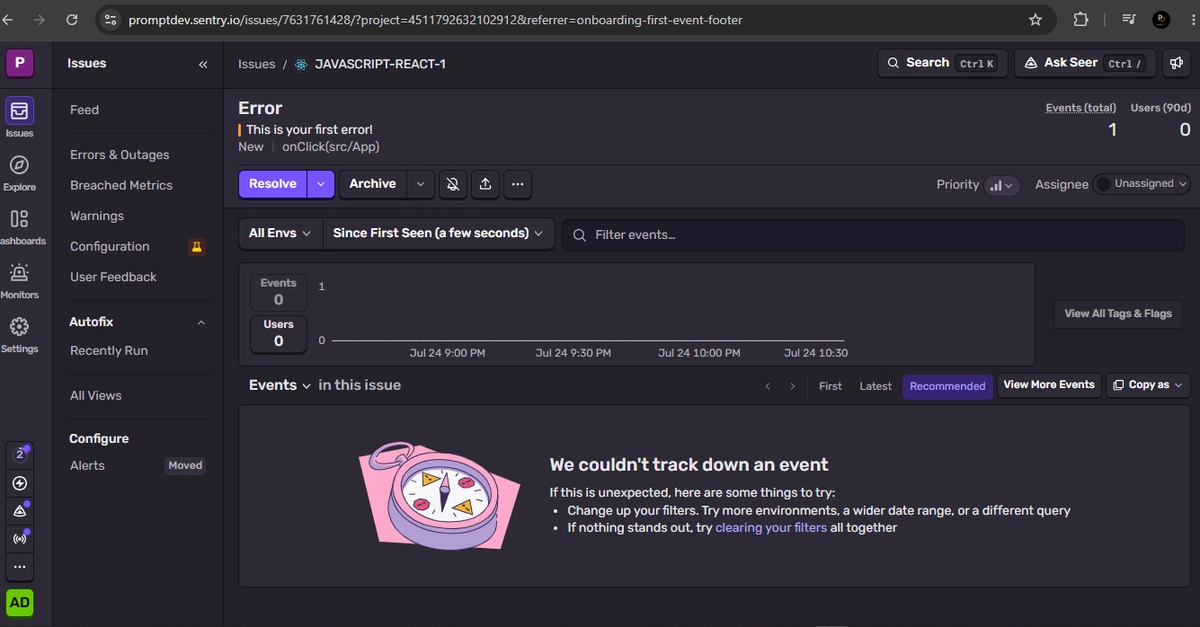
Two commands. That’s how little it takes to go from nothing to a fully configured Sentry project with error monitoring, performance tracing, and session replay:
stripe projects init my-app
stripe projects add sentry/project
No signup form. No email verification dance. No dashboard tab-switching to copy-paste a DSN into your .env. Your account is created, your project is provisioned, and five environment variables land in your working directory, ready for your SDK to pick up.
And if you’re using a coding agent? It does the same thing, except you didn’t type the commands. You just said “add error monitoring.”