FIRST LOOK: Mozilla is reworking Firefox in ways that go beyond a visual refresh, tying design changes directly to how users interact with newer technologies like on-device AI. The update, called Project Nova, is expected to roll out later this year with the goal of making the browser feel more transparent and adaptable without adding needless complexity.
The biggest change is inside the Settings menu. Mozilla is redesigning it to make privacy controls easier to find and understand, including a single toggle that lets users shut off all current and future AI features. As browsers add more AI features, centralized controls like this become more important, and Mozilla seems focused on letting users decide what gets enabled.
Firefox is also more careful about how AI features are delivered. Models are not downloaded unless a user actively decides to use them, which helps avoid unnecessary storage use. For those who do opt in, Firefox makes it clearer which models are installed and how much space they take up.
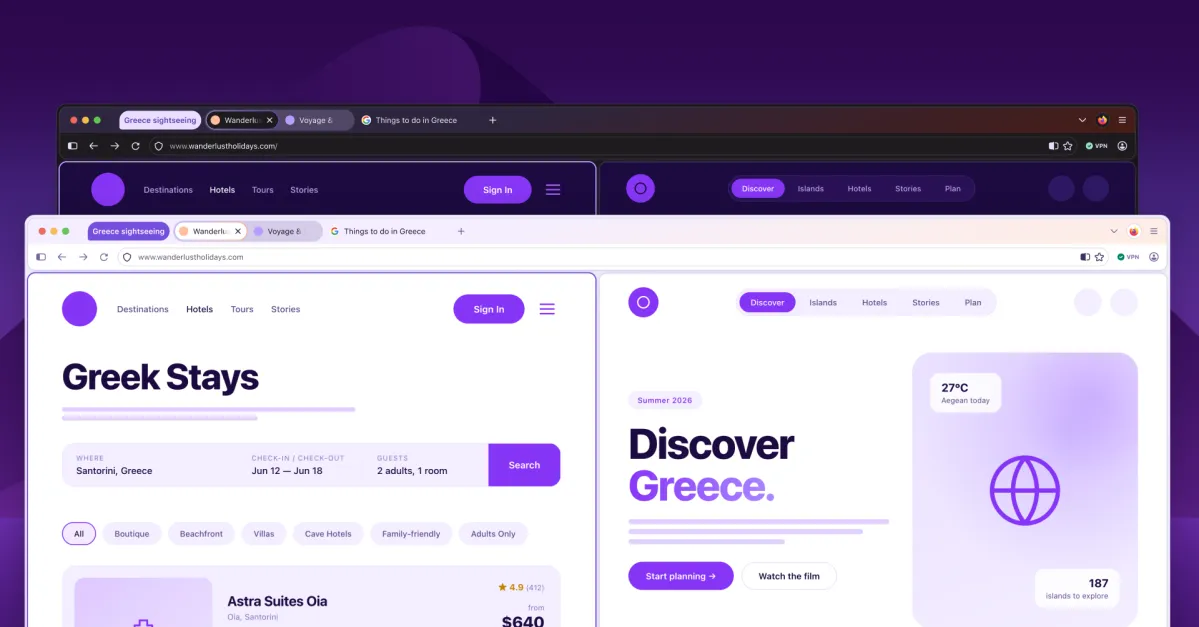
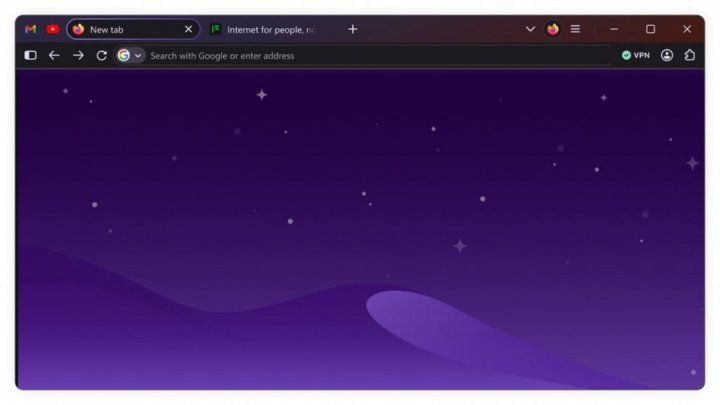
The visual side of Project Nova is hard to miss. Mozilla is introducing softer, rounded elements across the interface, including tabs that now have a more fluid, bubble-like shape. The color palette is being refreshed with tones inspired by Firefox's branding, and icons are being standardized to ensure consistency across light and dark modes. The changes aim for a cleaner, more cohesive look.