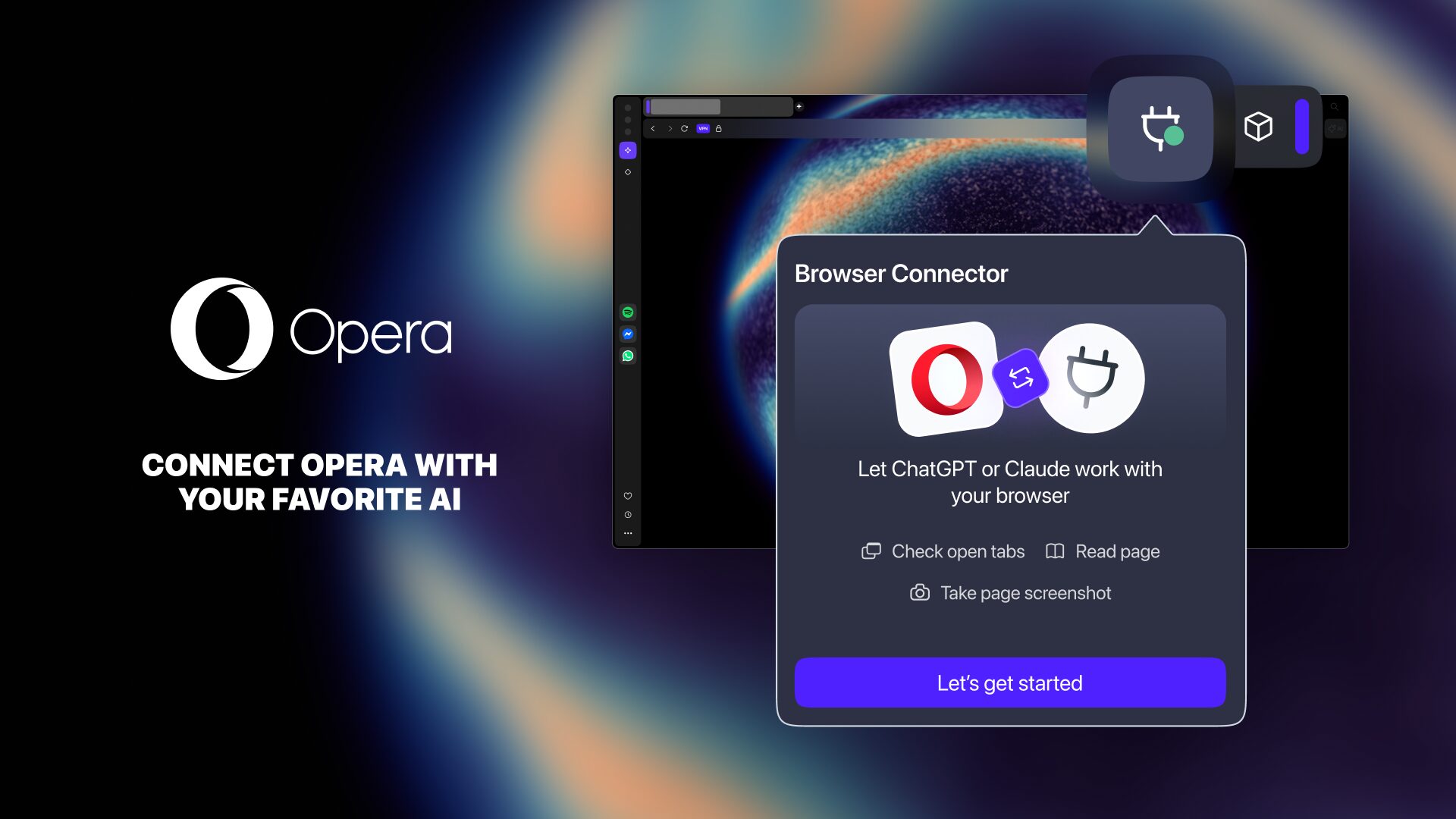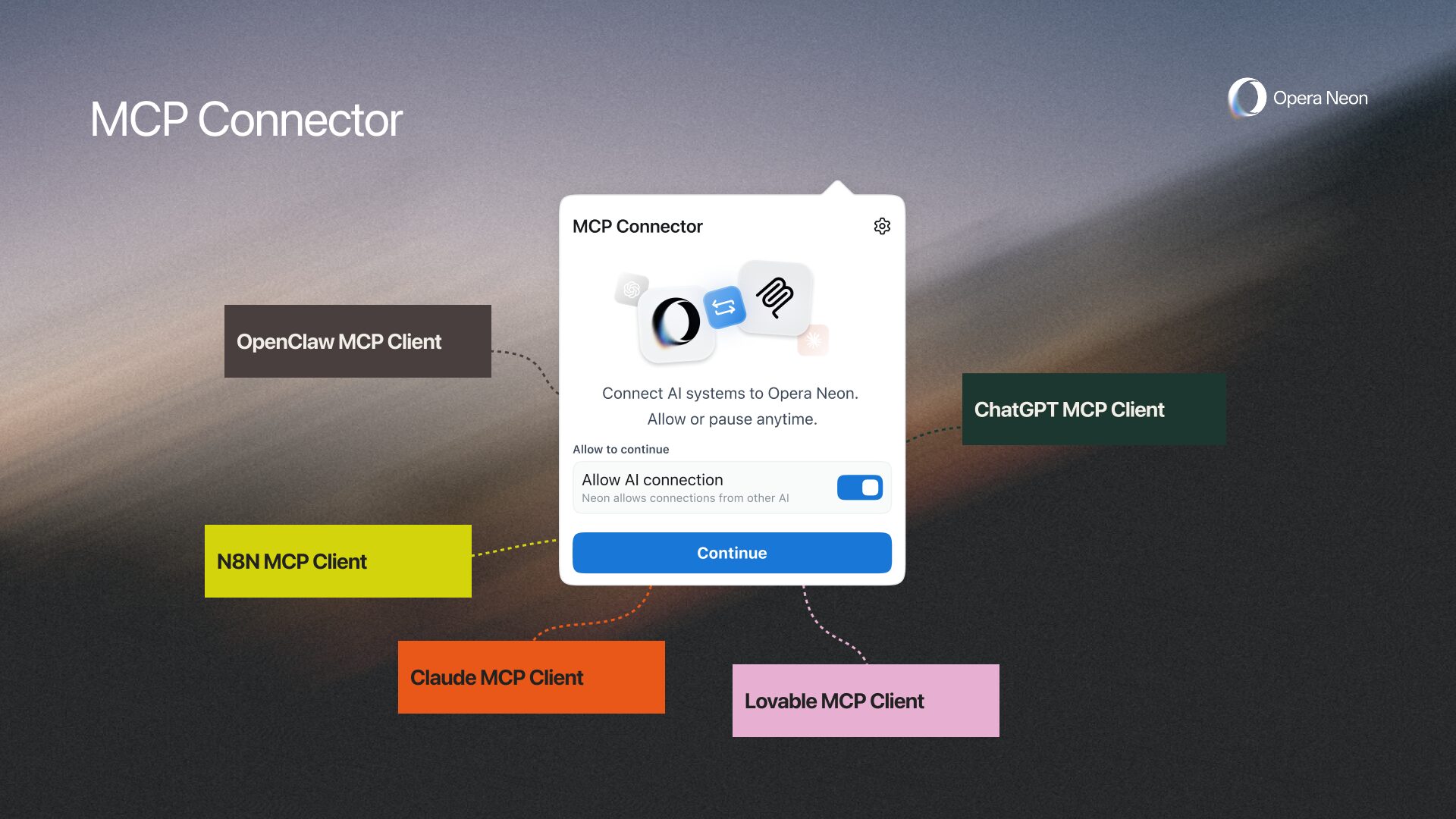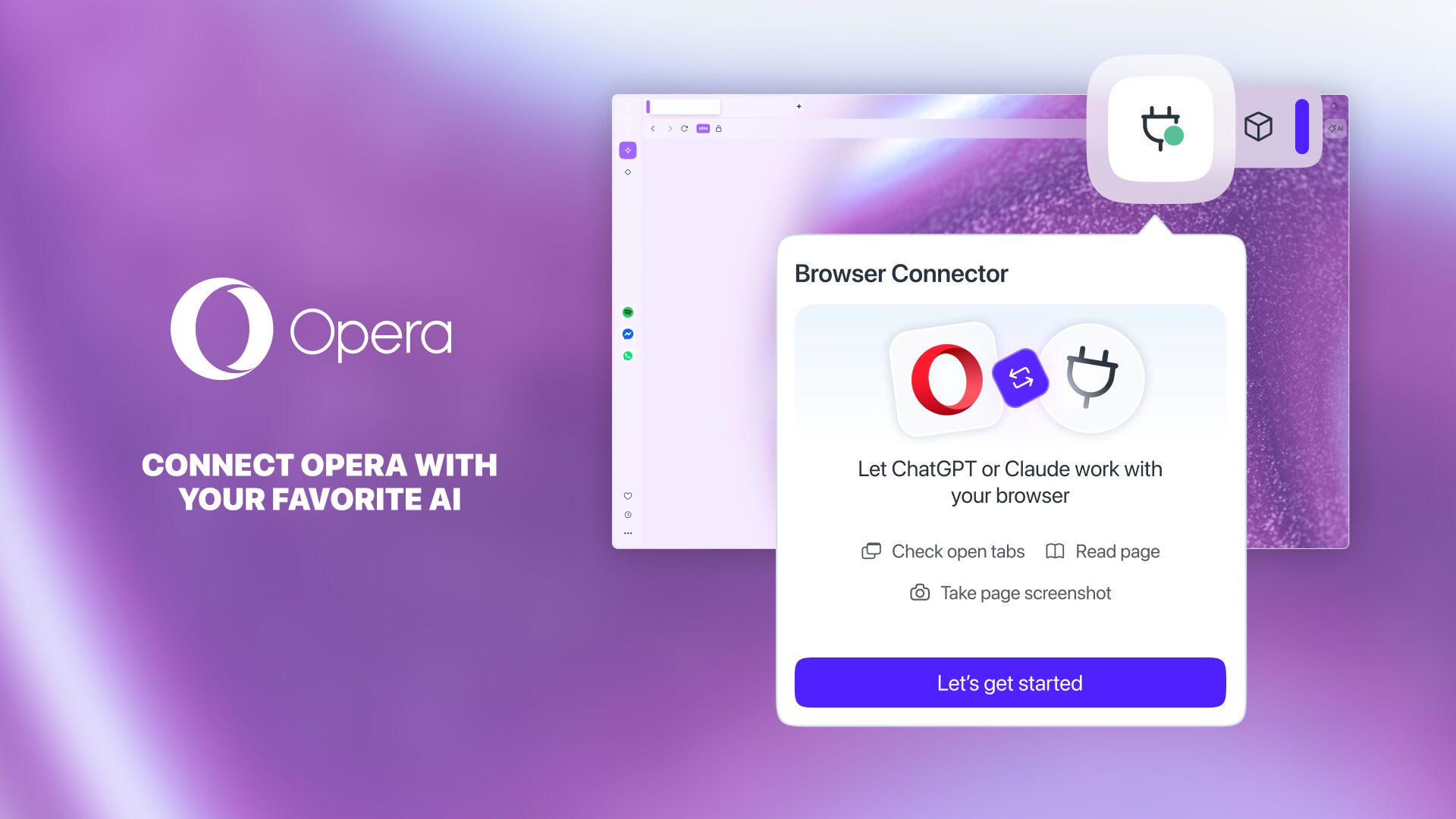
Browser Connector is a feature for Opera One and Opera GX that lets you connect ChatGPT to your Opera browser and let it see what you’re working on.
When you enable this feature, ChatGPT can see which tabs you have open, read the page content, take screenshots, and navigate to a page. And, based on the permissions you allow, it could also see your browsing history and close tabs.
So, this guide showcases how to connect ChatGPT to your Opera browser via Browser Connector. It’s not rocket science, let’s check it out!
First: activate Early Bird mode in your Opera browser
The Browser Connector feature is available for now in Early Bird mode – our testing environment where you’ll find the latest features we’re planning to add to the browser.