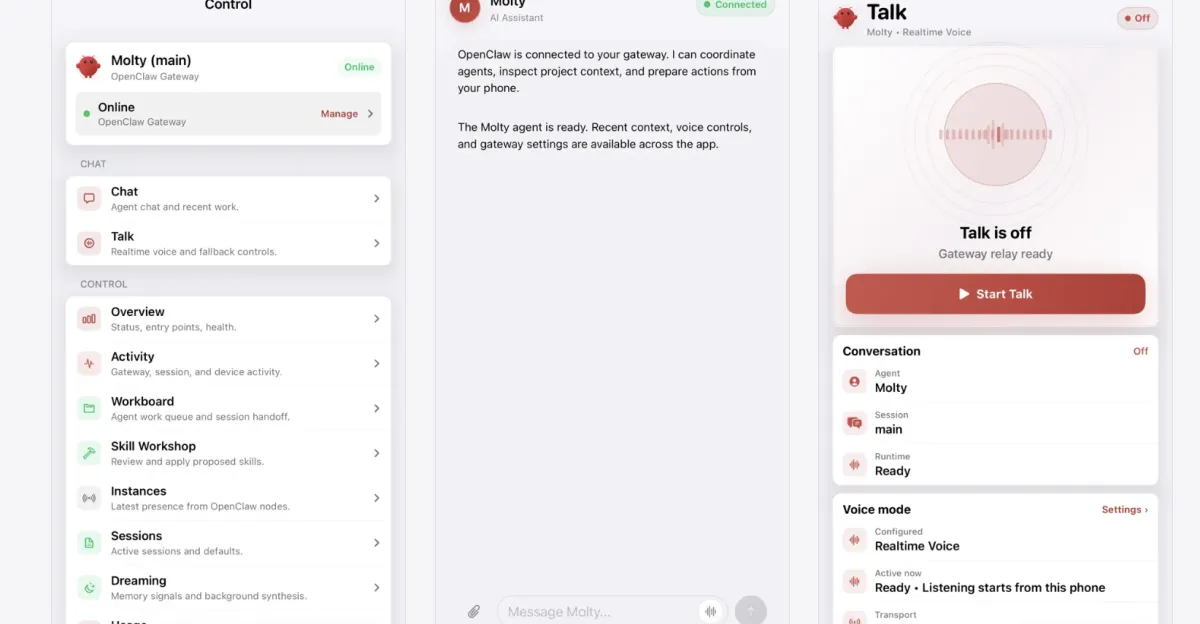
This guide explains how to equip OpenClaw with better exposure to the Brave Search API, giving agents access to crucial context and enhanced Web search capabilities.
Readers’ note: If you plan to try OpenClaw, for security reasons you should run it on a dedicated machine or VM that has restricted access to sensitive data. Don’t share your API key publicly; monitor for unauthorized use; and, if you discover your key has been leaked by OpenClaw, revoke its access via the Brave Search API dashboard.
Step 1: Set up your Brave Search API key
Register for (or log in to) a Brave Search API account.
Once you’re logged in, navigate to the My subscriptions tab in the dashboard, and ensure you’re subscribed to the Search plan.