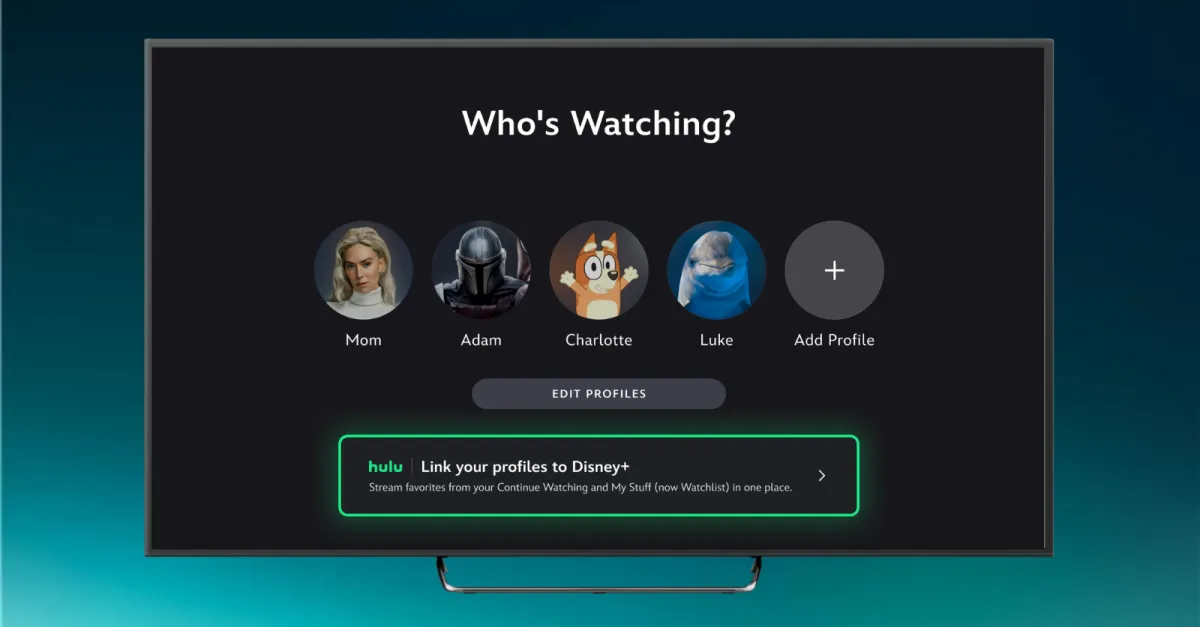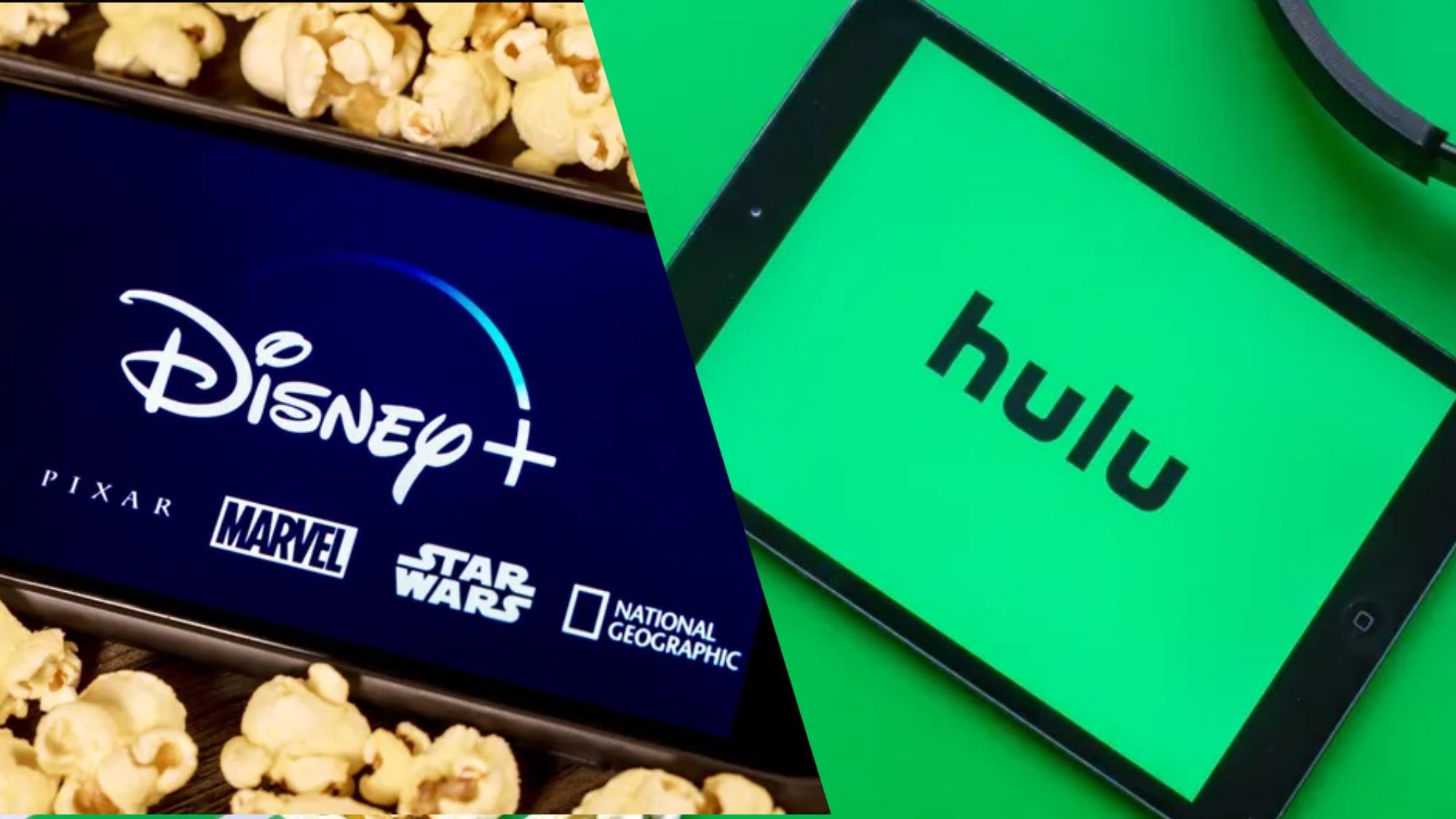
Disney Plus and Hulu have been slowly merging into one behemoth app like a streaming version of 'The Thing'. Starting today (May 20) though, Disney is adding several Hulu-related features to your Plus profile.This involves linking your Hulu profile to Disney Plus. Linking the two adds your watch history, watchlist and Hulu recommendations into the Disney app. It makes one of the best streaming services even better.How to link your Hulu profile with Disney Plus
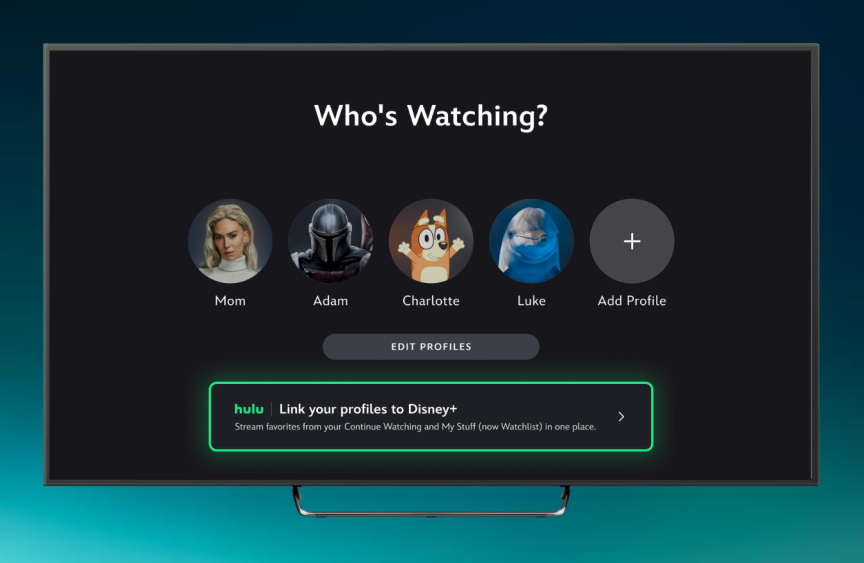
(Image credit: Disney)You need to download the Disney Plus app or go to the disneyplus.com website. Once there sign-in with the same MyDisney login that you use for Hulu.The app should prompt you to link your Hulu profile to an existing Disney Plus profile. One you've linked your profiles, you'll be able to choose avatars from Hulu alongside the existing Disney Plus ones.According to Disney, 18+ Hulu profile linking isn't available yet but should arrive in the coming days. This will be available for eligible Disney Plus and Hulu bundle, and Disney Plus, Hulu and ESPN bundle subscribers. Linking for all bundle subscribers is coming later this year.Get instant access to breaking news, the hottest reviews, great deals and helpful tips.Apparently, you do not need a Disney Plus subscription to link. However, if you don't have one you'll get a "small sampling" of Disney Plus and ESPN content. This is mostly to get you to sign up for one of the Disney Plus bundles.Finding your Hulu content in Disney Plus