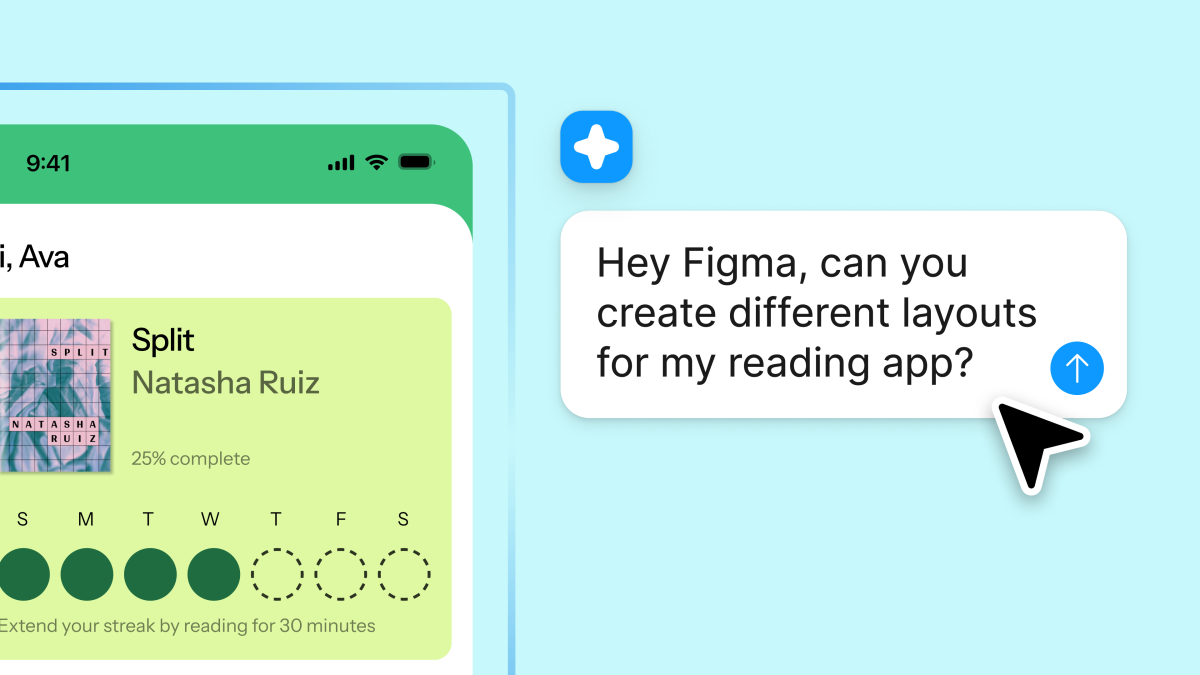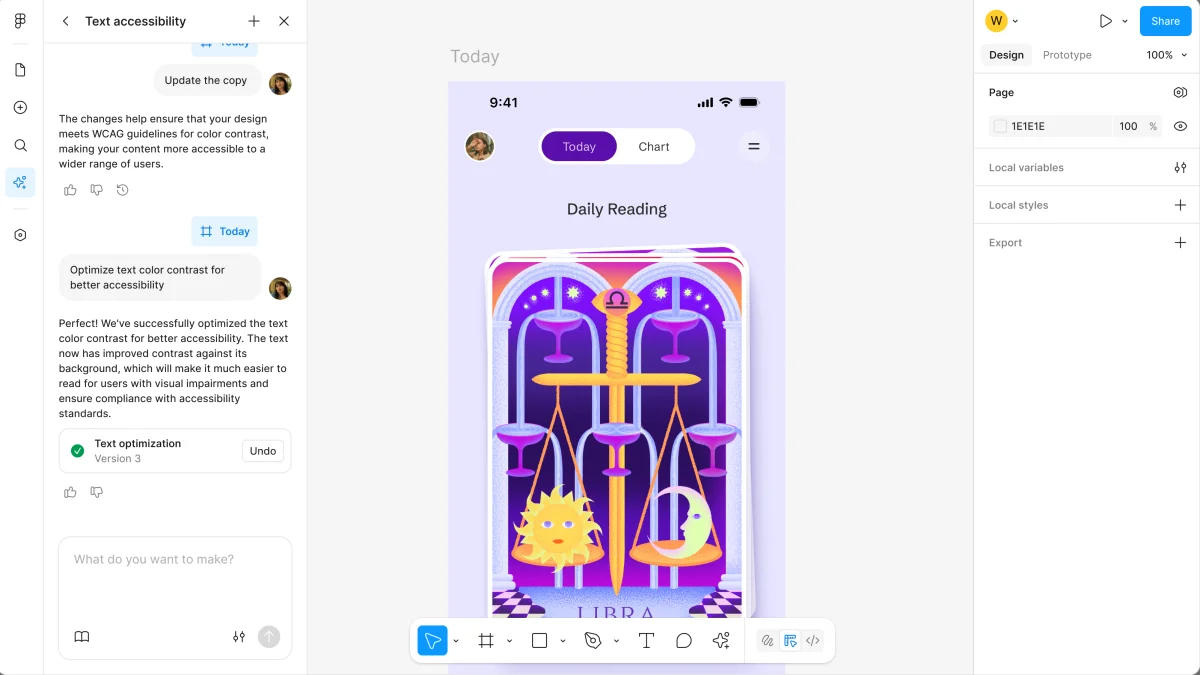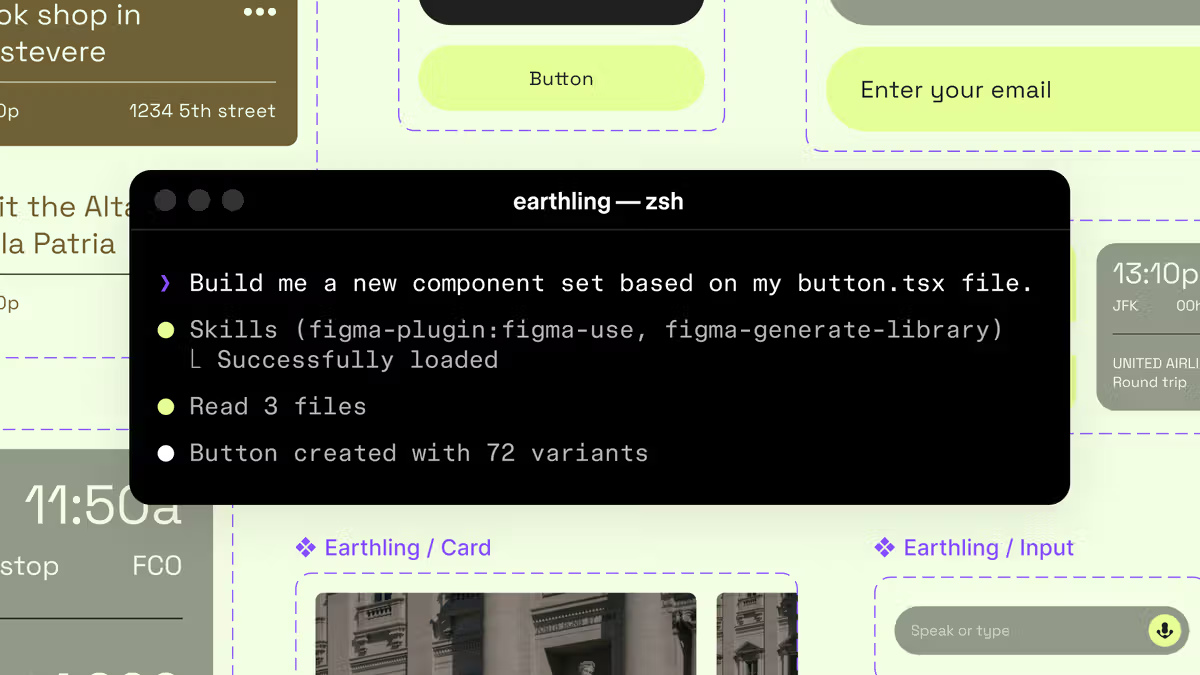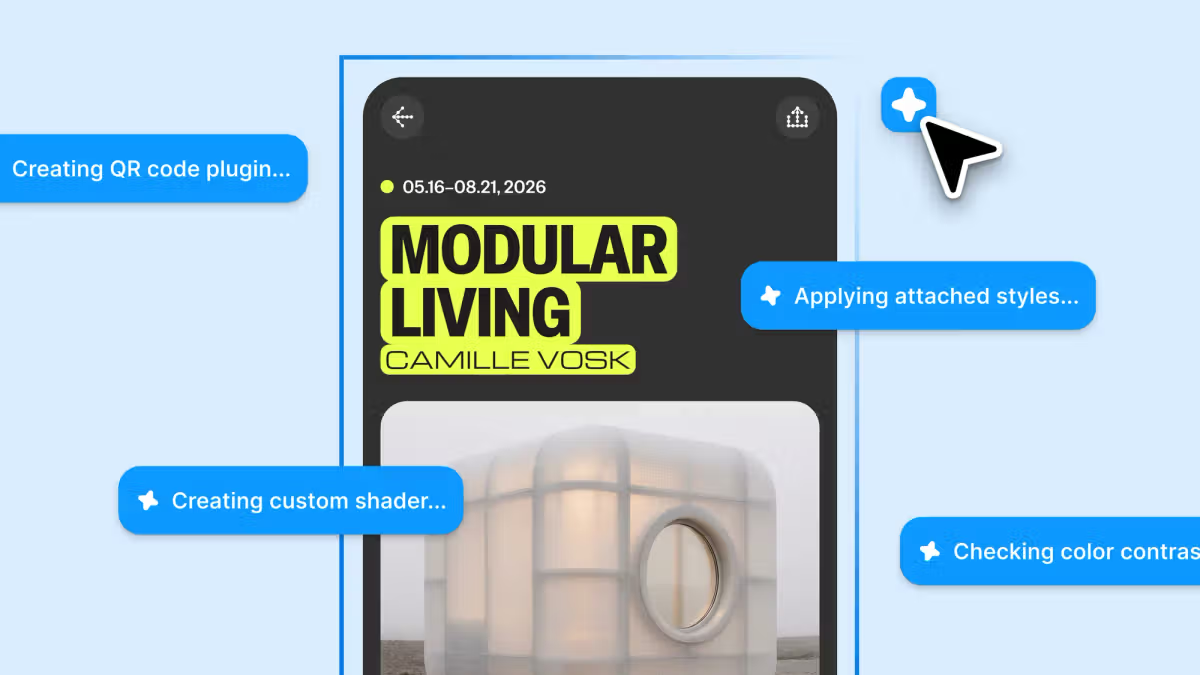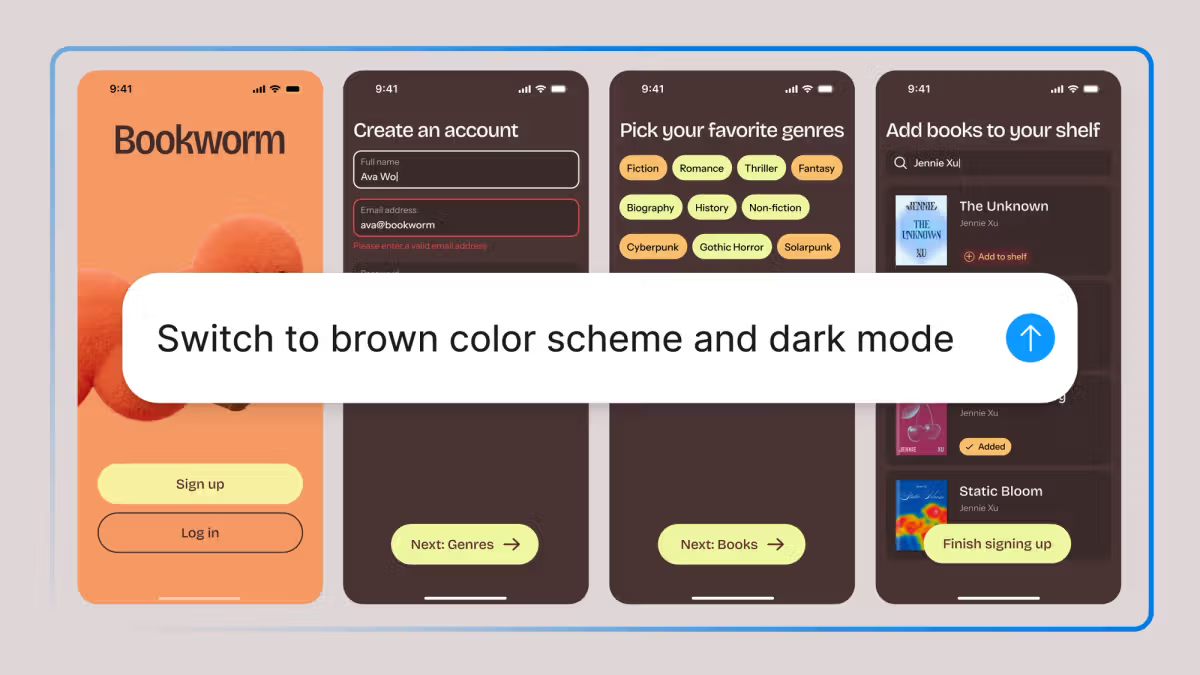
Designers need purpose-built tools that serve the essentials: exploration, experimentation, collaboration, and precision. Figma was built as a multiplayer canvas to make all of that possible. As teams adopt agentic tools to build products more quickly, false choices are emerging: Speed or precision? AI generation or direct manipulation? You shouldn't have to choose.Earlier this year, we opened the Figma canvas to third-party agents so you could bring design system knowledge into your agentic workflows. Now we're going further, with a Figma agent available directly on the canvas and in the left rail.That's why we built the Figma agent. Our goal was to create an agent fluent in Figma and native to the way teams work. That meant making Figma itself legible to a model in ways that aren't possible with third-party tools—with deep context on your components, tokens, standards, and best practices.How do Figma's agent and MCP server work together?Use Figma's agent when you're working on the canvas—it's built in and has additional context about your design system. Use the MCP server and use_figma to pull code onto the canvas or push designs back to code.The result is a dedicated design agent that works beside you on the canvas, inside the same file as your team—as a true collaborator. It's fine-tuned for editing Figma files, so outputs are tailored to your design context and built for direct manipulation so you can stay in control. Unlike the MCP server, the agent lives directly on the canvas—no separate setup or context switching, so you can easily:Start a prompt from any design layerParallel prompt to play out multiple ideas at onceMake edits and iterate while the agent iterates, tooFrom exploring new directions to making bulk edits and implementing feedback, here's how Figma's agent will fit into your design workflow today.Explore more directionsThe best designs rarely come from the first idea—or the first prompt. Exploring directions, comparing approaches, and iterating is already core to how designers work. Our agent will help you cover more ground in less time.How do Figma Make and the Figma agent fit into your workflow?You can start in Figma Design with our agent to generate design layers to clarify intent across flows, states, copy, and structure. Then, send it to Make to generate code layers to clarify behavior. Then, embed it back in Figma Design.Or, start in Figma Make, copy frames to Figma Design, iterate with our agent, and send it back to Make.You can go wide: Quickly generate distinct stylistic approaches to the same problem and explore many directions at once. Compare multiple checkout flows optimized for different business goals. Ask the agent for three different information architectures.Or go deep: Pick a direction and ask the agent to iterate, compare implementations, and rethink existing designs while staying aligned with your design system. The agent uses your most frequently and recently used components as a starting point, but you can also guide the outputs by choosing a specific library and @ mentioning specific tokens, variables, and components to steer it toward exactly what you need. Think of it as a key command for your design system.As AI makes it easier to generate designs, the risk is shipping something average. Our agent is purpose-built to help you explore more directions, so you can choose the right one—then once you have, going hands-on is often faster, more natural, and token efficient than prompting your way to the ideal output. You can also build simultaneously with your team in the same workspace, without losing context.Remix styles and generate screens that use your design systems:Automate busyworkFlow doesn't have to stop at the canvas:With the Figma MCP server work can move between code and Figma without losing fidelity. Start in code, bring it into Figma with our code-to-canvas capability to iterate or apply your design system, then send it back via the Figma MCP server—and everything stays in sync. Our agent fits into that handoff, helping maintain momentum as work moves between tools.When Figma's agent works alongside you on the canvas, you don't just work faster—you can shift easily between AI assistance and hands-on manipulation. This makes it easy to work through tedious tasks that still require context and precision. Wouldn't it be great if you didn't have to manually rename variables for consistency, swap the same component across many different screens, repeat a padding change across an entire flow, or populate a large number of frames with realistic content? That's exactly what the agent is for. It handles the work that usually slows you down by automating bulk edits, applying design systems, and filling designs with realistic content at scale.Chat with Figma to update typography across a file, replace lorem ipsum copy and imagery across a grid, set all chip components to their active state, or convert your screens to dark mode without manually adjusting fills and contrast. And if you maintain a design system, the agent is a particularly powerful ally. Use it to bulk-update descriptions, tags, and use cases across libraries, standardize naming conventions, document components with all their states and variants, and steer quality by sharing examples of your team's work.Make precise edits in bulk and document your design system:Do more with feedbackDesign work accumulates feedback that's often scattered across comments and files: from crit notes and stakeholder reactions to open questions. Our agent helps you put that feedback to work.Because your whole team works in the same file, the agent already has that context—so asking it to work through feedback feels less like briefing a new collaborator and more like thinking out loud with someone who’s already in the room.Ask Figma to summarize feedback, identify themes, and turn input into next steps. You can also use it to pressure-test designs from different points of view. Wondering how a VP focused on revenue will react? Our agent can model that perspective. Working through a long comment thread? The agent can distill the back-and-forth into an actionable plan. Need to think out loud before a crit? Use our agent to sharpen your direction before sharing it with your team.Receive, organize, and apply feedback in real time:Figma's agent is embedded where the work already happens. There's no toggle tax, no context switching, no learning curve. You stay in Figma and your team stays in the loop. We built this with one goal: to help you work faster without compromising on quality and craft.In the coming months, we'll focus on improving support for design systems, refining the user experience, expanding the agent's ability to search across your files, and adding ways to customize. We’re just getting started.The Figma agent is rolling out gradually in beta over the coming weeks. During beta, the agent won't consume credits. AI credits will apply at general availability. Sign up here to request early access. If you’re eligible and selected for the beta, we’ll send you an email once you’re in. Joining the list does not guarantee access. The agent will be available for Full seat users on Professional, Organization, and Enterprise plans. Collab and Dev seats can use the agent in drafts. Starter, Education, and Government plans are not included. Learn more in our help center.
The Figma Design Agent is Here | Figma Blog
Starting today, work with an agent that is built for Figma—directly on the canvas.
1,188 words~5 min read