(Image credit: Future)
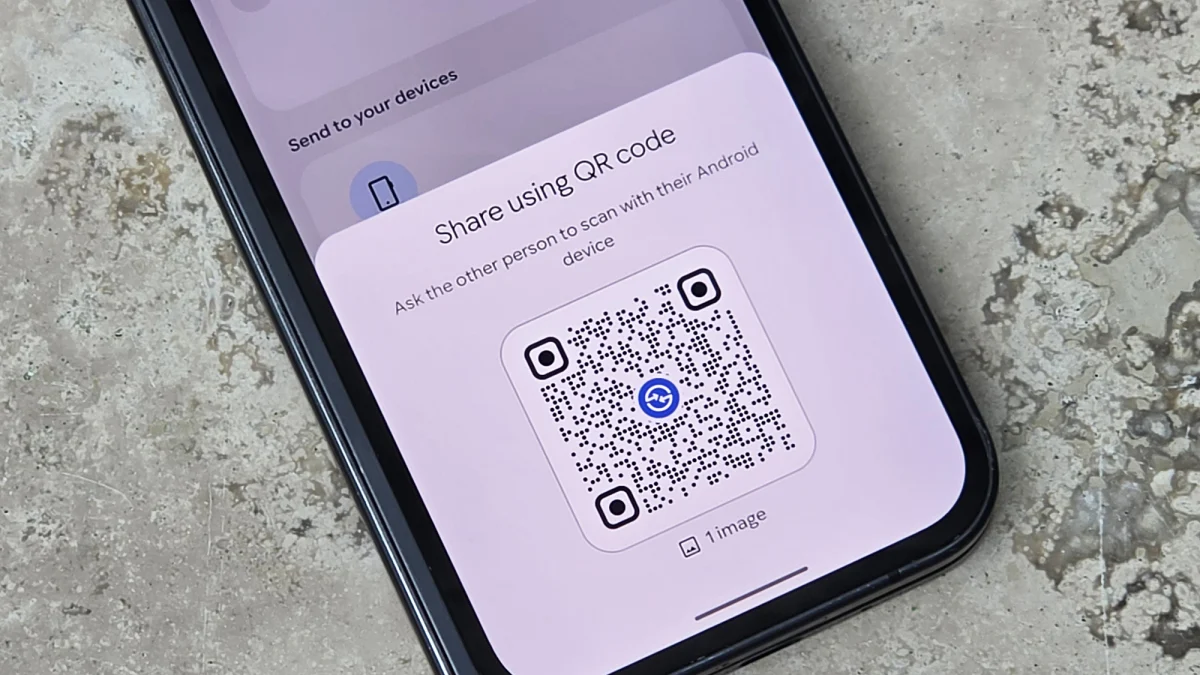
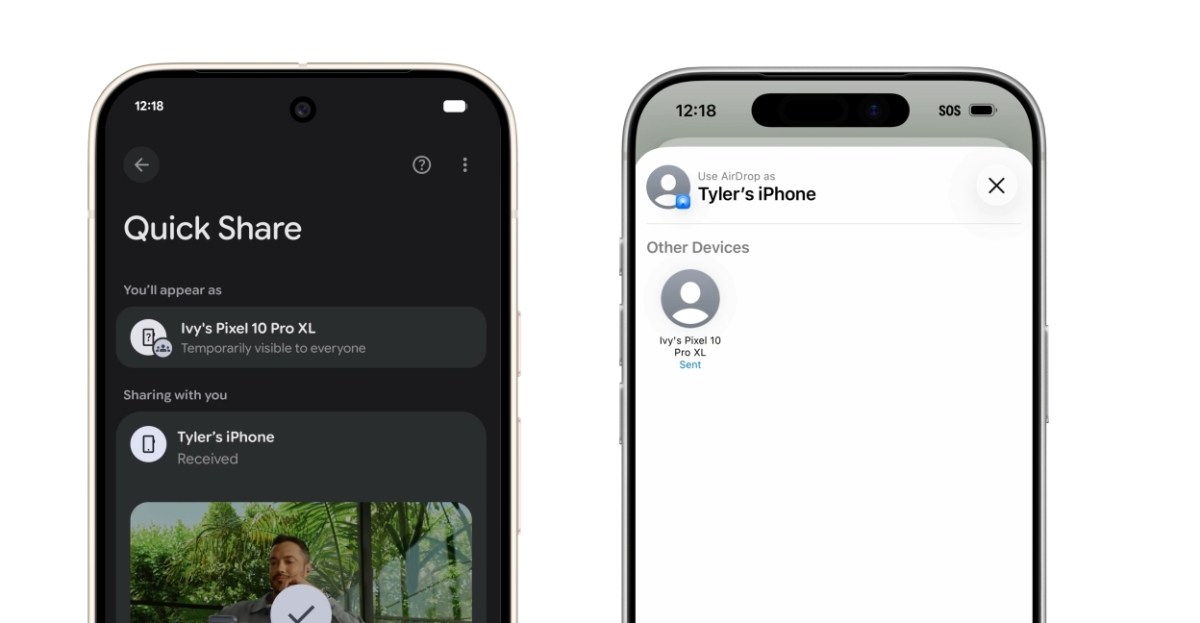
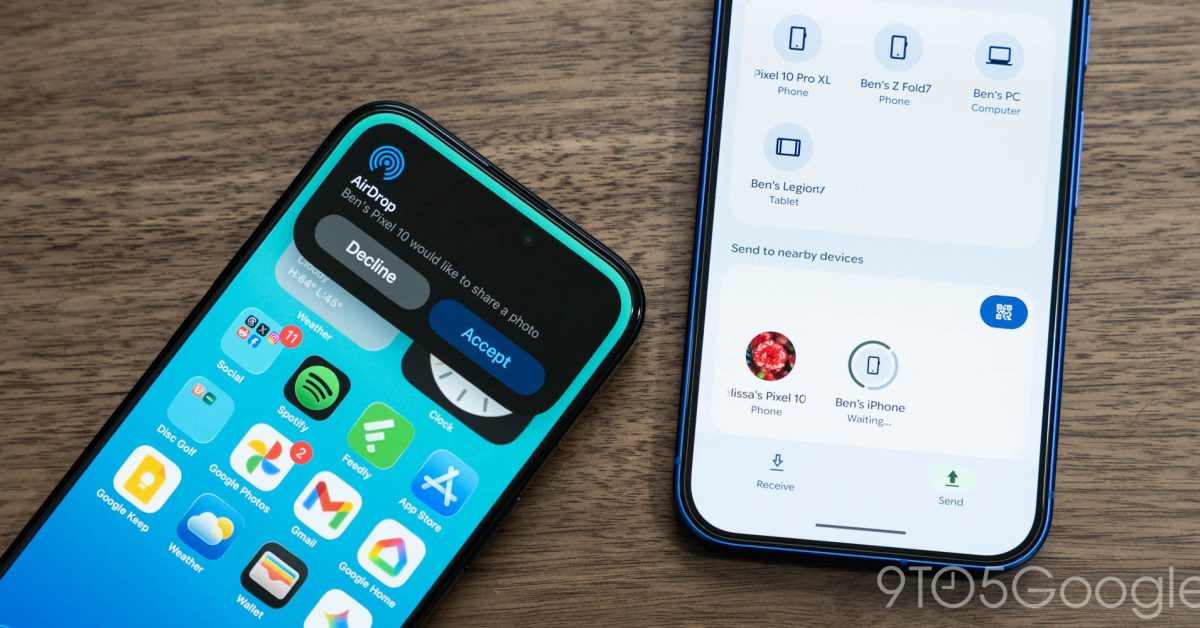
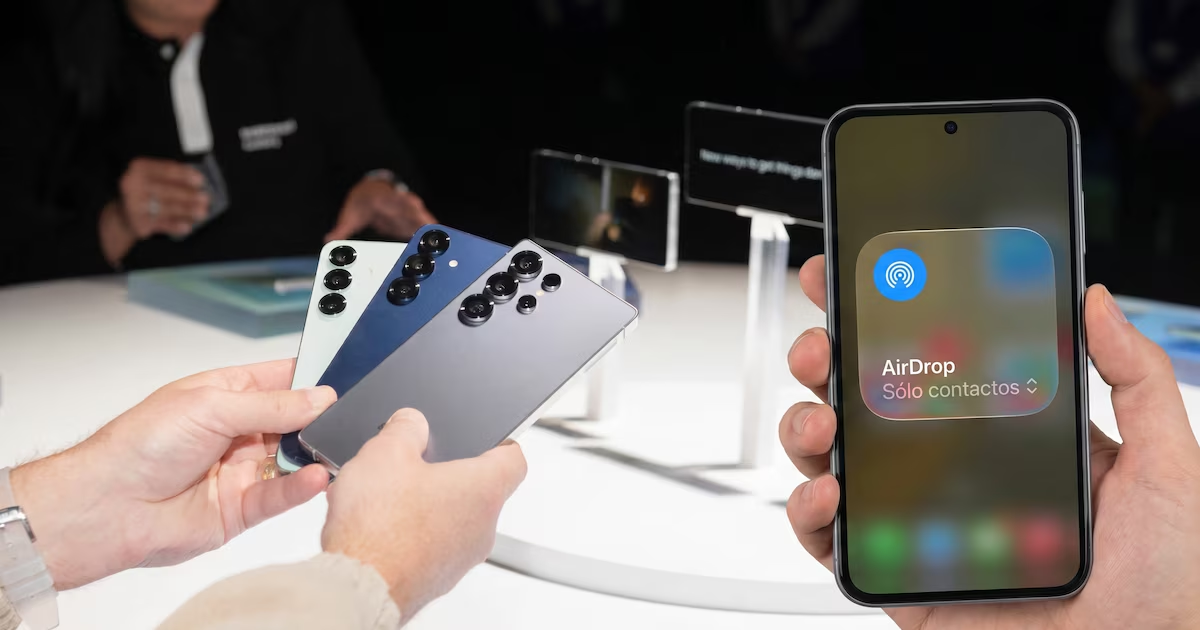
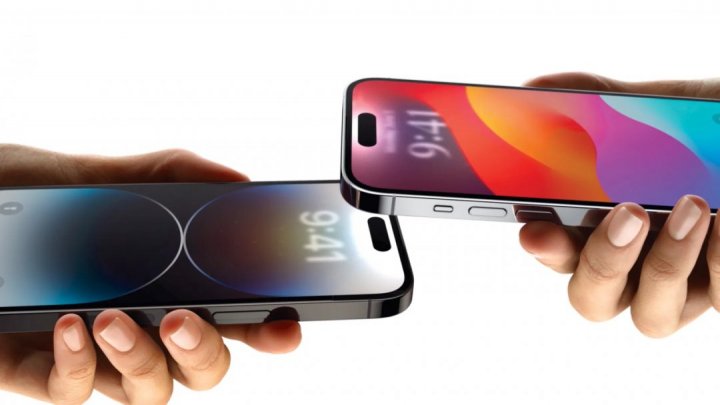
Most Android users will know about QuickShare, the Android equivalent of Apple's AirDrop, but what you might not have known is that there are two ways to send files. The most obvious is to find a nearby device and beam files over via Bluetooth, but you also have the option to connect and send files via QR code instead.This feature has been part of QuickShare for a while, but it is about to get a much-needed AirDrop-infused boost from Google. The Android-makers just announced that you'll be able to start using those QR codes to share files with iPhones — even if your phone doesn't officially support file-sharing via AirDrop. It's not quite as elegant a solution as traditional QuickShare, but it works, and we can't complain about that.
1. Find your file and Share via QuickShare
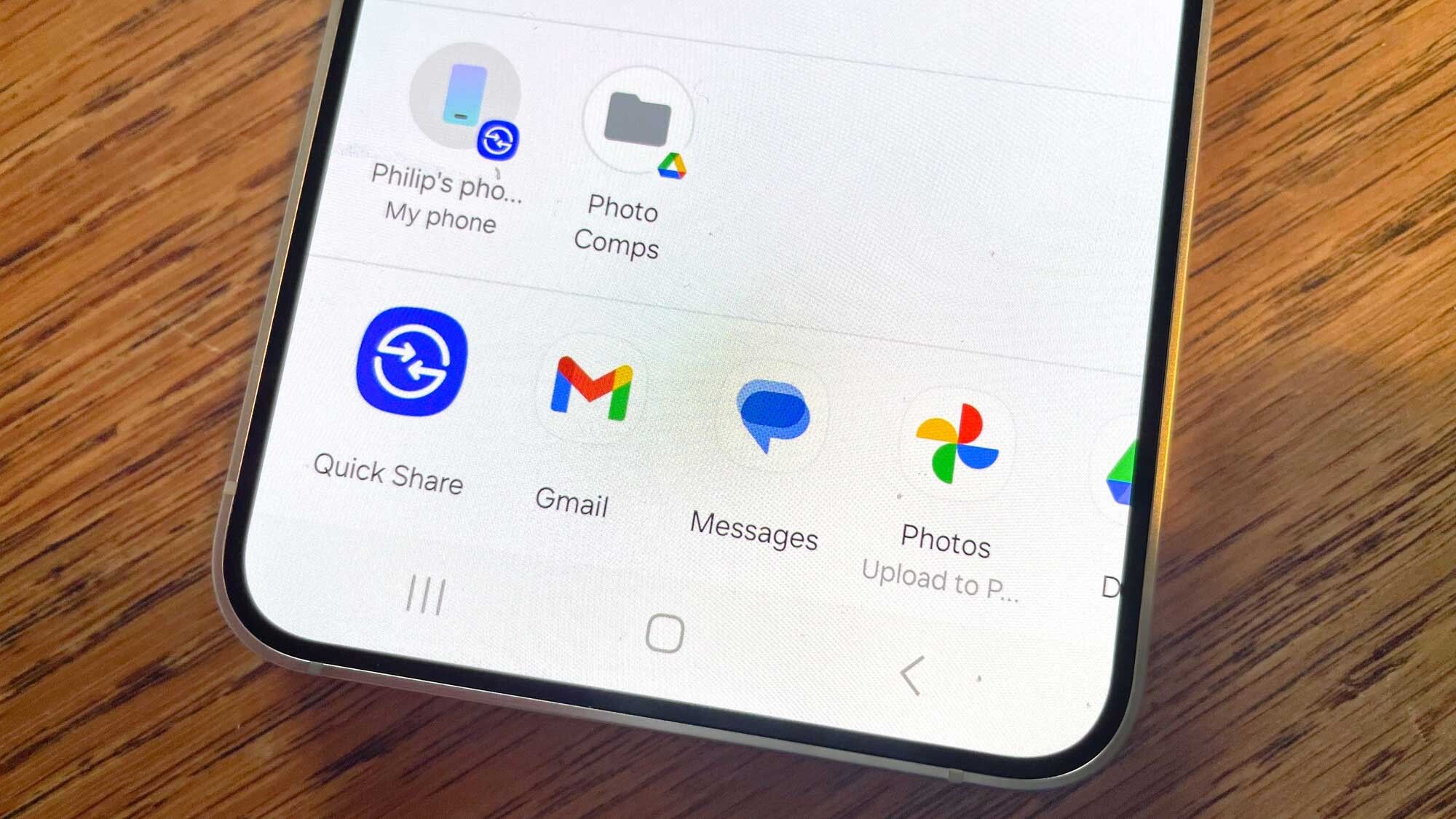
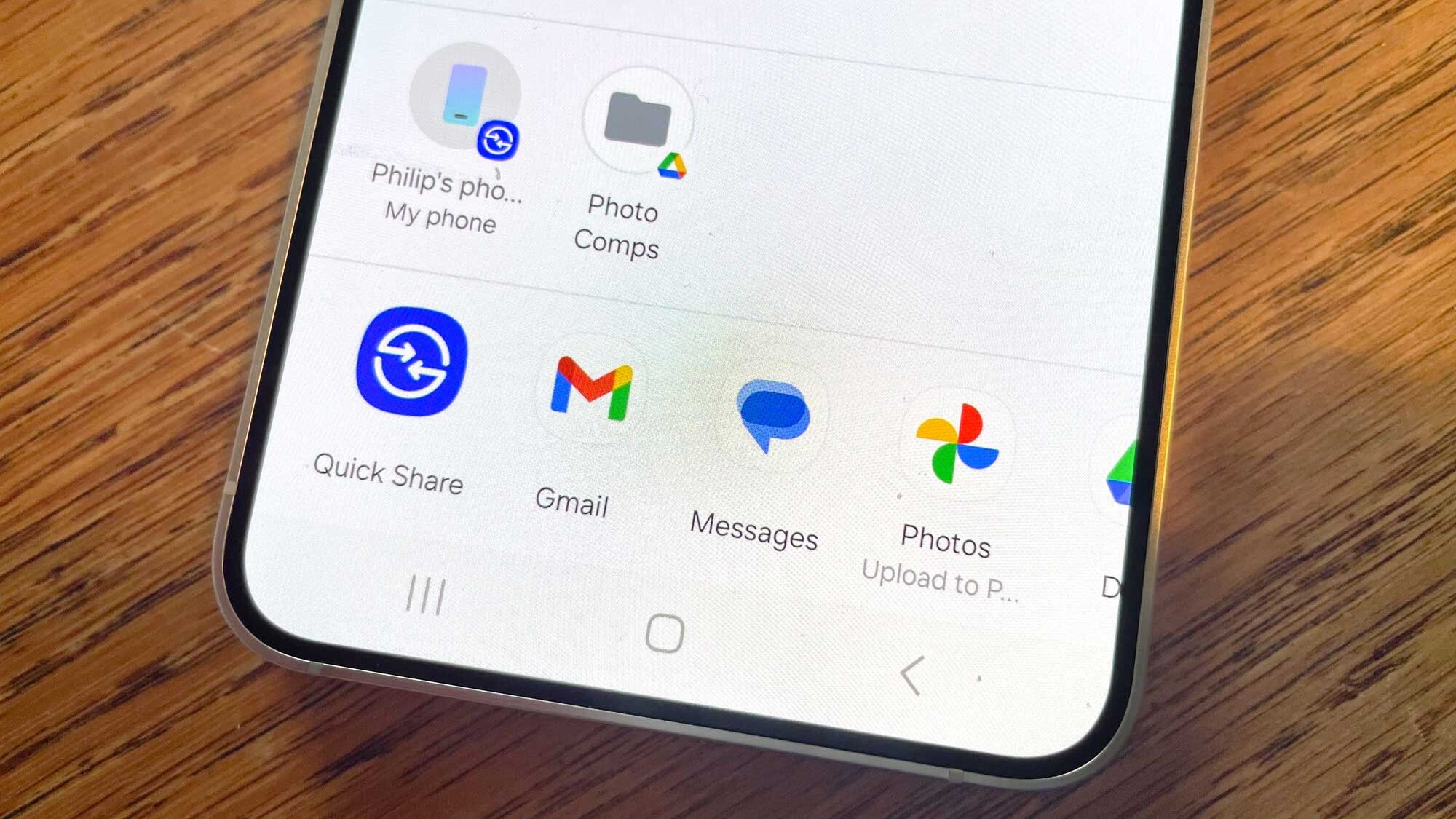
First thing you need to do is find the file you want to share, be it a photo or something else entirely, and hit the share button. A pop-up list of options will appear, and you need to tap the blue QuickShare icon.
2. Tap Use QR Code