Hardware is always great when you first buy it, but it can quickly come to feel sluggish when the tech giants start bloating their software with either badly written code or features you never asked for. Take Google, for instance, it has just started bundling an offline LLM with Chrome which takes up a hefty 4GB of space just to power unnecessary features such as “Help me write”.
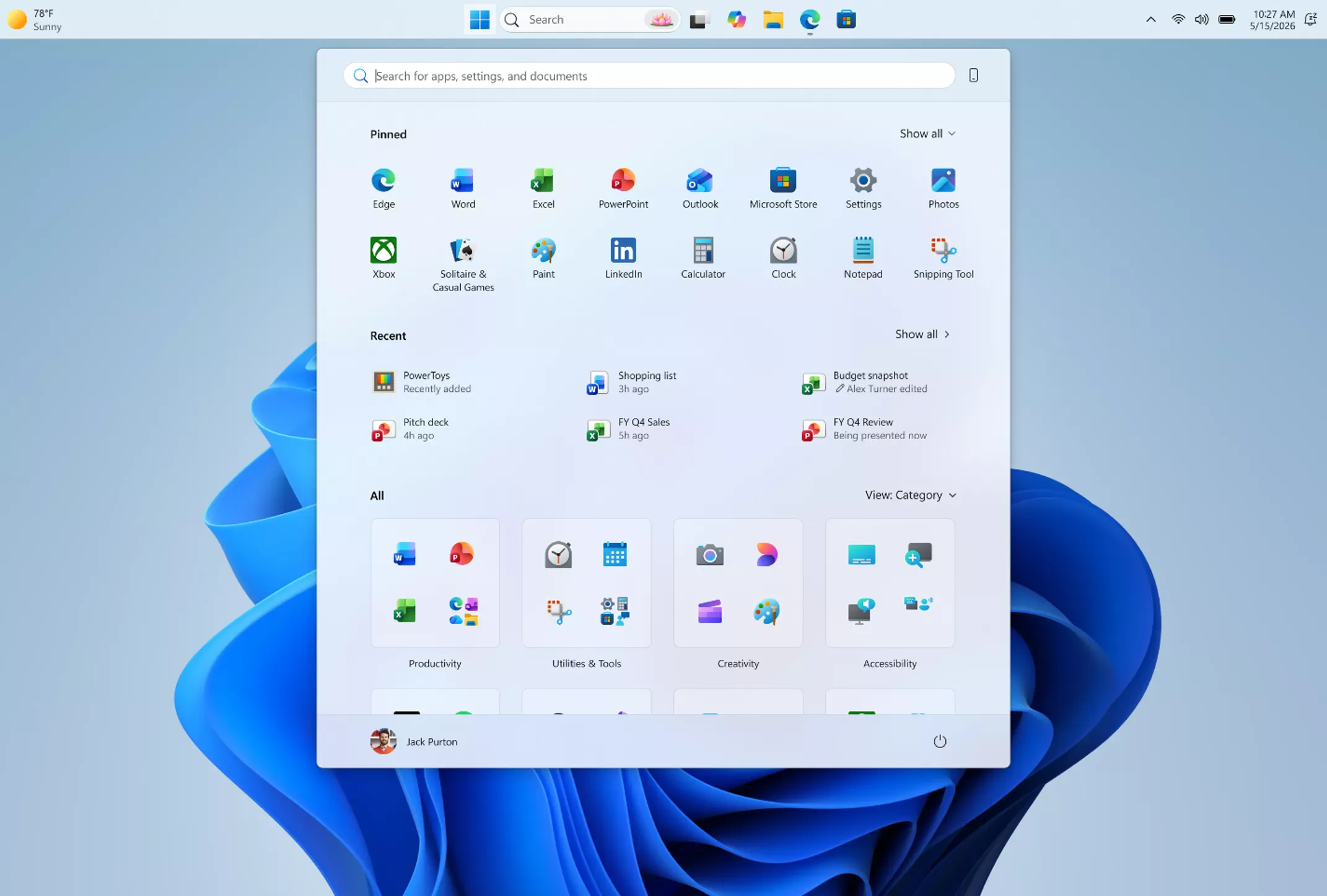
It’s not just Google, we also see this with Microsoft cramming Copilot everywhere (though it is scaling this back now, thankfully). Windows 11 is also a very heavy operating system which runs slowly on older hardware and forces users to buy new hardware, once for the TPM 2.0 support, and again for some AI features if you want those.
I do not like buying new hardware very often so I look for ways to try and extend the life of the things I already have. I currently use what’s normally a horribly slow laptop from the 2010s and have tested a few different Linux operating systems on it with various levels of success. With things like Fedora Xfce it ran mostly OK, but I still encountered a tiny bit of lag.
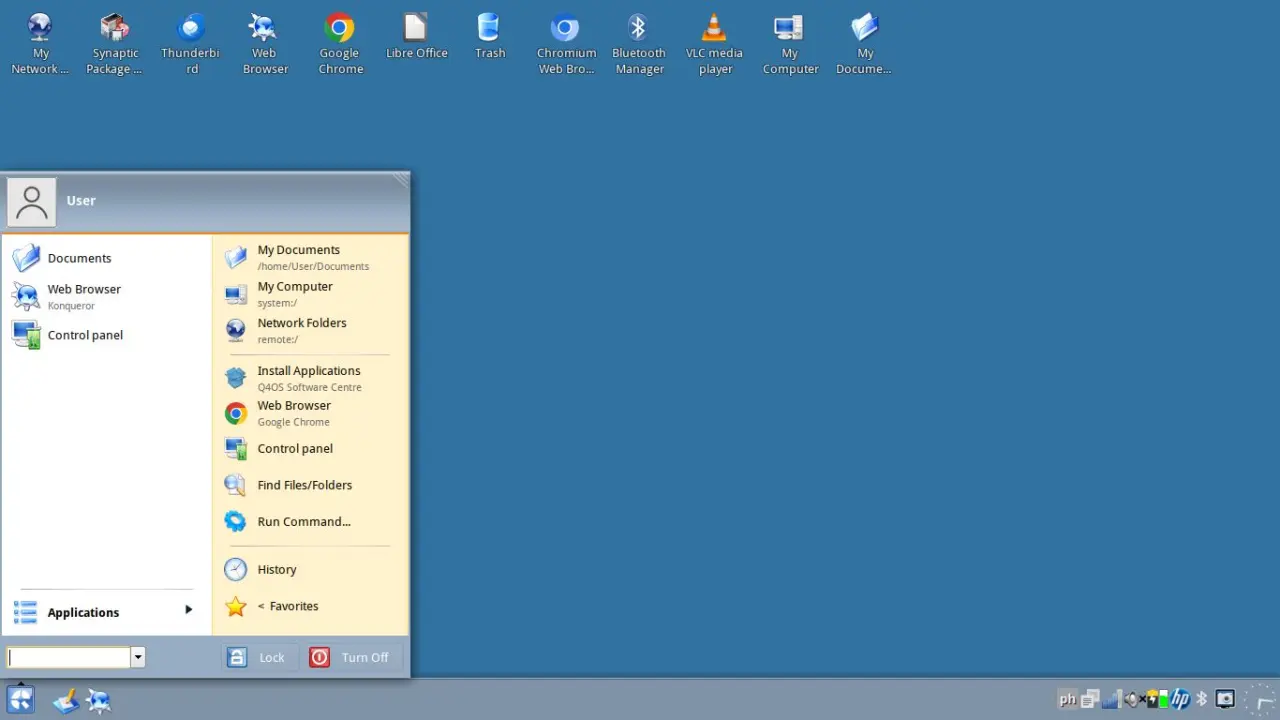
In the last few months, I decided to scrub the laptop clean again to try a Linux operating system I had never used before (and I’ve been distro hopping since 2008!) It is called Q4OS, it has been around since 2014 and aims to be extremely fast when you go with the Trinity Desktop Environment (which I had never heard of before this). While some parts of this distribution are predictably bare bones, one nice thing is that it has a very good theme manager and a theme out of the box that makes Q4OS look like a mix of Windows XP and Windows 7, taking the best elements from each.