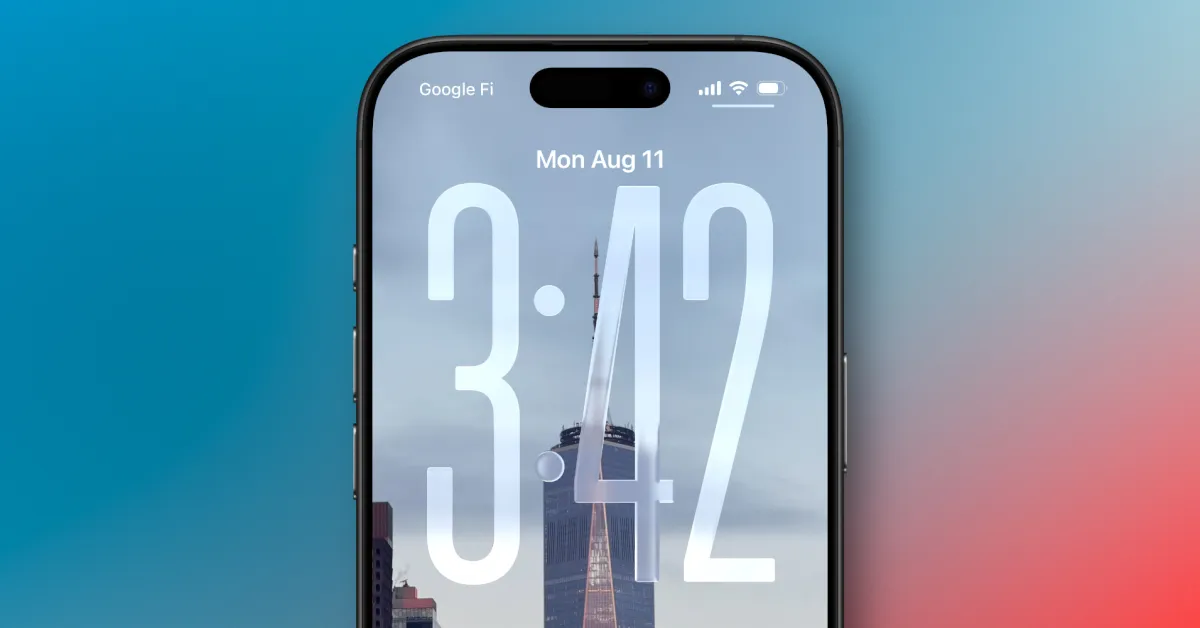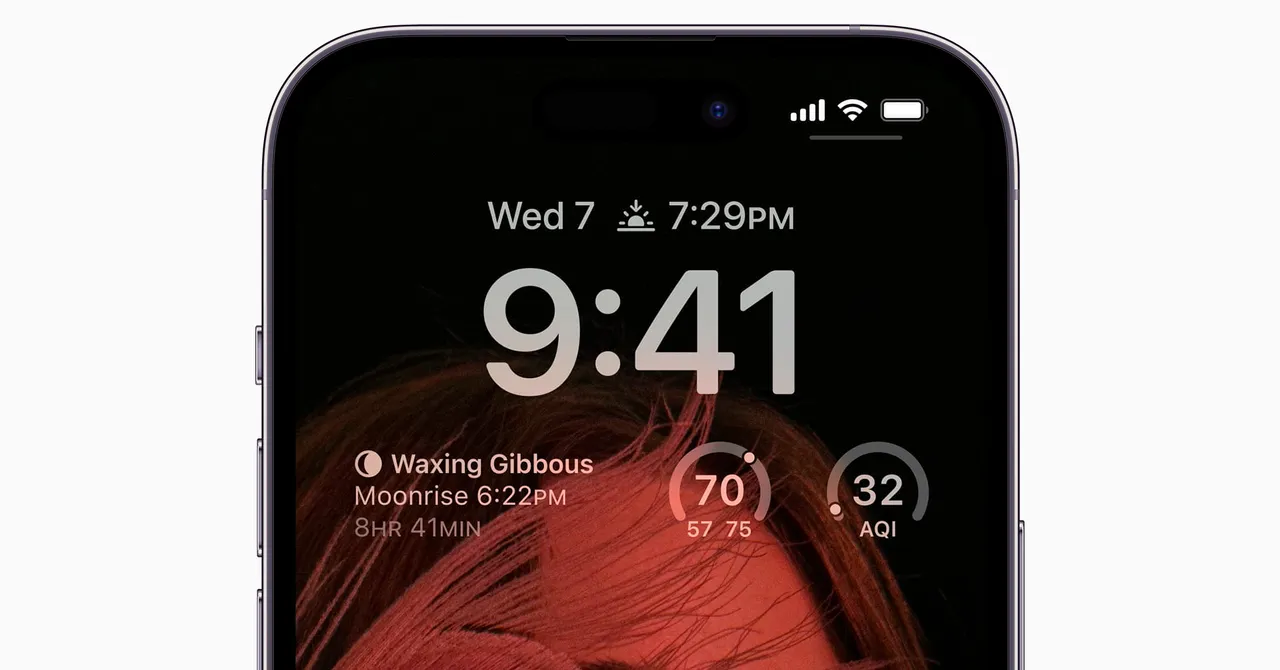
How many times do you think you check your phone a day?The number is probably much higher than you'd guess. Phones are always within easy reach, offering instant access to the world, social media, and messages from friends and family. Even if you're not being pinged with notifications, the temptation to scroll through an app or two is always there.There are different ways to tackle this, from muting notifications to keeping some space between you and your device. But one easy way to be sure you check your phone less often is to do more with the lock screen on your handset.You can populate the lock screen with a variety of alerts and updates that help you see what's happening with just a brief glance. You won't need to unlock your phone again and again, and you won't be drawn into checking multiple apps each time you pick it up. Here's what you can do on the major phone models.Google Pixel PhonesMost Android phones now offer an always-on display feature, including recent Google Pixel models. To customize what appears on the lock screen, head to Settings, then choose Display and touch, and you'll find an Always-on display option: Tap this to find a toggle switch to enable or disable the feature.Also on the Display and touch menu, you can tap Lock screen to configure what shows up on the display when your phone is locked. The main option to be aware of here is Notifications on lock screen: Tap this to choose how notifications appear onscreen (in full or as snippets) and to determine which kinds of alerts show up.Make sure you can see notifications on the lock screen.
Set Up Your Phone’s Always-On Display So You’re Unlocking It Less Often
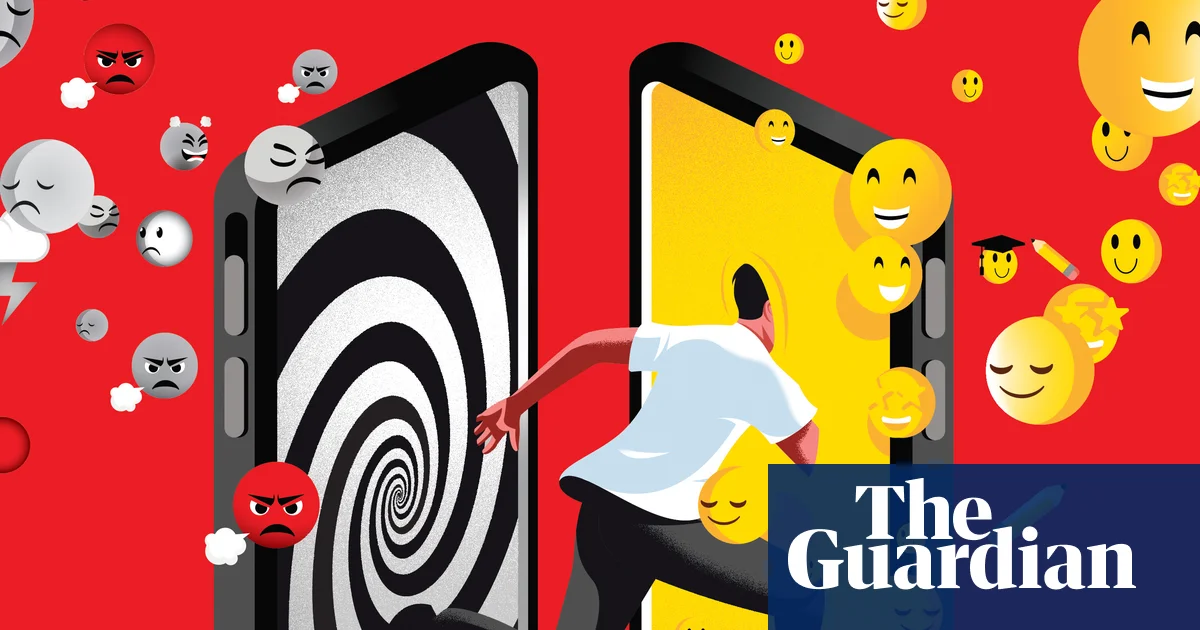
Break the pattern of unlocking your phone for one thing and then getting sucked into something else. Set up your lock screen to show all the information you need at a glance.
881 words~4 min read