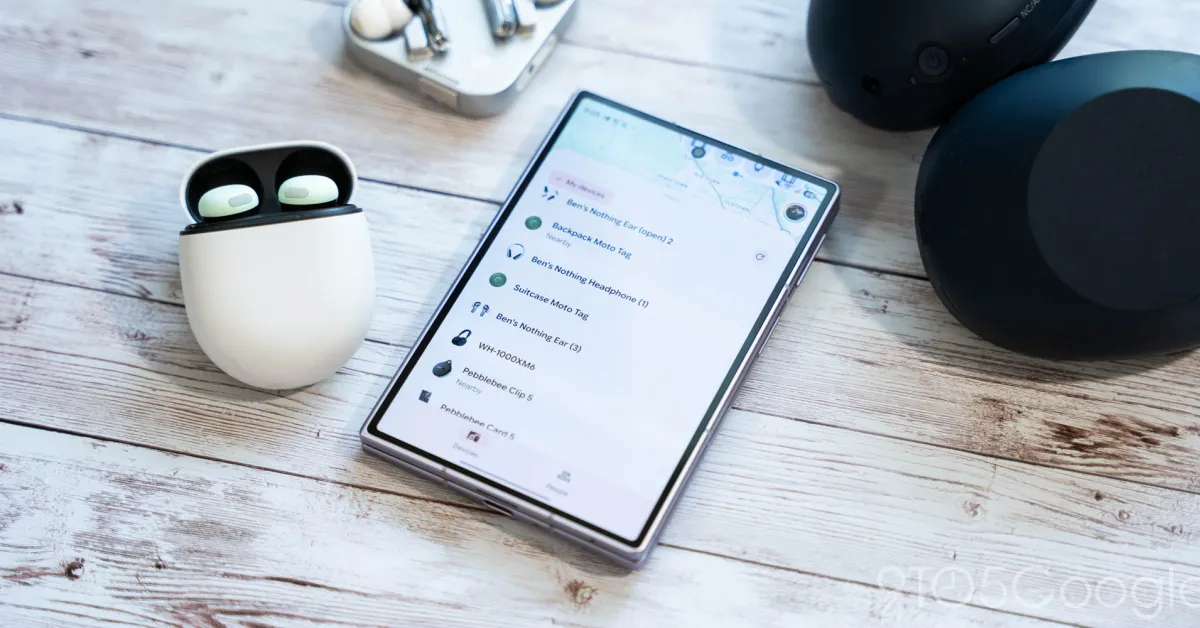
Google is rolling out an update to the Find Hub app on Android that lets you add location sharing notifications.
Start by selecting a contact who shares their location with you from the People tab. After updating to version 3.1.608-5, you’ll be prompted by how you can now “Add a location notification: Get notified when someone arrives or leaves a location, like home or work.”
The “Get location notifications” button appears between Get directions and Share your location at the bottom of the sheet.
You can toggle “When” a person arrives or leaves, with “Where” showing their current location and yours. You can tap “Add location” as needed below that. The “Choose on map” interface gives you a nice Material 3 Expressive range slider.
Upon tapping “Save,” Find Hub explains how that person “will be informed that you added this notification.”