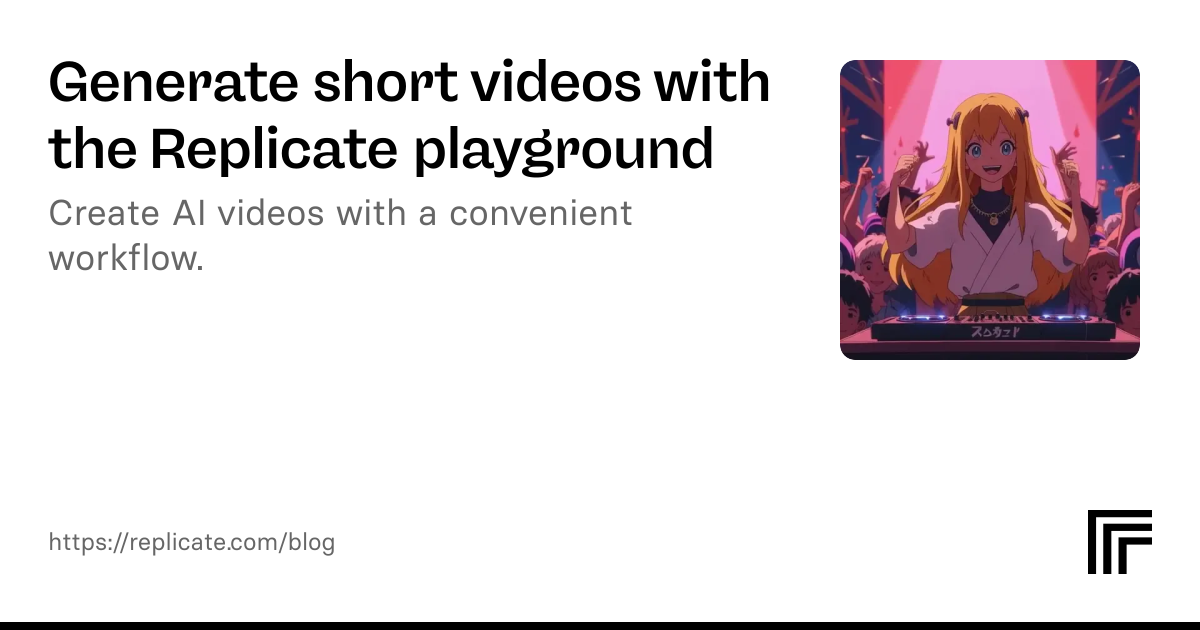
Posted January 17, 2025 by deepfates AI video generation is here, but it’s not always easy to get the results you want. In this guide, I’ll share a convenient workflow for creating AI video with the Replicate playground.
The playground is an experimental web interface that gives you a scrapbook-style UI for testing different models, comparing their outputs, and keeping a record of your experiments. We built it for quick iteration with image models, but we’ve found it works great for video models too.
Step 1: Start with an image
Text-to-video generation is not yet as fast as text-to-image. You should start with an image for more predictable video output, instead of starting with a text prompt, waiting a few minutes for each output, and hoping to luck into a good result.
You might find an existing image in your phone or family photo album, or generate one with a Replicate image model. You could even fine-tune a model to match a specific character, style, or aesthetic.