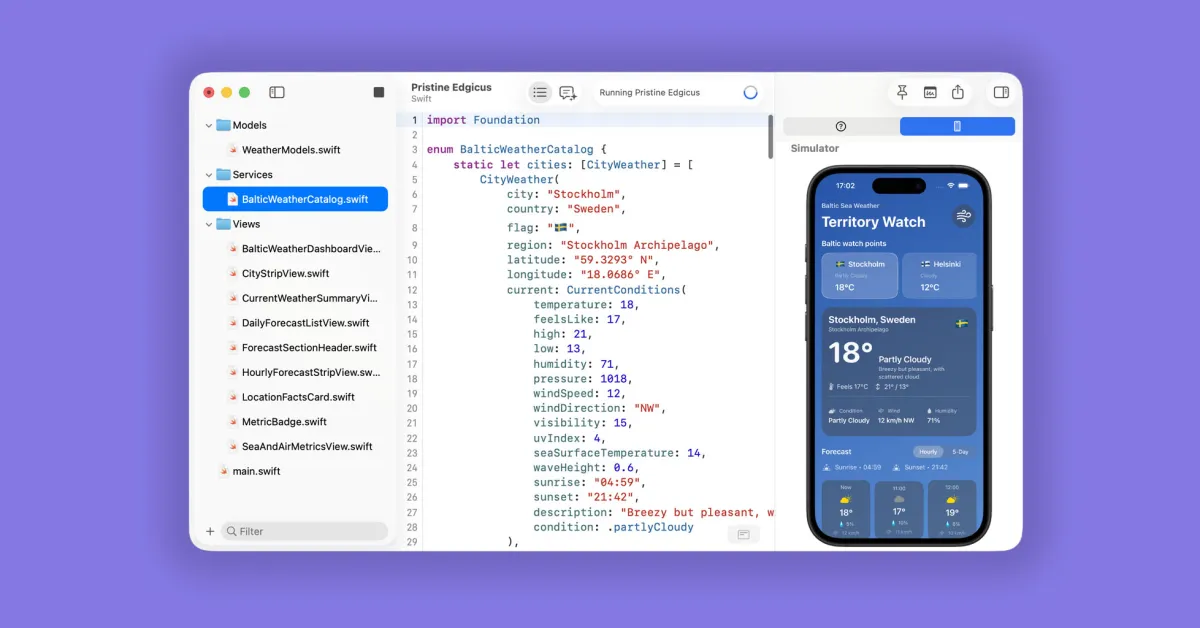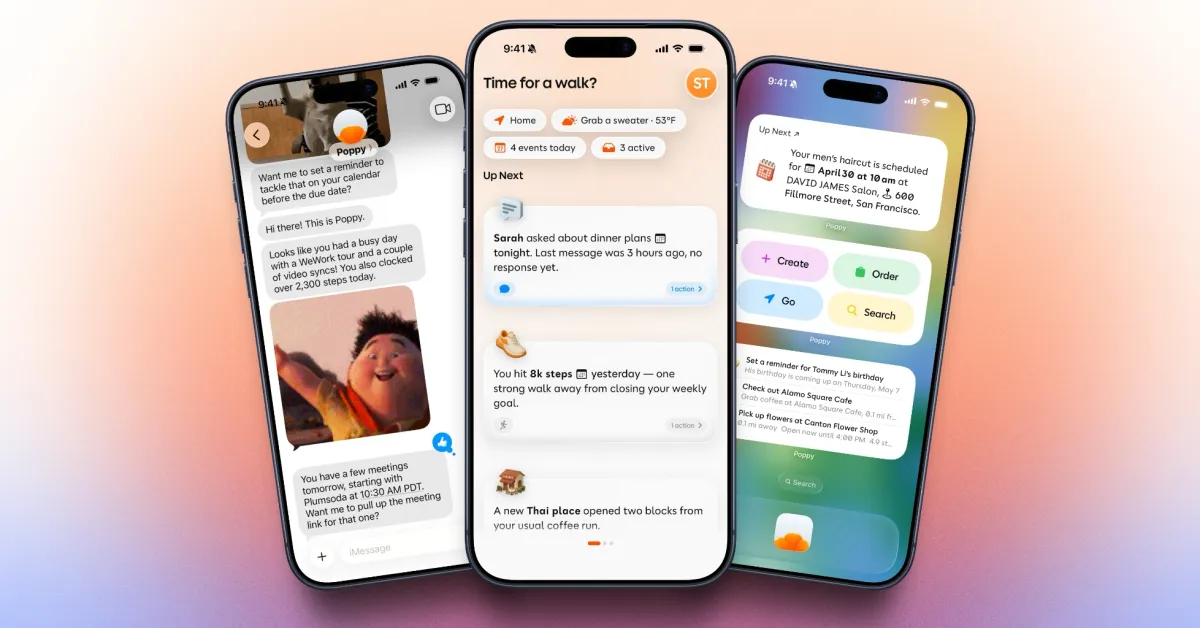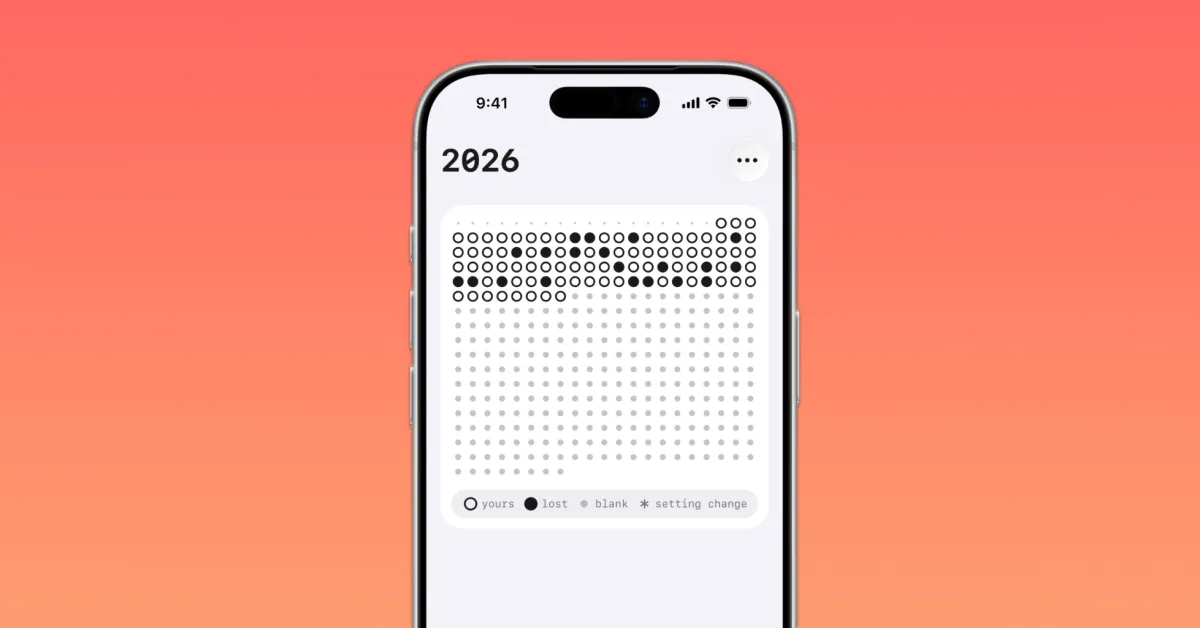
Welcome to Indie App Spotlight. This is a weekly 9to5Mac series where we showcase the latest apps in the indie app world. If you’re a developer and would like your app featured, get in contact.
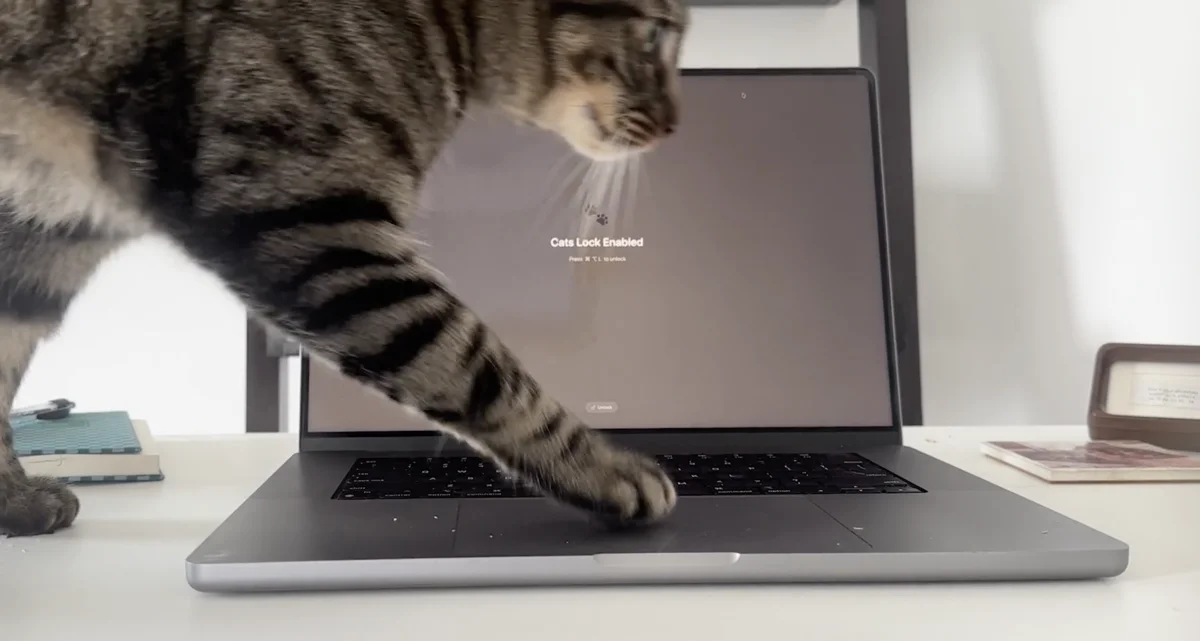
If you’re a beloved cat owner, you might often have your cat running across your Mac’s keyboard, causing loads of unnecessary keyboard input, and sometimes even unwanted communications. Cats Lock has a solution for it, and soon your cat will be able to roam your MacBook keyboard freely.
How it works
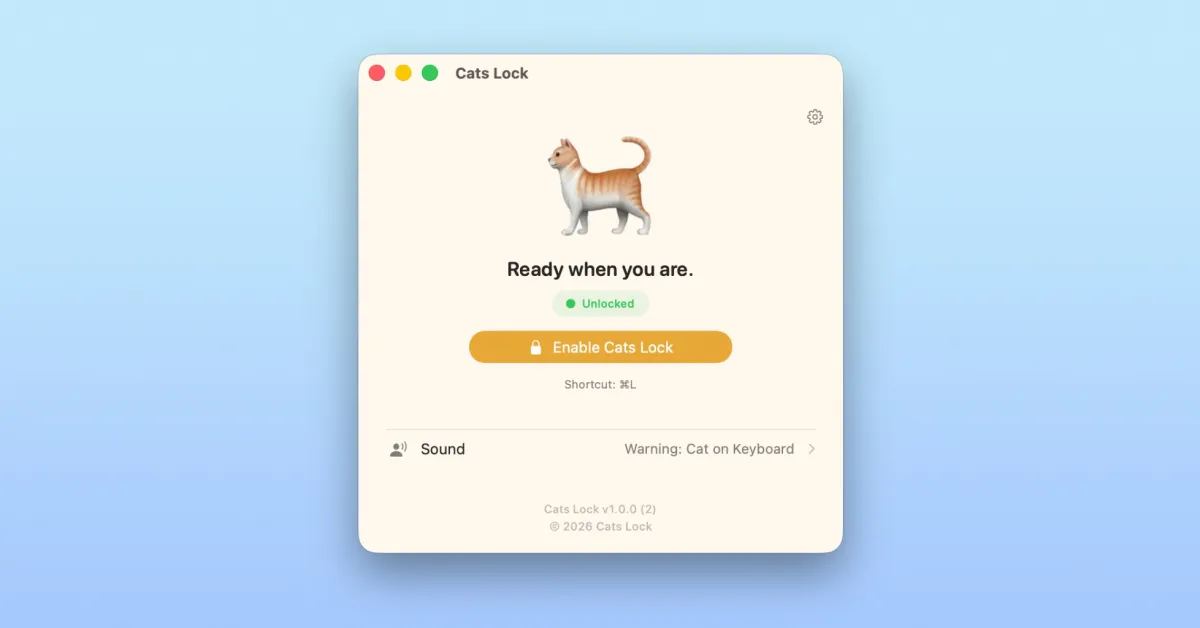
Cats Lock can be triggered at any moment using Cmd + L, instantly disabling the keyboard and allowing your cat to sprawl freely. There’s also a menu bar app for toggling it, which may be more appropriate sometimes. When the keyboard is disabled, the app plays custom sounds on each disabled keystroke – so you can hear your cat typing even when you’re in another room. By default, your screen is also blurred.
If you’re in a meeting, per se, and keyboard input isn’t super necessary – you can also try stealth mode, which disables the keyboard without the blur or sound effects. Same rules apply, and you can disable Cats Lock with Cmd + L.