I’ve had a love/hate relationship with productivity apps for years. Programs that claimed to help me master time tracking, project organization, or task management worked for me for a while — until they didn’t. No single task manager, to-do list, scheduling tool, or project planner is a solid fit for all users.
Over time, I tested stand-alone and all-in-one solutions to organize my personal and work routines. Most failed due to oversimplified or overly complex feature sets. Even AI-powered options have largely missed the mark.
My workflow requires offline access and online synchronization across Linux, Chrome OS, and Android computing platforms. If connectivity to Windows and macOS boxes — which I sometimes need — is included, all the better.
Most productivity apps fail to serve my computing requirements on multiple levels. Synchronization capability is essential to me, especially if it includes free syncing.
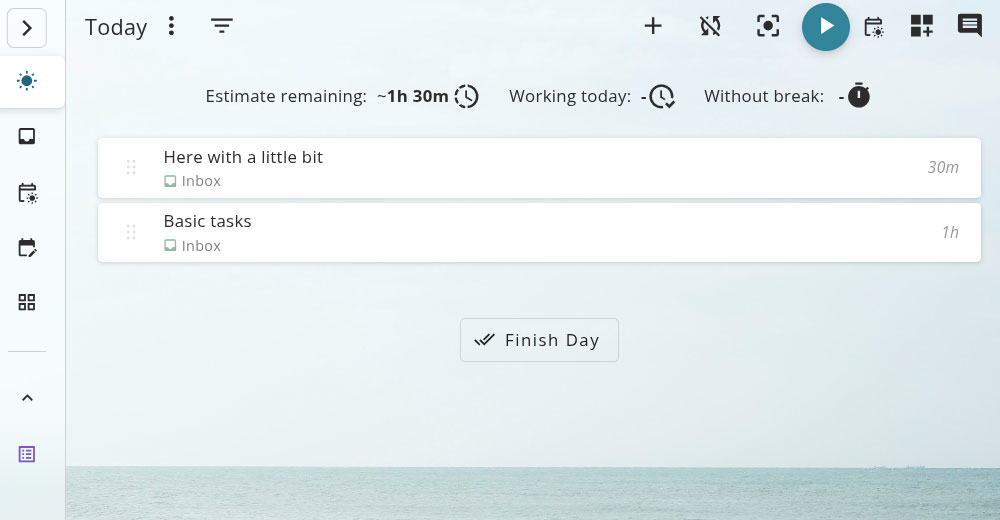
The Super Productivity app comes excitingly close to checking all of these boxes. I can adapt this system to my way of working. I can select or turn off functions in this local-first, open-source application with built-in free encryption.