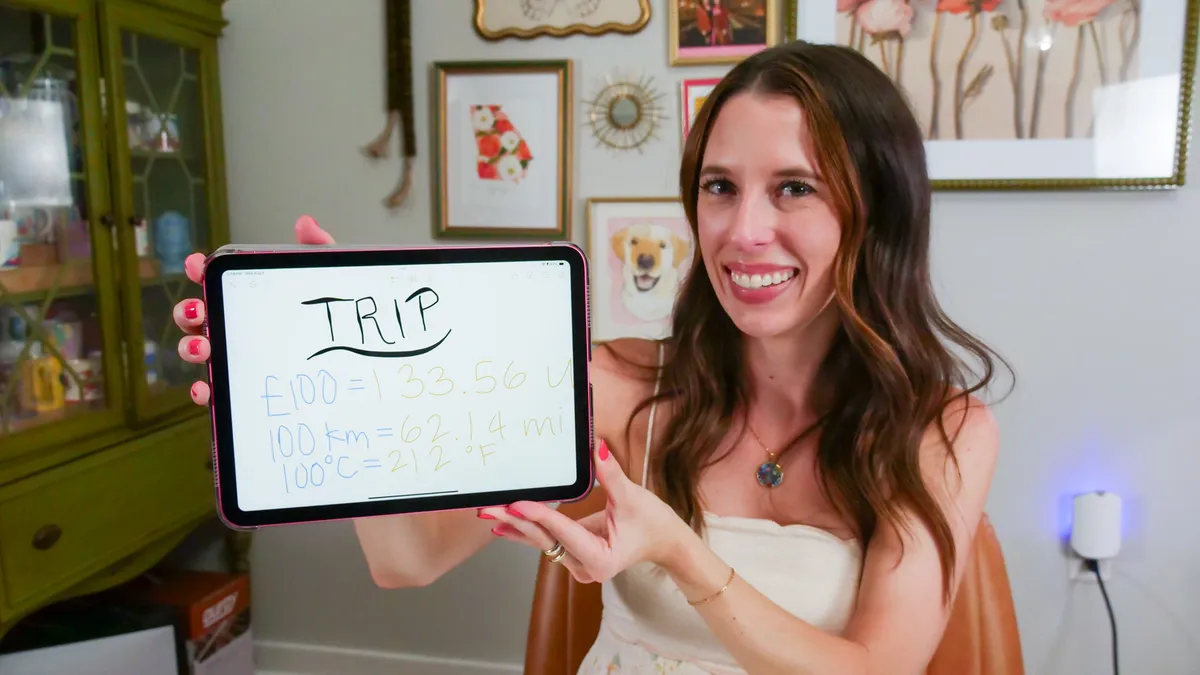
Traveling to a new place is an adventure, especially if there's a different language and currency involved. We no longer need to pack travel dictionaries or folded-up maps, since our phones can translate spoken and written words in seconds, and navigate us around town, even without an internet connection.Even converting currency can be done instantly using your iPhone's calculator or Notes app. Those methods are useful, but you can also expedite some of the process by making a handy little cheat sheet. Watch this video to see how to make a cheat sheet before your next international trip.
You can make your cheat sheet on a piece of paper or somewhere in your phone — it's up to you.
Simply write down the information you expect to need to reference often, for example:
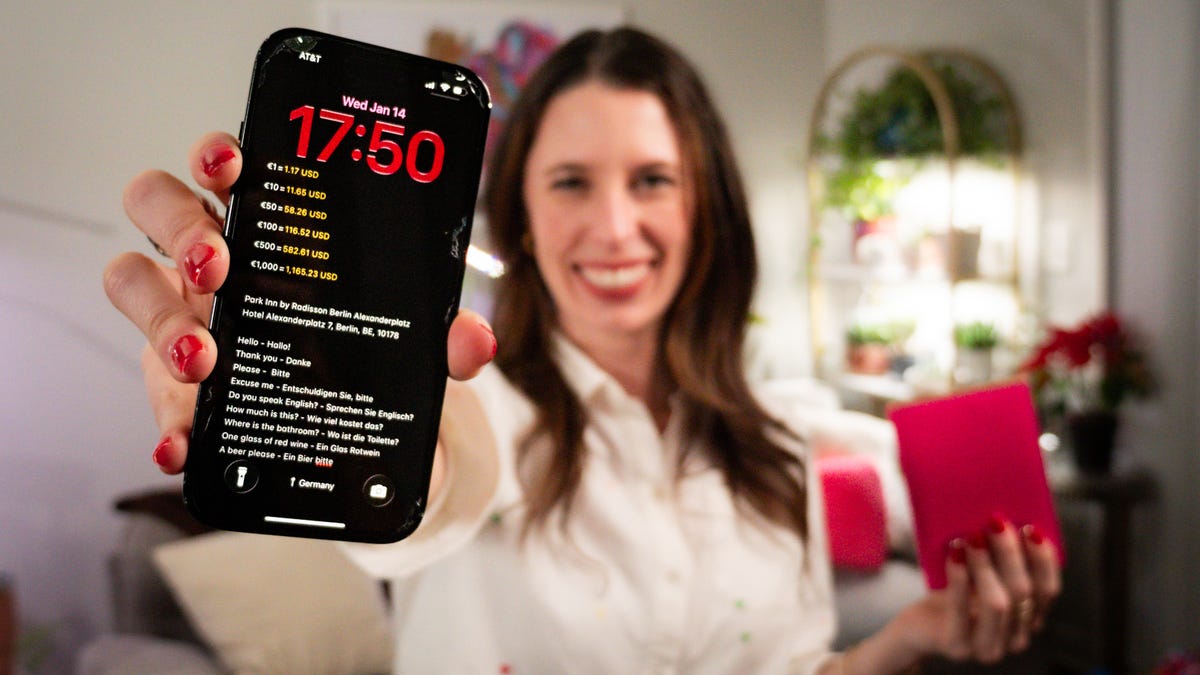
Once you have the sheet made, take a picture or screenshot and turn it into your phone's lock screen. You can fit it all on one screen, or split it between multiple screens you can tap through. It can be tricky to get the positioning of the cheat sheet right so you can easily see everything on your lock screen, so I recommend doing this before you leave. Keep reading to learn how to customize your lock screen.This cheat sheet makes it very convenient to quickly reference, without having to worry about finding the right app or having an internet connection. You may even want to turn it into a custom Focus so you can toggle it on or off as you need.