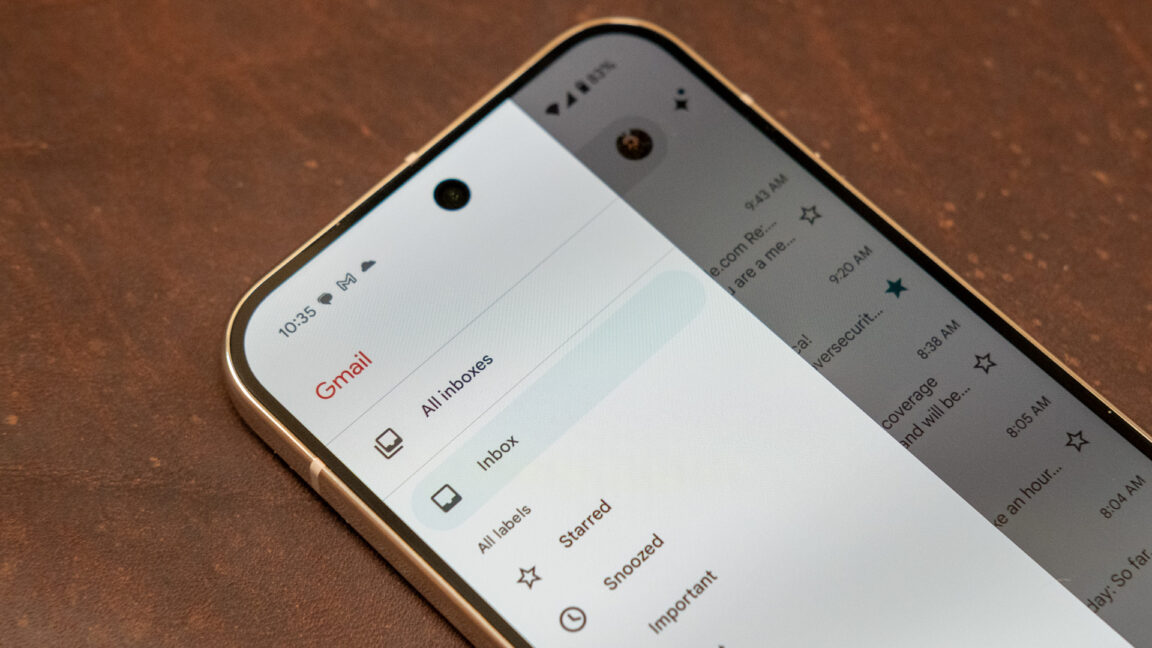
For decades, people have been stuck with the Gmail email address they created when they were irreverent teenagers, but for the first time ever, Google said it will finally let users update the account names they have outgrown.
Farewell to yourmom@gmail.com and hello to your mature future.
“2004 was a good year, but your Gmail address doesn’t need to be stuck in it. To say goodbye to v0t3f0rp3dr02004@gmail.com or mrbrightside416@gmail.com (or whatever you were into at the time), go to your Google Account settings and choose any name available,” said CEO Sundar Pichai on social media. “You’ll keep your old username and you can sign in with both.”
Here’s how to change your email address: First, login in to your Google Account. On your computer, you can also simply go to myaccount.google.com/google-account-email. Then go to Personal info, and after that go to Email and Google Account email. If available for your account, you will now be able to change your email address.
Keep in mind that not everyone will be able to access this feature right away. Google said all U.S. users can do this address-change now and the feature is “gradually rolling out to all users.”